How Control the Camera, Angle and Distance on an AI Art Scene in MidJourney?
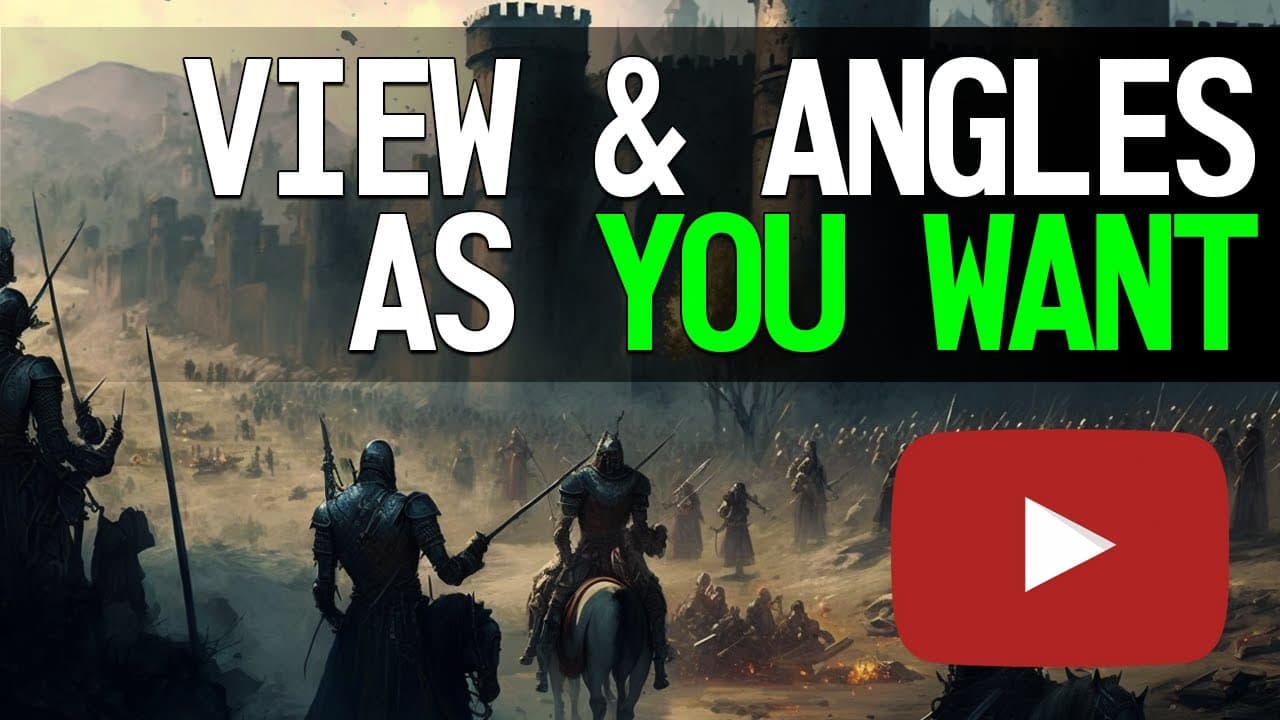
TL;DR
Learn how to effectively control camera position, distance, and height to create impactful scenes in AI artistry.
Transcript
hello guys and girls welcome to one more AI artist TV Qatar is here and today we're gonna be talking about how to control your scene so I pretty much will cover them during this this video how to control the position of a camera the distance of the camera the height how the possible kind of scenes you can work on uh I'm considered I'm considering t... Read More
Key Insights
- 🎑 Configuring the camera before the subject is essential for creating visually cohesive scenes.
- 🎥 Camera angle, distance, and height can significantly impact the overall composition and storytelling of an artwork.
- 🎑 There are various scene types available that can be used to enhance the visual narrative and evoke specific emotions.
- 🥺 Experimentation and creativity with camera controls can lead to unique and impactful AI artistry.
- 🧑🎨 Understanding the different camera angles, distances, and heights can help artists effectively convey their artistic vision.
- 🧡 The AI artistry landscape offers a wide range of possibilities for creating immersive scenes.
- 🎑 Patrons of the content creator can access additional resources and tutorials to further improve their scene creation skills.
Install to Summarize YouTube Videos and Get Transcripts
Explore YouTube Video Summarizer or Get YouTube Transcript Extractor
Questions & Answers
Q: What are the key elements to consider when configuring a camera before the subject in a scene?
When configuring the camera before the subject, it is important to consider the angle, distance, and height. Avoid including any objects that may distract from the subject and focus on creating an ethereal atmosphere.
Q: How does the camera height affect the composition of the scene?
Camera height plays a crucial role in determining the perspective and impact of the scene. Different camera heights, such as ground level, low angle, eye level, and high angle, can evoke different emotions and create unique visual experiences.
Q: What are the different camera angles that can be used in scene composition?
The three basic camera angles that can be used in scene composition are front view, side view, and back view. Each angle offers a different perspective and can be chosen based on the desired effect and storytelling.
Q: How can different scene types enhance the visual narrative of an artwork?
Different scene types, such as action scenes, war scenes, or underwater scenes, can enhance the visual narrative of an artwork by providing a specific context and atmosphere. They add depth and dimension to the overall composition.
Summary & Key Takeaways
-
This video discusses how to control the position, distance, and height of the camera in order to create compelling scenes in AI artistry.
-
It emphasizes the importance of configuring everything before the subject to ensure a cohesive and visually pleasing composition.
-
The video covers various camera angles, including front view, side view, and back view, as well as different camera heights, such as ground level, low angle, eye level, and high angle.
Read in Other Languages (beta)
Share This Summary 📚
Summarize YouTube Videos and Get Video Transcripts with 1-Click
Try YouTube Summary with ChatGPT & Claude or YouTube Transcript Generator