Basics of Creating a VR App for Oculus Go
TL;DR
Learn how to develop a VR app for Oculus Go by following specific steps and utilizing Unity.
Transcript
good day everyone we look at how do we create a vr project or a vr experience for google cardboard however as we must have discussed in the hardware and software there is there are various other hardwares also which can simulate virtual rarity such as oculus go and the htc vive so how do you create an er experience for oculus go immunity let's look... Read More
Key Insights
- 🤗 Oculus Go offers a versatile VR experience with a simple three-degree-of-freedom camera and hand trigger.
- 😀 Developers need to sign up as a developer and put Oculus Go into developer mode to start creating VR apps.
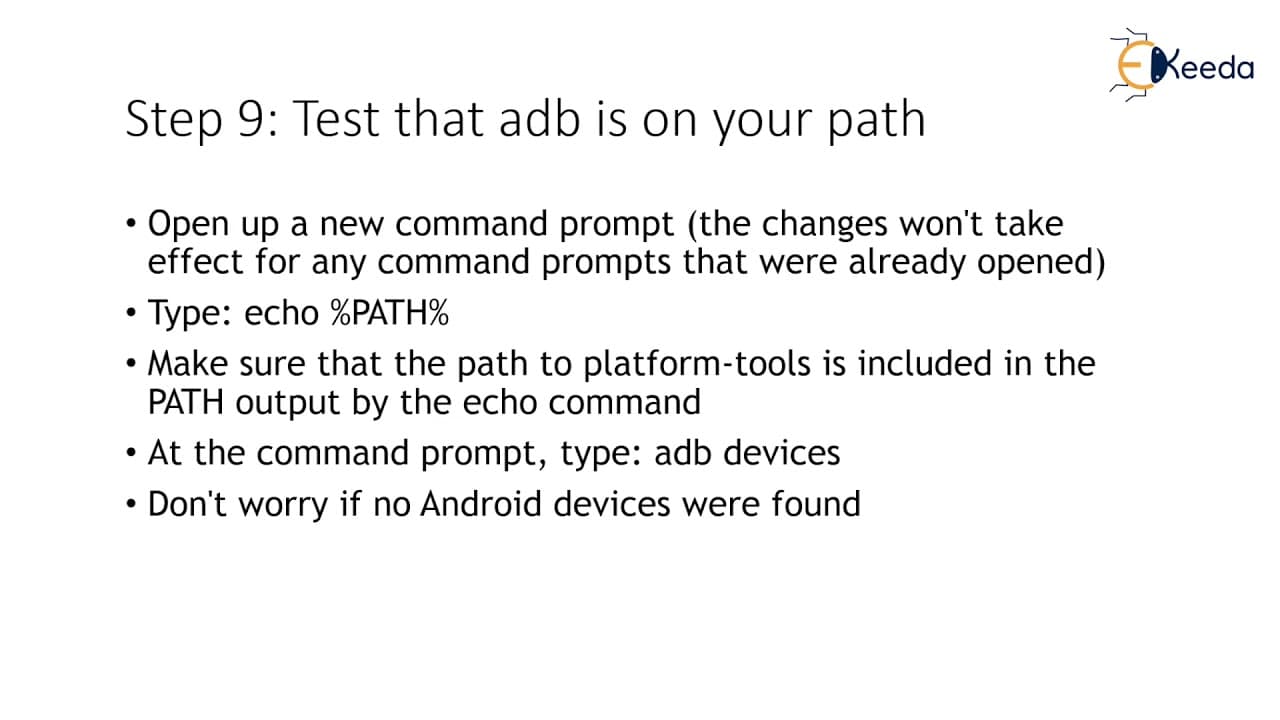
- 😀 Installation of Java SDK, setup of Android Debug Bridge, and Unity are essential for developing VR apps for Oculus Go.
Install to Summarize YouTube Videos and Get Transcripts
Explore YouTube Video Summarizer or Get YouTube Transcript Extractor
Questions & Answers
Q: What are the initial steps required to create a VR app for Oculus Go?
The initial steps involve signing up as a developer on Oculus's website, enabling developer mode on the Oculus Go, and installing Java SDK.
Q: Why is setting up Android Debug Bridge important in creating a VR app for Oculus Go?
It is essential to set up the Android Debug Bridge to facilitate communication between the computer and the Oculus Go for testing and transferring apps.
Q: How can Unity be utilized in developing VR experiences for Oculus Go?
Unity is a powerful tool for creating VR experiences. By setting up Unity external tools and configuring build settings for Oculus Go, developers can efficiently design and test VR apps.
Q: What is the process for transferring a VR app created in Unity to Oculus Go?
After completing the development in Unity, developers can copy the app to the internal storage of the Oculus Go using a Windows PC and then run the app in Oculus Go VR mode.
Summary & Key Takeaways
-
Understand the steps required to create a VR experience for Oculus Go using Unity.
-
Sign up as a developer on the Oculus website and put the Oculus Go into developer mode.
-
Install Java SDK, set up Android Debug Bridge, and Unity, and connect the Oculus Go to transfer and run the VR app.
Read in Other Languages (beta)
Share This Summary 📚
Summarize YouTube Videos and Get Video Transcripts with 1-Click
Try YouTube Summary with ChatGPT & Claude or YouTube Transcript Generator
Explore More Summaries from Ekeeda 📚






Summarize YouTube Videos and Get Video Transcripts with 1-Click
Try YouTube Summary with ChatGPT & Claude or YouTube Transcript Generator