How to Create Python Automation Projects for Beginners
TL;DR
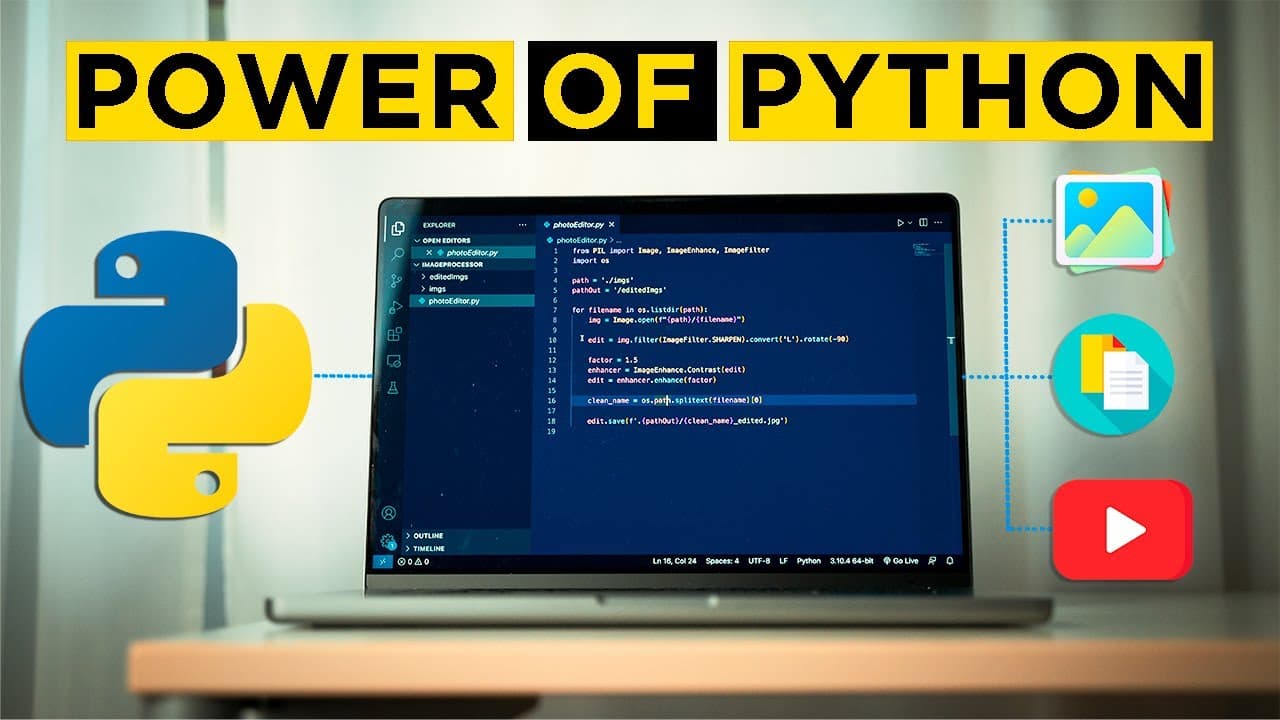
You can create three practical Python automation projects: an image editor for easy photo enhancements, a YouTube video downloader to save videos for offline viewing, and a PDF merger to combine documents effortlessly. Each project demonstrates Python's versatility and ease of use, making it perfect for beginners looking to automate everyday tasks.
Transcript
hello and welcome back in this video we're gonna be building three very simple python projects that you can go build right now right after watching this video and the best thing about these particular projects is that they're not some tic-tac-toe or some useless wank like that these projects are actually gonna be interesting and useful what gets me... Read More
Key Insights
- 🫥 Python offers a wide range of possibilities for building practical projects with just a few lines of code.
- 📚 Using libraries such as the Python imaging library, PyTube, and PyPDF2 can simplify complex tasks and automate repetitive processes.
- 🫥 Shell scripting can enhance the convenience of running Python projects by creating custom scripts that access the command line arguments and execute the programs.
- 🌍 Learning to solve real-world problems and utilizing existing libraries can inspire creativity and motivation in learning Python.
- 🎭 Python's versatility makes it an excellent language for beginners due to its ability to perform various tasks and its intuitive syntax.
- 🖐️ Documentation plays a crucial role in finding additional functionalities and understanding the capabilities of Python libraries.
- 🧘 Each project presented in the video can be expanded upon by exploring the documentation and implementing customized edits, downloads, or merging functionalities.
Install to Summarize YouTube Videos and Get Transcripts
Explore YouTube Video Summarizer or Get YouTube Transcript Extractor
Questions & Answers
Q: How does the image editor project work?
The image editor project uses the Python imaging library to apply edits to multiple images in a folder. The code loops through the images, opens them, and performs edits such as sharpening, converting to grayscale, and adjusting contrast. The edited images are then saved in a separate folder.
Q: How does the YouTube video downloader project function?
The YouTube video downloader project utilizes the PyTube library to download YouTube videos using their URLs. The code creates a YouTube object with the provided video link, retrieves information about the video, and downloads it in the highest available resolution. The downloaded video is saved to a specified folder.
Q: What does the PDF merger project do?
The PDF merger project allows users to combine multiple PDF files into a single file. The code uses the PyPDF2 library to append PDF files together. It loops through the PDF files in a folder, checks if the file is a PDF, and merges them into a combined PDF file. The merged file is saved with a specified name.
Q: How can the projects be run more conveniently using shell scripting?
Shell scripting can be used to create a shell script file (with a .sh extension) that allows running the Python projects directly from the command line. The shell script file changes the directory to the folder containing the Python files and runs the scripts with the required command line arguments, making it faster and more convenient to execute the projects.
Summary & Key Takeaways
-
The video demonstrates how to build three simple Python projects: an image editor, a YouTube video downloader, and a PDF merger.
-
Each project is explained step-by-step, including the installation of necessary libraries and the code required for each functionality.
-
The video emphasizes the versatility and practicality of programming with Python, showcasing the power of Python for beginners.
Read in Other Languages (beta)
Share This Summary 📚
Summarize YouTube Videos and Get Video Transcripts with 1-Click
Try YouTube Summary with ChatGPT & Claude or YouTube Transcript Generator
Explore More Summaries from Internet Made Coder 📚

Summarize YouTube Videos and Get Video Transcripts with 1-Click
Try YouTube Summary with ChatGPT & Claude or YouTube Transcript Generator