How to Make TikTok Videos
TL;DR
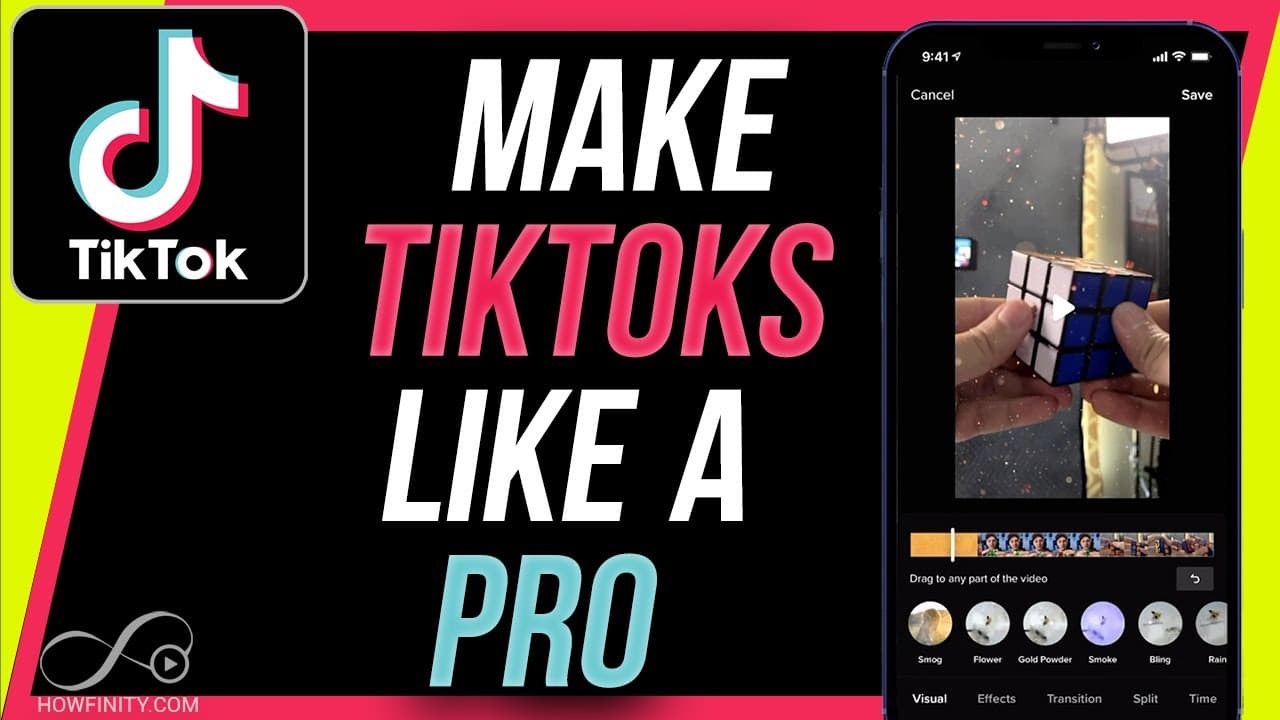
Learn how to create professional TikTok videos on your phone using the app's features and editing capabilities.
Transcript
hey everyone in today's video i want to show you exactly how to make tick tock videos like a pro now as my day job professionally i actually make tick tock videos instagram real videos uh youtube short videos for different companies so the vertical videos that you see but it's super complicated the way the pros do it so i usually use a 6k resolutio... Read More
Key Insights
- 😀 TikTok videos can be created professionally using just a phone and the TikTok app, without the need for expensive equipment.
- 👂 Utilizing features like sound selection, speed adjustment, filters, effects, transitions, text, and stickers can enhance the quality and engagement of TikTok videos.
- 🦮 The tutorial provides a comprehensive guide on the entire process of creating, editing, and posting TikTok videos, making it beginner-friendly and informative.
- 🥡 The importance of short clips, multiple takes, and creative elements like text and stickers is highlighted for making engaging TikTok content.
- 💁 Tips on using the timer feature for precise clip recording and editing are shared, emphasizing the importance of planning and structure in video creation.
- 👣 The tutorial showcases how to adjust clips, add voiceovers, change music tracks, and customize visuals with filters and effects for a professional result.
- 😀 Users are encouraged to experiment with different features and tools within the TikTok app to create unique and captivating videos for their audience.
Install to Summarize YouTube Videos and Get Transcripts
Explore YouTube Video Summarizer or Get YouTube Transcript Extractor
Questions & Answers
Q: What equipment is required to make professional TikTok videos?
The tutorial emphasizes the use of a phone and the TikTok app, making it accessible without the need for professional cameras or equipment.
Q: How can users add sound to their TikTok videos?
Users can select popular music from the app to add sound to their videos, enhancing the overall quality and engagement.
Q: Why is the timer feature important for creating TikTok videos?
The timer feature helps users record short clips of specific durations, enabling easy editing and ensuring a dynamic and engaging video.
Q: What are some advanced features like filters and effects available in the TikTok editing process?
TikTok offers a range of filters, effects, transitions, text options, and stickers to enhance creativity and make videos more visually appealing and engaging.
Summary & Key Takeaways
-
Detailed tutorial on creating TikTok videos on your phone without needing professional equipment.
-
Step-by-step guide on using the TikTok app for recording, editing, and posting videos.
-
Tips on utilizing features like sound selection, speed adjustment, effects, transitions, text, and stickers for engaging content.
Read in Other Languages (beta)
Share This Summary 📚
Summarize YouTube Videos and Get Video Transcripts with 1-Click
Try YouTube Summary with ChatGPT & Claude or YouTube Transcript Generator
Explore More Summaries from Howfinity 📚






Summarize YouTube Videos and Get Video Transcripts with 1-Click
Try YouTube Summary with ChatGPT & Claude or YouTube Transcript Generator