Automatically Classify & Protect Documents & Data | Microsoft Purview Information Protection
TL;DR
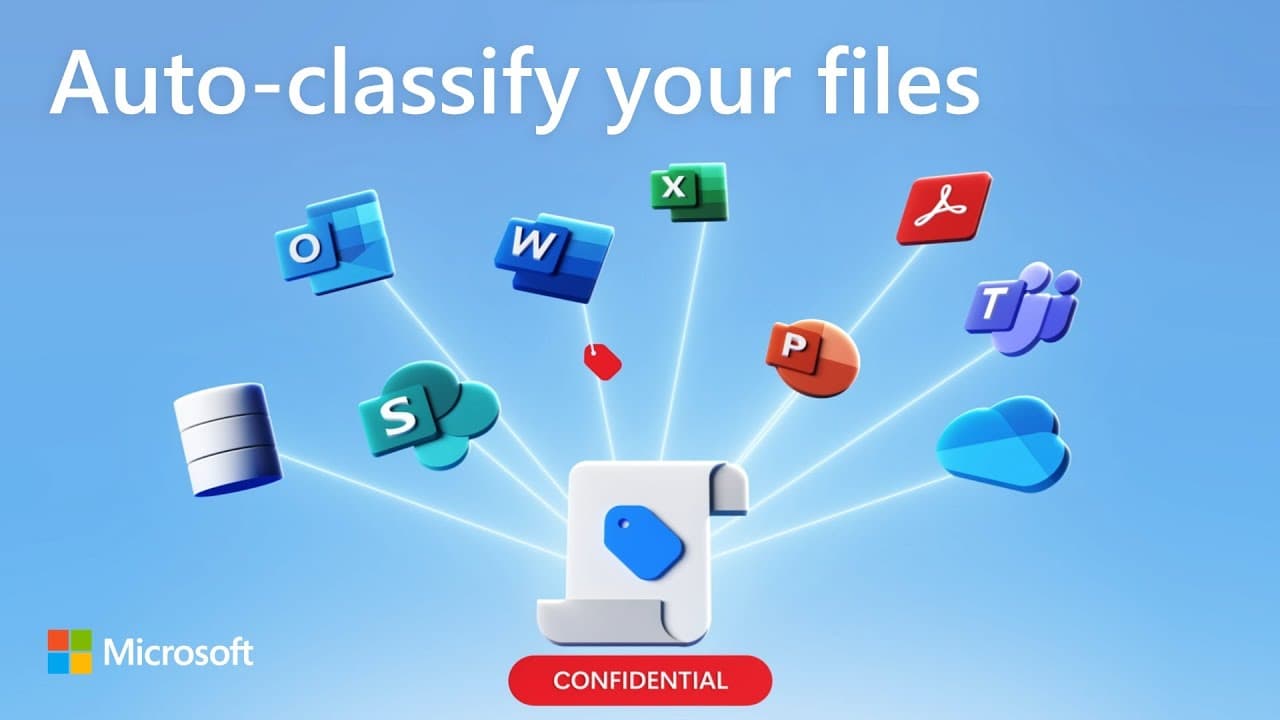
Microsoft Purview Information Protection automatically identifies and protects sensitive information by applying labels and corresponding protections, ensuring data is safeguarded wherever it goes.
Transcript
(enlightening music) Did you know that Microsoft Purview Information Protection can automatically classify and label sensitive documents in real-time as you work on them? Here I've pasted in sensitive information, and that triggers a policy tip. This is because there are policies in place to detect sensitive content. The label has been picked for m... Read More
Key Insights
- 🧑🦽 Microsoft Purview Information Protection automatically classifies and labels sensitive documents, eliminating the need for manual labeling and reducing the risk of human error.
- 🈸 Sensitivity labels and corresponding protections persist across Microsoft's suite of apps and can even be respected by non-Microsoft applications like Adobe Acrobat.
- 💌 The classification service utilizes trainable classifiers and sensitive info types to identify and surface sensitive content within files, emails, and chat conversations.
- 🏷️ Auto-labeling policies extend label controls to automatically apply sensitivity labels to email messages and files containing sensitive information.
- 👥 Administrators have granular control over label policies, including scoping labels to specific user roles or individual users and groups.
- 🌸 Content classification provides a foundation for implementing additional data governance protections, such as data loss prevention and adaptive protection.
- 🔒 Microsoft Purview Information Protection integrates with other Microsoft security solutions, ensuring a comprehensive and unified approach to data protection.
Install to Summarize YouTube Videos and Get Transcripts
Explore YouTube Video Summarizer or Get YouTube Transcript Extractor
Questions & Answers
Q: How does Microsoft Purview Information Protection classify sensitive documents?
Microsoft Purview Information Protection uses policies and sensitivity labels to automatically classify sensitive documents based on predefined rules and content analysis algorithms.
Q: What happens when a sensitive document is shared via Outlook?
When a sensitive document is attached to an Outlook email, the email inherits the attachment's sensitivity label, ensuring that the label and corresponding protections persist.
Q: Can sensitivity labels and protections be applied to camera feeds in Microsoft Teams?
Yes, sensitivity labels can be applied to camera feeds and shared content in Microsoft Teams meetings, ensuring that real-time content is protected.
Q: How can administrators control classification labels and protections?
Administrators have full control over classification labels, including the ability to specify which labels are automatically applied and define corresponding protections, encryption details, and watermark text.
Summary & Key Takeaways
-
Microsoft Purview Information Protection allows users to automatically classify and label sensitive documents in real-time, ensuring data protection.
-
Sensitivity labels are applied to documents based on policies that detect sensitive content, and corresponding protections, such as watermarks, are automatically added.
-
Labels and protections persist across Microsoft 365 app experiences, ensuring data security even when shared with non-Microsoft apps like Adobe Acrobat.
Read in Other Languages (beta)
Share This Summary 📚
Summarize YouTube Videos and Get Video Transcripts with 1-Click
Try YouTube Summary with ChatGPT & Claude or YouTube Transcript Generator
Explore More Summaries from Microsoft Mechanics 📚



Summarize YouTube Videos and Get Video Transcripts with 1-Click
Try YouTube Summary with ChatGPT & Claude or YouTube Transcript Generator