Google Glass with Google Meet Video Conferencing
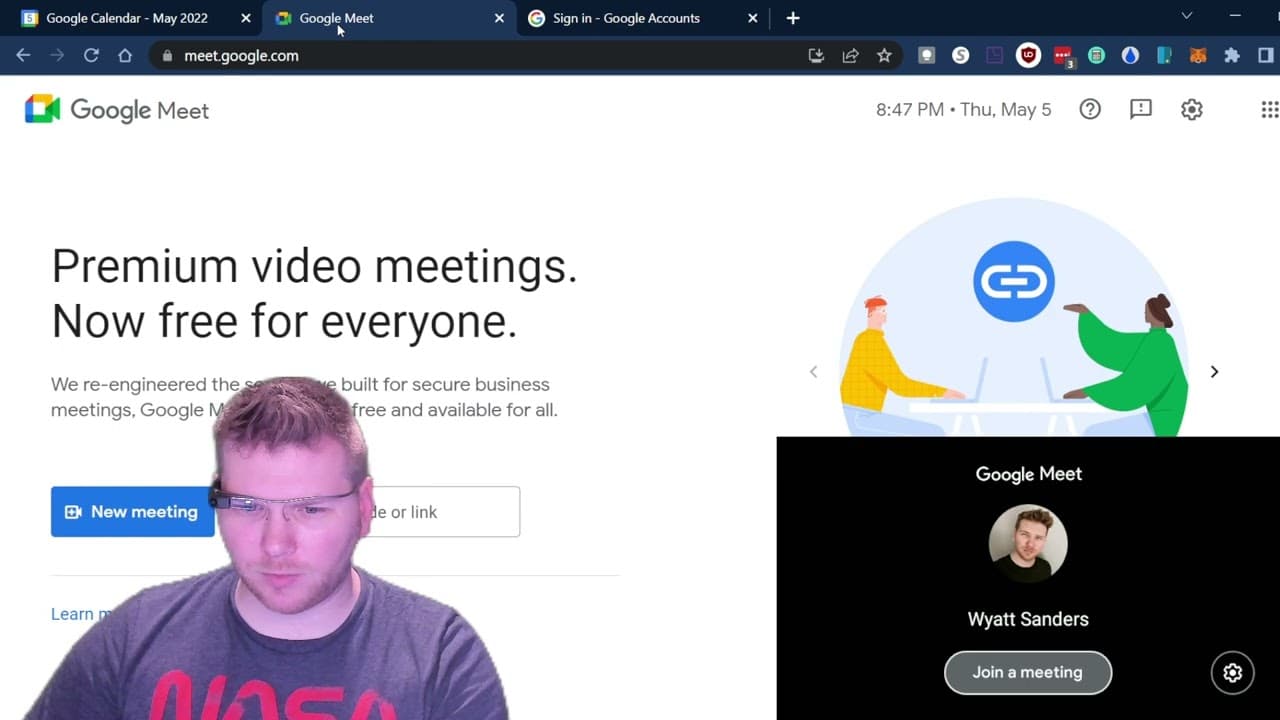
TL;DR
Learn how to pair and use Google Glass Enterprise Edition 2 with Google Meet for video conferencing.
Transcript
all right so uh today i'm gonna show you how to use uh your google glass enterprise edition 2 with uh google meet uh to do this um obviously you'll have to have your google glasses updated to the latest firmware and then uh you also need your google accounts and you're going to need to go to your calendar and um so uh and actually i think before i ... Read More
Key Insights
- 🎮 Google Glass Enterprise Edition 2 can be synced with Google Meet for video conferencing.
- 🍧 Updating the firmware and having a Google account are necessary prerequisites.
- 😀 Pairing the Google Meet app on Google Glass requires entering a code on google.com/device.
- 🎮 Scheduling a future meeting with Google Meet video conferencing is possible on Google Glass.
- 👻 Joining a meeting on both a computer and Google Glass allows for simultaneous participation.
- 🧑 Google Glass offers a first-person perspective using the camera to communicate visually with others.
- 🤗 Utilizing Google Glass in the field can streamline enterprise tasks and enable hands-on collaboration.
Install to Summarize YouTube Videos and Get Transcripts
Explore YouTube Video Summarizer or Get YouTube Transcript Extractor
Questions & Answers
Q: How do I pair the Google Meet app on Google Glass?
To pair the Google Meet app on your Google Glass, open the app on Glass, note the code displayed, go to google.com/device, enter the code, and follow the prompts to pair it with your Google account.
Q: Can I schedule a future meeting on Google Glass?
Yes, you can schedule a future meeting on Google Glass by accessing your calendar, creating a new event, adding the Google Meet video conferencing option, and saving the event.
Q: Can I join a Google Meet meeting from my computer and Google Glass simultaneously?
Yes, you can join the meeting on both your computer and Google Glass. On Google Glass, when the meeting is about to start, you will receive a notification to join the upcoming meeting and can tap on it to enter the meeting.
Q: What are the potential use cases of using Google Glass for enterprise purposes?
Google Glass can be useful in scenarios where professionals need to work hands-on while also being able to communicate visually with remote colleagues. It can be used in various industries, such as manufacturing, healthcare, and field services.
Summary & Key Takeaways
-
Update the Google Glass firmware and ensure you have a Google account.
-
Pair the Google Meet app on the Google Glass by entering the code on google.com/device.
-
Set up a Google Glass calendar meeting with Google Meet video conferencing.
-
Join the meeting on both your computer and Google Glass.
Read in Other Languages (beta)
Share This Summary 📚
Summarize YouTube Videos and Get Video Transcripts with 1-Click
Try YouTube Summary with ChatGPT & Claude or YouTube Transcript Generator