How To Make Deepfake Video With 1 Photo Only Using Swapface (Beginner Guide)
TL;DR
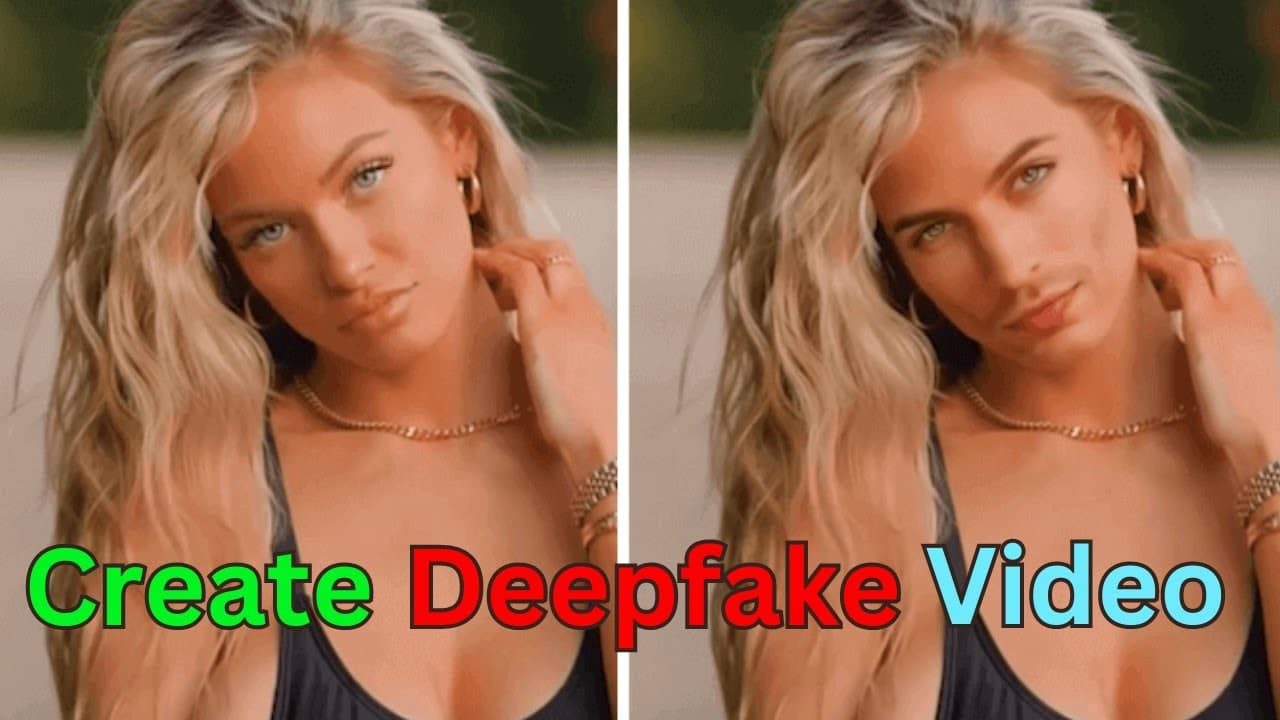
This tutorial demonstrates how to create deepfake videos using Swapface.org, allowing users to swap faces on video characters.
Transcript
today we are going to create a deep fake video using swapface.org by the end of this tutorial you will be able to know how to using other photos face and swap that on a video character's face for people who have fantasy of someone this is a pretty handy tool you know so without further Ado let's head on to the website so I'm just going to copy the ... Read More
Key Insights
- 🎮 Swapface.org is a tool that allows users to create deepfake videos by swapping faces on video characters.
- ⌛ The software requires downloading and installation, which may take some time due to the large file size.
- 😑 Users can choose from pre-existing videos or upload their own videos for face swapping.
- 😀 The tutorial provides options for selecting different faces and demonstrates exporting videos in various modes.
- 💨 Fast mode is recommended for users without an advanced GPU to ensure smooth processing.
- 🎮 The final product can be previewed and shared after exporting the video.
- 🛰️ Swapface.org's capabilities showcase the advancements in artificial intelligence and its potential for creative applications.
Install to Summarize YouTube Videos and Get Transcripts
Explore YouTube Video Summarizer or Get YouTube Transcript Extractor
Questions & Answers
Q: What is Swapface.org?
Swapface.org is a software that enables users to create deepfake videos by swapping faces on video characters.
Q: How do you install Swapface.org?
After downloading the software, users need to open the installer, follow the installation steps, and create a new account or log in.
Q: Can you upload your own video to Swapface.org?
Yes, the tutorial shows how to upload a personal video and choose the face to swap.
Q: What are the different modes for exporting the video?
Swapface.org offers four modes for exporting videos: Pro mode, Expert mode, Hybrid mode, and Fast mode. Fast mode is recommended for those without an advanced GPU.
Summary & Key Takeaways
-
This tutorial guides users through downloading and installing Swapface.org software.
-
Users create an account and select the video and faces they want to swap.
-
The tutorial demonstrates exporting the video in different modes and ends by previewing the final product.
Read in Other Languages (beta)
Share This Summary 📚
Summarize YouTube Videos and Get Video Transcripts with 1-Click
Try YouTube Summary with ChatGPT & Claude or YouTube Transcript Generator
Explore More Summaries from Future Thinker @Benji 📚

Summarize YouTube Videos and Get Video Transcripts with 1-Click
Try YouTube Summary with ChatGPT & Claude or YouTube Transcript Generator