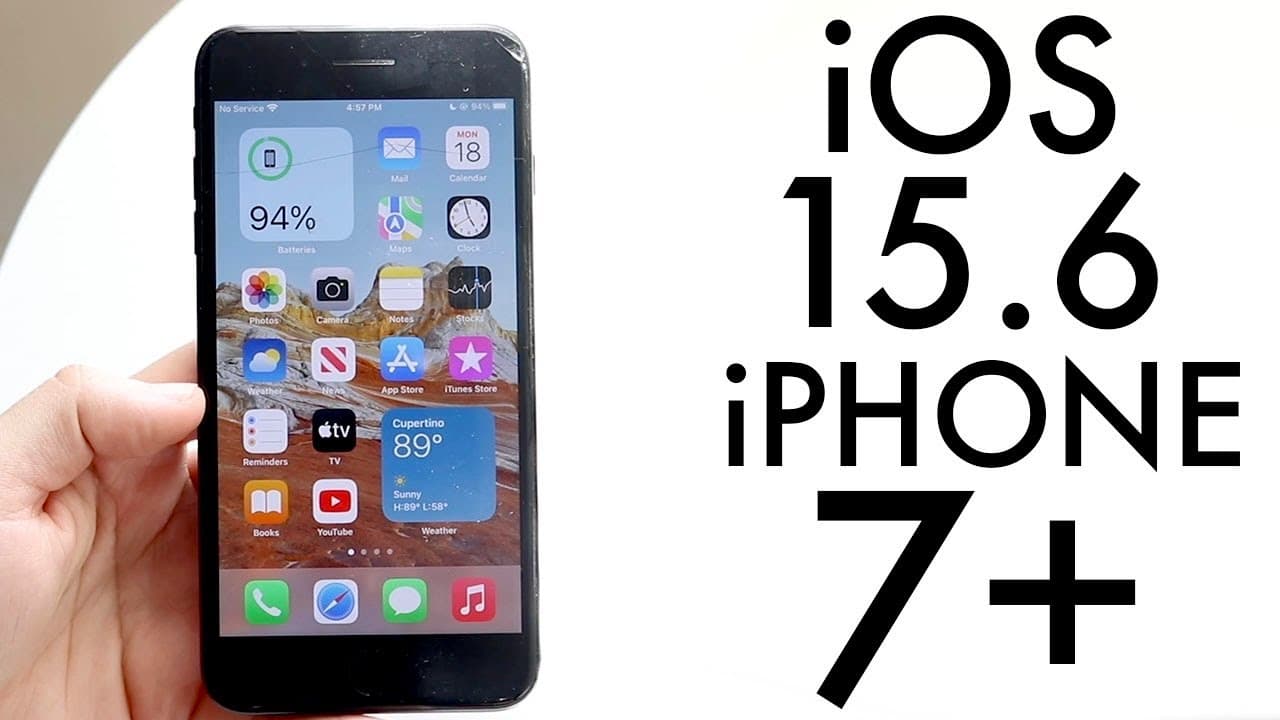
iOS 15.6 On iPhone 7+! (Review)
TL;DR
iOS 15.6 is an essential update for iPhone 7 Plus users.
Transcript
welcome back everyone ios 15.6 has officially came out so let's go and take a look at it on the iphone 7 plus and see if you should actually install this version of software now i will definitely tell you this is probably one of the last versions of software this specific phone is going to be getting and i do think when you have a phone like this i... Read More
Key Insights
- 👤 iOS 15.6 is likely the last software update for the iPhone 7 Plus, underscoring the need for users to install it.
- 👶 The update includes new features such as the ability to pause and rewind live events on Apple TV.
- 👤 Users can expect bug fixes related to Safari that enhance tab functionality and overall browsing experience.
- 👤 The iPhone storage issue, which impacted many users previously, has been resolved in this update.
- 🧑🤝🧑 Staying up-to-date with iOS 15.6 enhances device stability and security for the iPhone 7 Plus.
- 🥶 The absence of iOS 16 support reflects Apple's trend of phasing out older devices from newer software iterations.
- 🍵 Although the iPhone 7 Plus won’t receive major updates, security updates may continue for an extended period, similar to how prior models were handled.
Install to Summarize YouTube Videos and Get Transcripts
Explore YouTube Video Summarizer or Get YouTube Transcript Extractor
Questions & Answers
Q: What are the main features introduced in iOS 15.6 for iPhone 7 Plus?
iOS 15.6 introduces several features that enhance user experience on the iPhone 7 Plus. Notably, it improves Apple TV functionality by allowing users to pause and rewind live events. Additionally, it includes fixes for Safari that address tab issues, alongside a significant fade in performance enhancements and improved visibility in iPhone storage settings.
Q: Should users still choose to install beta versions of iOS for their iPhone 7 Plus?
Generally, iPhone 7 Plus users are advised to install the final stable version of iOS 15.6 instead of beta versions. Betas can have bugs that disrupt the browsing experience, while stable releases like 15.6 provide essential fixes and enhancements. Staying updated is crucial for maintaining security, and beta testing at this stage may no longer yield significant benefits.
Q: Why didn’t the iPhone 7 Plus receive the iOS 16 update?
The iPhone 7 Plus did not receive iOS 16 due to hardware limitations and Apple's focus on supporting newer devices with the latest software. While many feel this device could still handle the update, Apple has opted to limit older model support typically due to processing capabilities and memory requirements for newer software features.
Q: How significant are the bug fixes in iOS 15.6?
The bug fixes in iOS 15.6 are quite significant as they address previous issues that affected the device's performance. Improvements to Safari, Apple TV functionalities, and fixes related to iPhone storage visibility ensure a smoother user experience, making it crucial for users to install this update to avoid ongoing problems.
Summary & Key Takeaways
-
iOS 15.6 is possibly the last update for iPhone 7 Plus, making it important for users to install to ensure device stability and security.
-
The update is significant, including various bug fixes, improved functionality for Apple TV, and a resolution for issues related to iPhone storage visibility.
-
Despite the absence of iOS 16 support, iPhone 7 Plus users can still expect security updates for iOS 15, maintaining device reliability over time.
Read in Other Languages (beta)
Share This Summary 📚
Summarize YouTube Videos and Get Video Transcripts with 1-Click
Try YouTube Summary with ChatGPT & Claude or YouTube Transcript Generator
Explore More Summaries from Simple Alpaca 📚


Summarize YouTube Videos and Get Video Transcripts with 1-Click
Try YouTube Summary with ChatGPT & Claude or YouTube Transcript Generator