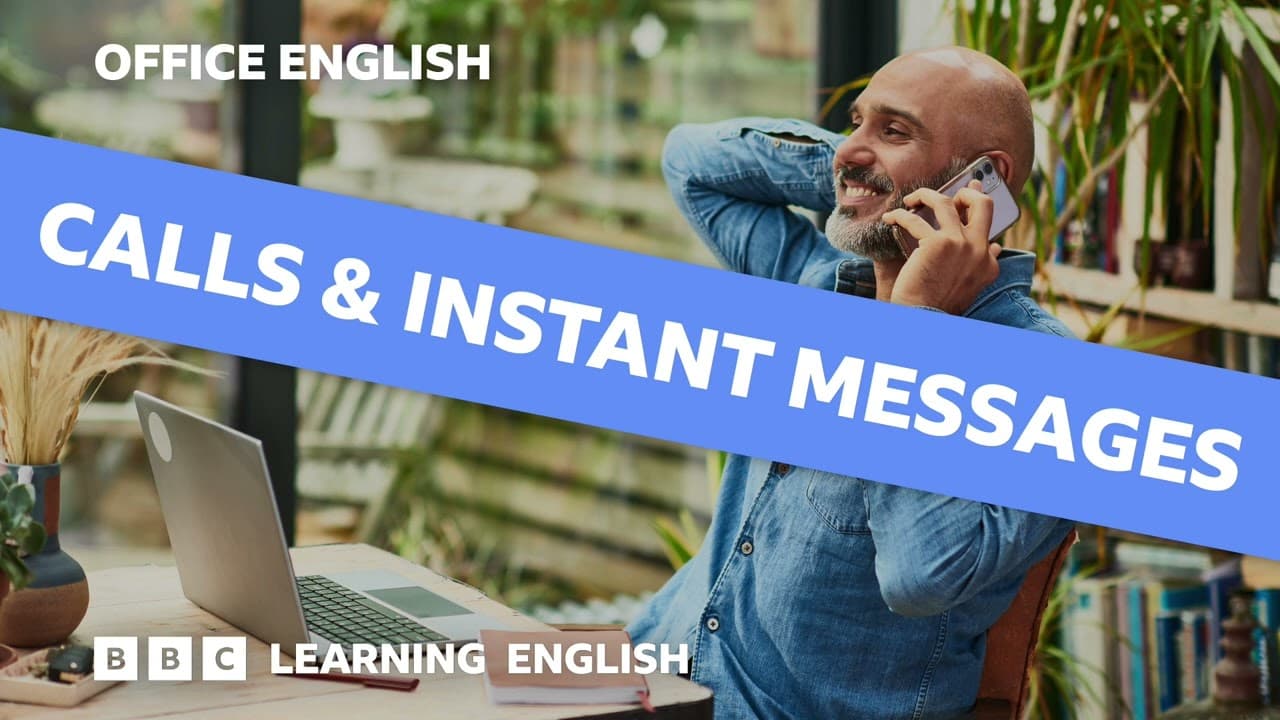
How to Communicate Effectively at Work Using Calls and Messages
TL;DR
To communicate effectively at work, prioritize video calls for productivity and use clear phrases to manage technical issues. Instant messages offer quick responses but can lead to pressure for immediate replies; adjust your tone based on the context and the recipient. Always be polite, especially when initiating phone calls, and check if the person has time to talk.
Transcript
Phone calls, video calls, even instant messages: there are so many ways to communicate at work. I hardly ever use phone calls at work: they're almost always video calls. Yeah, I can't remember the last time I made an actual phone call. It's really easy to just message someone at work or start a call online. I might call somebody on the phone if ... Read More
Key Insights
- Video calls have become more prevalent than traditional phone calls in modern workplaces, especially with remote work.
- Instant messages offer immediate communication, but they can create pressure for quick responses and may not always be suitable for important matters.
- Video calls require specific language skills, especially for managing technical issues like connectivity problems and microphone settings.
- Phrases like 'Could I stop you for just a moment?' are useful for politely interrupting during video calls.
- Instant messages can be informal, but it's important to adjust the tone based on the recipient's role or familiarity.
- Using emojis in instant messages can help create a friendly atmosphere, but observing workplace norms is crucial.
- Phone calls are still useful for urgent matters, but it's polite to check if the person has time to talk.
- Understanding the communication culture of your workplace helps in choosing the right platform and tone for messages.
Install to Summarize YouTube Videos and Get Transcripts
Explore YouTube Video Summarizer or Get YouTube Transcript Extractor
Questions & Answers
Q: Why are video calls preferred over phone calls in modern workplaces?
Video calls are preferred because they allow for more productive meetings, especially in remote work settings. They enable participants to prepare in advance and reduce the pressure of being physically present. Additionally, video calls facilitate face-to-face interaction, which can enhance communication and understanding among colleagues.
Q: What are some challenges associated with instant messaging at work?
Instant messaging can create pressure for immediate responses, disrupting ongoing tasks. Important information can also get lost in chat threads. The lack of established rules for instant messaging can lead to varying levels of formality, requiring users to adjust their tone based on the recipient's role or familiarity.
Q: What language skills are important for managing video calls?
Key language skills for video calls include managing technical issues, such as asking participants to mute or unmute their microphones, and addressing connectivity problems. Polite phrases for interrupting, like 'Could I stop you for just a moment?', are also important to facilitate smooth communication during video calls.
Q: How can one effectively use instant messages in the workplace?
To use instant messages effectively, it's important to consider the message's urgency and content. For quick, informal exchanges, instant messages are ideal. However, for important or document-related conversations, emails may be more appropriate. Observing how colleagues use instant messages can guide the appropriate tone and formality.
Q: What role do emojis play in workplace communication?
Emojis can help create a friendly and informal atmosphere in workplace communication, especially in instant messages. They mimic the casual interactions of an office environment. However, it's important to observe workplace norms and use emojis appropriately, ensuring they align with the communication style of the organization.
Q: Why is it important to check if someone is available before a phone call?
Checking availability before a phone call is important because it shows respect for the recipient's time and schedule. Unscheduled calls can be disruptive, especially if the recipient is busy or unprepared. Phrases like 'Is now a good time to talk?' help ensure the call is convenient and welcomed.
Q: How does workplace culture affect communication methods?
Workplace culture influences the preferred communication methods and the formality of messages. Some industries may rely heavily on phone calls, while others prefer emails or instant messages. Understanding the culture helps employees choose the appropriate platform and tone, ensuring effective and respectful communication.
Q: What are some polite ways to interrupt during a video call?
Polite ways to interrupt during a video call include using phrases like 'Could I stop you for just a moment?' or 'Sorry, would you mind if I asked a quick question?'. These phrases help maintain a respectful tone and ensure that the interruption is not perceived as rude, facilitating smoother communication.
Summary & Key Takeaways
-
In this episode, Pippa and Phil explore the various communication methods in modern workplaces, focusing on video calls and instant messages. They discuss the language skills needed for effective communication, especially in remote work settings.
-
Video calls have largely replaced traditional phone calls, offering more productive meetings. However, they require specific language skills to manage technical issues and interruptions. Instant messages provide quick communication but can be informal and pressure-filled.
-
The episode emphasizes the importance of choosing the right communication method based on the context and the recipient. Observing workplace norms and adjusting the tone of messages accordingly is crucial for effective communication.
Read in Other Languages (beta)
Share This Summary 📚
Summarize YouTube Videos and Get Video Transcripts with 1-Click
Try YouTube Summary with ChatGPT & Claude or YouTube Transcript Generator
Explore More Summaries from BBC Learning English 📚
Summarize YouTube Videos and Get Video Transcripts with 1-Click
Try YouTube Summary with ChatGPT & Claude or YouTube Transcript Generator