Top 5 Apps for College/High School Students!
TL;DR
Google apps aid college students in organization and productivity.
Transcript
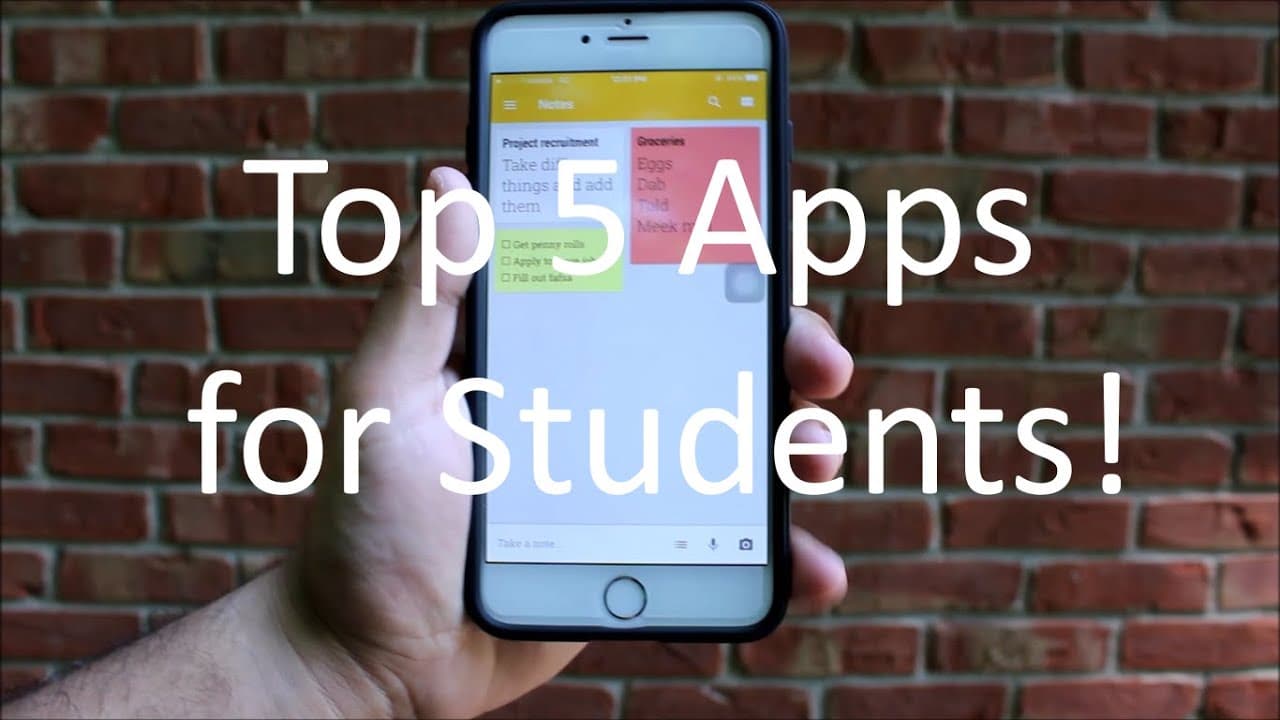
top five apps for college students pretty dumb intro let's get this started the first app is Google keep now this is a super useful app for many reasons let's say you need to go get groceries after class you cannot only set up a reminder of the grocery list but you can make a check box a list for the groceries that you can check off as you get them... Read More
Key Insights
- 👻 Google Keep is great for creating to-do lists and reminders, allowing students to track their tasks effectively.
- ⌛ Google Docs removes the hassle of physical storage, enabling seamless document editing and sharing in real time.
- 😫 Google Calendar helps students manage their time by organizing schedules and setting event reminders for important deadlines and meetings.
- 😚 Google Drive provides a secure space for file storage, mitigating the risks associated with losing physical flash drives.
- 😀 The iPhone Notes app stands out with features allowing for simple note-taking and sketching, appealing to visual learners.
- 🤑 Evernote is a robust alternative for cross-platform note management, catering to diverse learning styles with rich formatting options.
- 😀 Google apps promote a simplified workflow, minimizing distractions for students so they can focus more on their academic studies.
Install to Summarize YouTube Videos and Get Transcripts
Explore YouTube Video Summarizer or Get YouTube Transcript Extractor
Questions & Answers
Q: What is the main function of Google Keep and how can it help students?
Google Keep serves as a versatile note-taking and reminder app. It allows students to create checklists, set reminders for tasks, take notes, and categorize lists using different colors and sizes. For example, students can prepare grocery lists or manage assignments using checkbox lists that they can easily check off as they complete tasks.
Q: How does Google Docs enhance collaborative work for students?
Google Docs functions like a portable word processor, enabling students to create and edit documents on any device that connects to the internet. Its real-time collaboration feature allows multiple users to edit a document simultaneously, making it particularly useful for group projects. Additionally, changes are automatically saved online, eliminating the need for flash drives and ensuring that the latest version is always accessible.
Q: What are the benefits of using Google Calendar for college students?
Google Calendar provides a streamlined approach to event management and scheduling. Students can create and manage events, set reminders for deadlines, and coordinate meetings easily. The app's clean interface and synchronization across devices ensure accessibility, helping students stay organized during their busy schedules and ensuring they never miss important deadlines.
Q: Why is Google Drive recommended for file management?
Google Drive operates as a virtual storage service, allowing students to save files online securely. Unlike physical flash drives, Google Drive prevents data loss since files are backed up in the cloud and available from any internet-enabled device. The 15GB free storage facilitates ease of access to important documents, reducing the chances of forgetting materials when heading to class.
Q: What unique features does the iPhone Notes app offer for users?
The iPhone Notes app provides a simple, user-friendly interface for note-taking. Students can jot down thoughts, create lists, and even draw sketches within notes, fostering creativity. While its reminder feature is less visually appealing, it is still practical for creating task reminders, making it a useful tool alongside apps like Evernote.
Q: How can students utilize Evernote in their studies?
Evernote is a versatile note-taking application available on both Android and iPhone, allowing students to organize notes, create to-do lists, and even save web articles for research. Its ability to sync across devices ensures that students always have access to their notes, enhancing study efficiency and productivity.
Q: What are some drawbacks of relying solely on Google apps?
While Google's suite of apps is highly beneficial, drawbacks include potential over-dependence on internet connectivity, as some features require online access. Additionally, privacy concerns may arise since users store sensitive academic information on cloud services. It is advisable for students to maintain backups and consider security settings to protect their data.
Q: How can students enhance their productivity using the apps mentioned?
Students can enhance productivity by effectively utilizing features like reminders, collaborative editing, and cloud storage. By setting specific goals for each app, such as scheduling study sessions in Google Calendar or organizing notes in Google Keep, students can optimize their daily routines, stay on top of assignments, and collaborate efficiently with peers.
Summary & Key Takeaways
-
The content highlights five essential apps for college students, focusing primarily on Google products that enhance productivity and organization, including Google Keep, Google Docs, Google Calendar, and Google Drive.
-
Each app is described in detail, explaining its unique features and benefits for managing schoolwork, scheduling, and note-taking efficiently while on the go.
-
The creator emphasizes simplicity, synchronization, and accessibility across devices, encouraging students to utilize these apps for better academic performance.
Read in Other Languages (beta)
Share This Summary 📚
Summarize YouTube Videos and Get Video Transcripts with 1-Click
Try YouTube Summary with ChatGPT & Claude or YouTube Transcript Generator
Explore More Summaries from Simple Alpaca 📚






Summarize YouTube Videos and Get Video Transcripts with 1-Click
Try YouTube Summary with ChatGPT & Claude or YouTube Transcript Generator