Best Audio Recording Apps On iPhone! (2022)
TL;DR
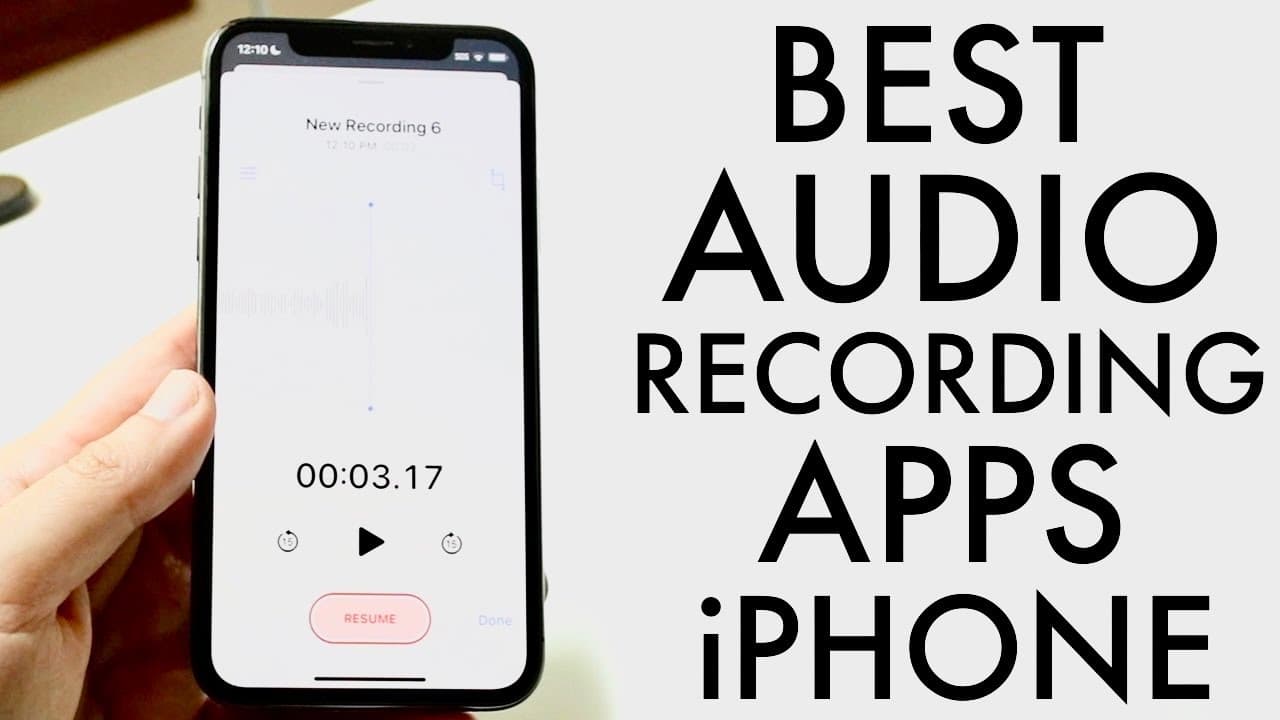
The stock Voice Memos app is the best iPhone audio recorder, enhanced by settings adjustments.
Transcript
so you might be wondering what some of the best audio recording applications you can use out there on your iphone now i will definitely tell you there are some that are cool you can always make your way over to your specific app store like this and really just type in audio recorder so you can go inside of the apps or type it in and this list will ... Read More
Key Insights
- 😄 The Voice Memos app is favored for its ease of use and solid audio quality, despite its basic features.
- 😫 Adjusting the audio quality setting to lossless is essential for achieving the best sound in recordings.
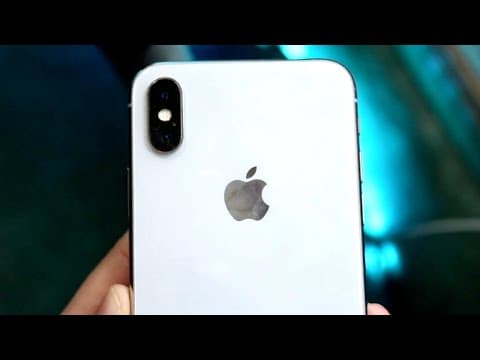
- 🎙️ Familiarity with an iPhone's microphone locations can significantly affect recording quality.
- 😀 Additional audio recording apps like Voice Recorder and Audio Recorder have useful features but may be considered complex for casual users.
- ⏯️ The ability to pause recordings is a valuable feature that facilitates seamless audio sessions.
- 👶 Continuous updates in the App Store ensure users can find new and improved recording applications.
- 😀 User reviews can guide individuals toward the best apps for their specific recording needs.
Install to Summarize YouTube Videos and Get Transcripts
Explore YouTube Video Summarizer or Get YouTube Transcript Extractor
Questions & Answers
Q: Why is the Voice Memos app recommended over other audio recording apps?
Voice Memos is recommended because it is pre-installed on iPhones, easy to use, and provides high-quality audio recordings. By adjusting settings to lossless quality and positioning the iPhone correctly, users can achieve excellent audio. Despite lacking extensive features, its simplicity and effectiveness make it a top choice for casual users.
Q: What adjustments should be made in Voice Memos for optimal audio quality?
To optimize audio quality in Voice Memos, users should navigate to the iPhone settings and select the lossless audio quality option. This setting avoids compression, ensuring better fidelity in recordings. Additionally, maintaining the microphone close to the recording source without being too close enhances audio clarity.
Q: What unique features do apps like Voice Recorder and Audio Recorder offer?
Voice Recorder features a sleek UI and offers a call recording option, cloud storage, and the ability to pause recordings. On the other hand, Audio Recorder allows users to visualize their audio levels during recording, along with options to pause and save recordings easily, though both may feel complex compared to Voice Memos.
Q: How can understanding microphone placement improve audio recordings?
Understanding microphone placement is crucial for recording clear audio. Users are advised to position the iPhone so that the microphone is closer to the sound source, ideally at an angle where the voice is projected directly towards it. This positioning minimizes background noise and enhances audio clarity significantly.
Summary & Key Takeaways
-
The content reviews several audio recording applications for iPhones, highlighting the stock Voice Memos app as a top choice for quality recordings.
-
Users are encouraged to adjust settings in Voice Memos to ensure lossless audio quality and understand microphone positioning for better results.
-
Other recommended apps include Voice Recorder and Audio Recorder, both offering unique features but considered less user-friendly than Voice Memos.
Read in Other Languages (beta)
Share This Summary 📚
Summarize YouTube Videos and Get Video Transcripts with 1-Click
Try YouTube Summary with ChatGPT & Claude or YouTube Transcript Generator
Explore More Summaries from Simple Alpaca 📚


Summarize YouTube Videos and Get Video Transcripts with 1-Click
Try YouTube Summary with ChatGPT & Claude or YouTube Transcript Generator