How to Password Protect a PDF Download in WordPress : WordPress: Beyond the Basics
TL;DR
Learn how to add password protection to PDF files in WordPress for secure sharing.
Transcript
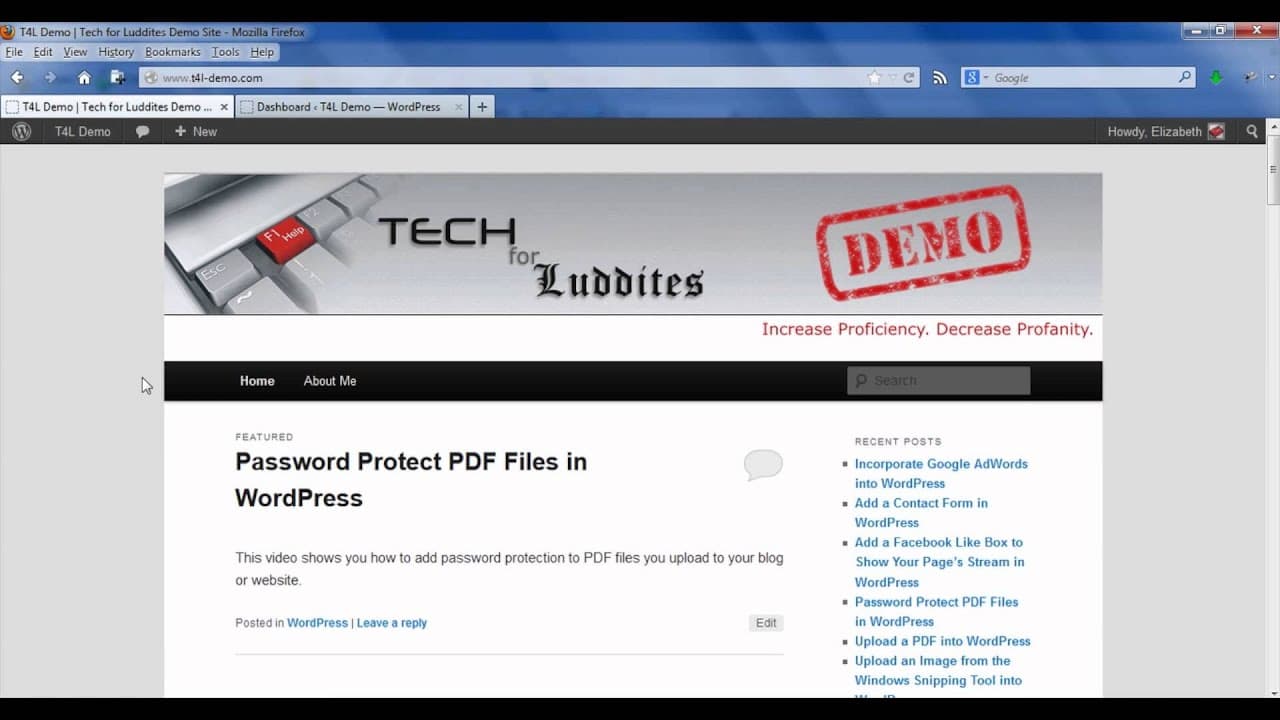
hi my name is Elizabeth Chris faux Lucy I published a blog called tech for Luddites providing tips and tricks for navigating our digital world in this video I'm going to show you how you can add password protections to a PDF file that you upload into WordPress there are two different ways you could add password protection to make sure that your PDF... Read More
Key Insights
- 📁 Password protecting PDF files in WordPress enhances data security.
- 📁 Utilizing Adobe Acrobat Pro enables encryption and password protection for PDF files.
- 🏣 WordPress provides options to password protect posts for selective access.
- 📁 Adding password protection to files ensures confidentiality and privacy.
- ❓ Employing secure methods for sharing content is crucial in the digital realm.
- 📁 Understanding different methods of securing PDF files enhances digital literacy.
- 🎮 Password protection offers control over who can access shared documents.
Install to Summarize YouTube Videos and Get Transcripts
Explore YouTube Video Summarizer or Get YouTube Transcript Extractor
Questions & Answers
Q: How can you add password protection to a PDF file in Adobe Acrobat Pro?
In Adobe Acrobat Pro, go to "Secure" and click "Encrypt with password." Choose the security options and save the file to add password protection, ensuring secure access.
Q: What is the benefit of password protecting a WordPress post with a PDF file?
Password protecting a WordPress post with a PDF file enables selective access, ensuring only authorized users can view and download the content, maintaining confidentiality.
Q: Can password protection be applied to restrict editing and printing of the PDF file?
Yes, in Adobe Acrobat Pro, you can set additional password protection options to limit editing and printing of the PDF file alongside requiring a password for opening it.
Q: How does password protection in WordPress work for secure document sharing?
By setting a password for a WordPress post containing a PDF file, users must input the password to access and download the document, ensuring secure sharing of sensitive content.
Summary & Key Takeaways
-
Elizabeth Chris Faux Lucy shares tips on adding password protection to PDF files in WordPress.
-
Two methods are demonstrated: adding password protection to the PDF file itself and password-protecting the WordPress post.
-
By following simple steps in Adobe Acrobat Pro and WordPress, you can secure your PDF files effectively.
Read in Other Languages (beta)
Share This Summary 📚
Summarize YouTube Videos and Get Video Transcripts with 1-Click
Try YouTube Summary with ChatGPT & Claude or YouTube Transcript Generator
Explore More Summaries from ehow 📚

Summarize YouTube Videos and Get Video Transcripts with 1-Click
Try YouTube Summary with ChatGPT & Claude or YouTube Transcript Generator