How to Fix Android Studio Gradle Build Errors
TL;DR
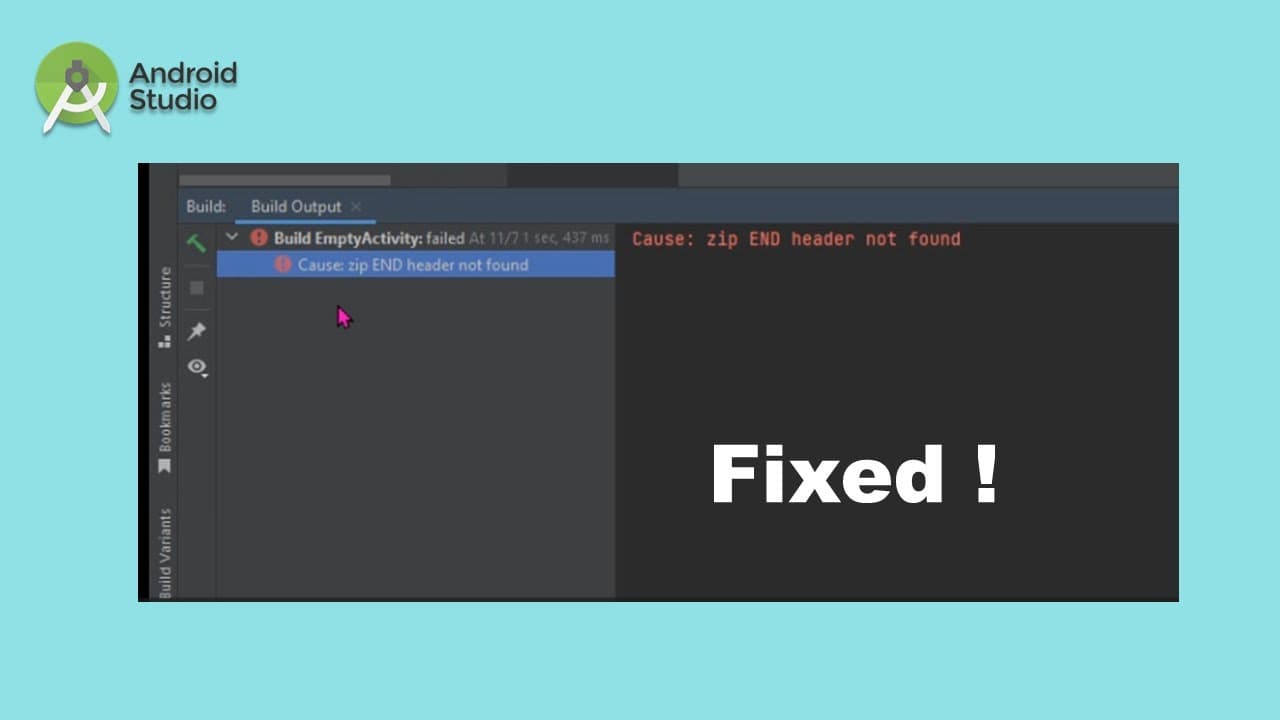
To fix the 'zip END header not found' error in Android Studio, replace the outdated Gradle wrapper files with the correct version downloaded from the official site. After removing the old files and pasting the new ones in the designated directory, reopen Android Studio to verify that the build process completes successfully.
Transcript
foreign Studio the project if I run the application it gave me a error message foreign so if I check my grito wrap product property I can see the Green version the 7.4 if I copy this slide okay and open a browser I can save it to the download so if I show in the folder I can copy it to this computer three Drive users my username and the dot griddle... Read More
Key Insights
- 📽️ Gradle wrapper properties are vital for ensuring compatibility between project setups and Gradle versions in Android projects.
- 🥺 Locating the Gradle version can pinpoint potential issues that lead to build failures when developing Android applications.
- 🏛️ Properly managing Gradle versions may significantly decrease time spent troubleshooting build errors in Android Studio.
- 🥹 Backing up existing files before deletion can prevent loss of data and allow for easier recovery if issues persist after changes.
- 😫 A successful build process indicates that the dependencies and project structure align with the configurations set in Gradle.
- 🤩 Understanding the error messages generated during the build can provide key insights for troubleshooting effectively.
- ♻️ Gradle updates can often resolve compatibility issues, improving the reliability of the development environment.
Install to Summarize YouTube Videos and Get Transcripts
Explore YouTube Video Summarizer or Get YouTube Transcript Extractor
Questions & Answers
Q: What causes the build error mentioned in the content?
The build error arises when there's an incompatibility between the Android Studio project and the Gradle wrapper property version. Specifically, the mentioned version, 7.4, may not align with the project requirements or structure set within Android Studio, leading to unsuccessful build attempts.
Q: How do I find the Gradle wrapper property file mentioned?
The Gradle wrapper property file, usually named 'gradle-wrapper.properties', can be located inside the 'gradle/wrapper' directory of your Android project. Within this file, you can check the distribution URL pointing to the version of Gradle being used, which is crucial for troubleshooting build issues.
Q: What steps should I follow to replace the Gradle version?
After identifying the build error and the older Gradle version, download the correct Gradle version. Then, navigate to the Android project's '.gradle' directory, remove any outdated files, and paste the newly downloaded Gradle files into the same directory before restarting Android Studio to apply the changes.
Q: Why is it necessary to close the program before making changes?
It’s essential to close Android Studio before making any changes to the Gradle files to ensure that no cached data or processes interfere with the updates being made. Closing the program frees up resources and guarantees that the new settings will be implemented correctly when the program is reopened.
Summary & Key Takeaways
-
The content addresses a build error in Android Studio, caused by an issue with the Gradle wrapper property file.
-
Instructions to fix the error include downloading a correct Gradle version and replacing old files in the appropriate directory.
-
After making adjustments, the user is advised to reopen Android Studio to verify that the build process completes successfully.
Read in Other Languages (beta)
Share This Summary 📚
Summarize YouTube Videos and Get Video Transcripts with 1-Click
Try YouTube Summary with ChatGPT & Claude or YouTube Transcript Generator
Explore More Summaries from E Micro Tech 📚

Summarize YouTube Videos and Get Video Transcripts with 1-Click
Try YouTube Summary with ChatGPT & Claude or YouTube Transcript Generator