The Best iPhone Dynamic Island Tricks/Tips!
TL;DR
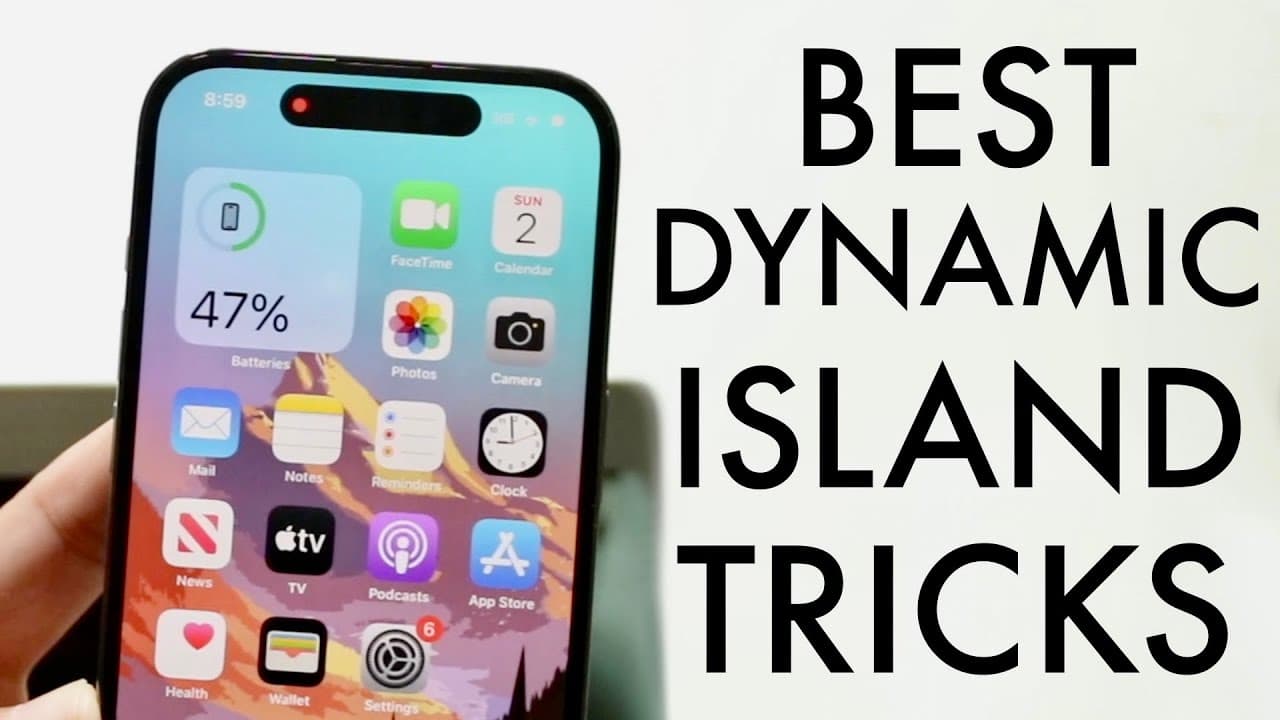
Explore effective tips for using Dynamic Island features on iPhone 14 models.
Transcript
all right everyone it's time for us to take a look at some of the best Dynamic Island tricks and tips that you can take a look on your iPhone 14 pro or 14 pro Max or really any other 14s or you know dynamic Island phones that come out in the future now Dynamic island is still pretty much ongoing it's a you know thing that's going to add more featur... Read More
Key Insights
- 👤 Dynamic Island is an evolving feature on the iPhone, promoting user engagement through interactive notifications and quick access to applications.
- 😀 The feature allows multitasking, letting users handle notifications and controls directly from the Dynamic Island without switching between apps.
- 👤 Users can interact with Dynamic Island using simple gestures, including tapping, holding, and unique swiping movements, enhancing user experience.
- 😀 Integration with apps like Spotify demonstrates how Dynamic Island can improve the media management experience by providing essential information directly within reach.
- 🇦🇨 The game "Hit the Island" showcases a fun use of Dynamic Island, encouraging developers to create more interactive experiences utilizing this feature.
- 🤣 As the feature continues to develop, additional functionalities may be rolled out, keeping users engaged with their devices.
- 😀 Current limitations with non-media apps indicate a potential area for growth, urging users to provide feedback for feature enhancement.
Install to Summarize YouTube Videos and Get Transcripts
Explore YouTube Video Summarizer or Get YouTube Transcript Extractor
Questions & Answers
Q: What is Dynamic Island and how does it work on the iPhone 14?
Dynamic Island is an innovative feature on the iPhone 14 models that serves as an interactive display for notifications and app controls. It allows users to quickly access essential information without navigating back to an app. Users can tap and hold for additional options or manage media playback and notifications directly from this space, enhancing multitasking efficiency.
Q: What are some practical applications of Dynamic Island with music apps like Spotify?
Dynamic Island significantly enhances the experience with music apps, such as Spotify. When music is playing, the current song information is displayed in the Dynamic Island area. Users can tap to return directly to the app or hold the area to access quick controls. This interaction simplifies the process of managing music without interrupting other tasks on the phone.
Q: Can I customize the interactions with Dynamic Island, and if so, how?
Yes, interactions with Dynamic Island can be customized to a degree. By using different gestures—like tapping to open an app or holding for options—users can modify how they interact with notifications and controls. Moreover, the feature's design allows for flexibility, offering various modes for engaging with ongoing activities, from music to live sports.
Q: What unique gesture can be performed on Dynamic Island, and what does it do?
A unique swipe gesture allows users to manipulate the appearance of the Dynamic Island. By swiping at an angle rather than straight up, users can create an eye-catching effect where notifications seem to rise at an angle. This enhances the visual appeal and makes the interaction feel more dynamic and engaging.
Q: What is the "Hit the Island" game, and how does it utilize Dynamic Island?
"Hit the Island" is an entertaining game that turns the Dynamic Island space on the iPhone into a mini-game area resembling pong. Players hit the icon displayed in the Dynamic Island to score points. The game exploits the haptic feedback feature, making the activity interactive and enjoyable while providing a fun way to engage with an often-overlooked area of the device.
Q: What limitation does Dynamic Island currently face with certain apps?
Currently, Dynamic Island may not integrate seamlessly with all apps. While music and some notification-based applications like Spotify work well, apps like Safari don’t utilize the feature in the same manner. This limitation means some users may not experience full functionality in the Dynamic Island, as certain app interactions may not display in this interactive space.
Summary & Key Takeaways
-
Dynamic Island is a versatile feature on iPhone 14 models, designed to enhance user experience through interactive notifications and controls. Users can easily access various applications through quick prompts using taps and holds.
-
The feature allows seamless integration with apps like Spotify and screen recording, enabling users to interact with media directly from the Dynamic Island without fully reopening the app. Users can enjoy a smooth transition back into their previous tasks.
-
A unique swipe gesture allows users to manipulate the size of the Dynamic Island's interactive elements, enhancing usability. Additionally, there's a game called "Hit the Island" that utilizes this feature for entertainment.
Read in Other Languages (beta)
Share This Summary 📚
Summarize YouTube Videos and Get Video Transcripts with 1-Click
Try YouTube Summary with ChatGPT & Claude or YouTube Transcript Generator
Explore More Summaries from Simple Alpaca 📚






Summarize YouTube Videos and Get Video Transcripts with 1-Click
Try YouTube Summary with ChatGPT & Claude or YouTube Transcript Generator