How to Create Professional Logos for Free Using AI
TL;DR
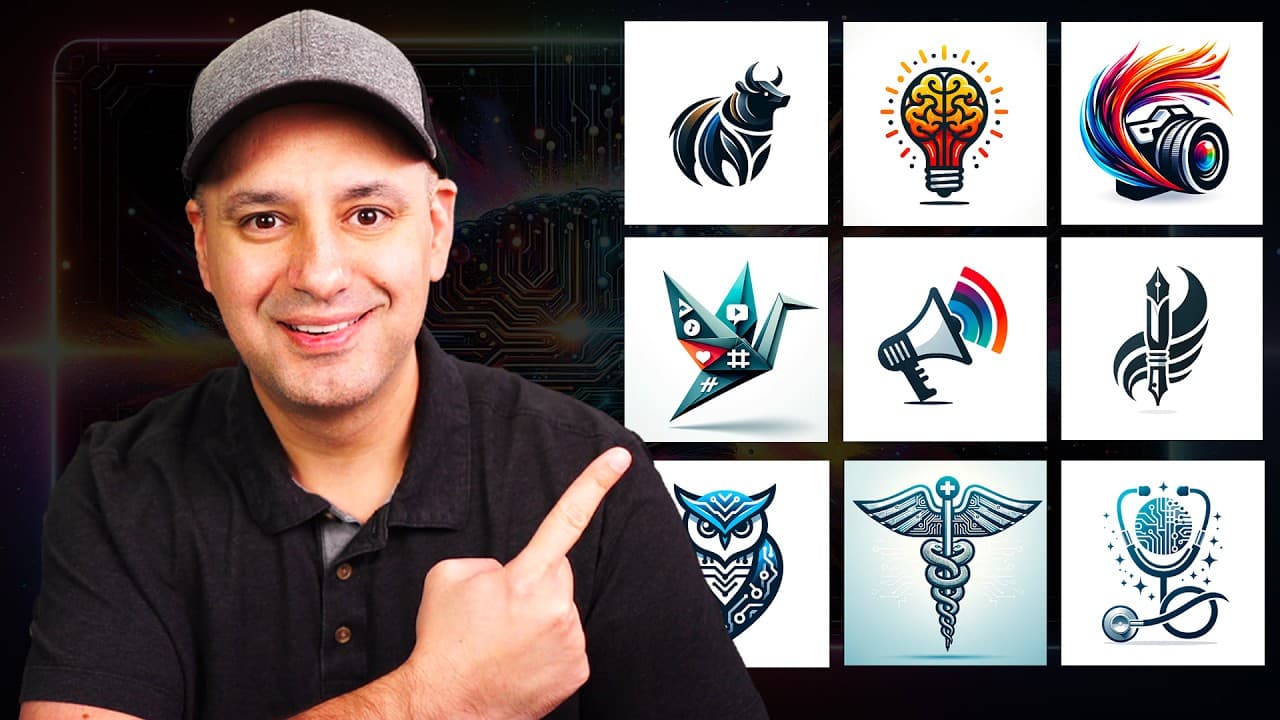
You can create professional logos for free using AI tools like Microsoft's Co-Pilot and Designer. Start by generating logo design prompts in Co-Pilot, customize your logo in Microsoft Designer, and consider converting your logo to a vector format for scalability. These tools provide great flexibility in designing unique logos without any cost.
Transcript
I want to show you how to create really high-end logos using completely free AI Tools in this video the first free AI tool we're going to use is called co-pilot this is from Microsoft so you just have to go to co- pilot. microsoft.com I'll put a link to all the things I'm going to mention in this video to make it a little bit easier too and here wh... Read More
Key Insights
- 🧑✈️ Co-Pilot by Microsoft assists in generating creative logo design prompts.
- 👤 Microsoft Designer enables users to customize logo designs with filters and text options.
- 🌸 Converting logos into vectors ensures scalability without loss of resolution.
- 🔨 Skill Leap AI offers e-learning courses on AI tools for visual communication.
- 🥶 Skill Leap AI provides access to various courses, including Dolly 3 and Co-Pilot training.
- 👶 Skill Leap AI's subscription model offers access to multiple courses with new releases monthly.
- 🥶 AI tools like Co-Pilot and Microsoft Designer offer free options for logo design.
Install to Summarize YouTube Videos and Get Transcripts
Explore YouTube Video Summarizer or Get YouTube Transcript Extractor
Questions & Answers
Q: How can Microsoft's Co-Pilot help in logo design?
Microsoft's Co-Pilot generates logo prompts based on user input, providing unique design ideas for logos, making the design process more creative and efficient.
Q: What features does Microsoft Designer offer for logo customization?
Microsoft Designer offers filters, text options, font recommendations, color choices, and background removal to customize and enhance logo designs according to user preferences.
Q: Why is converting logos into vectors important?
Converting logos into vectors with tools like Vectorizer ai allows for scalability without losing resolution, making the logo suitable for various applications without compromising quality.
Summary & Key Takeaways
-
Use Microsoft's Co-Pilot to generate logo prompts.
-
Customize and edit logo designs using Microsoft Designer.
-
Convert logos into vectors for scalable quality.
Read in Other Languages (beta)
Share This Summary 📚
Summarize YouTube Videos and Get Video Transcripts with 1-Click
Try YouTube Summary with ChatGPT & Claude or YouTube Transcript Generator
Explore More Summaries from Howfinity 📚






Summarize YouTube Videos and Get Video Transcripts with 1-Click
Try YouTube Summary with ChatGPT & Claude or YouTube Transcript Generator