How to Share your Keyboard And Mouse With Synergy
TL;DR
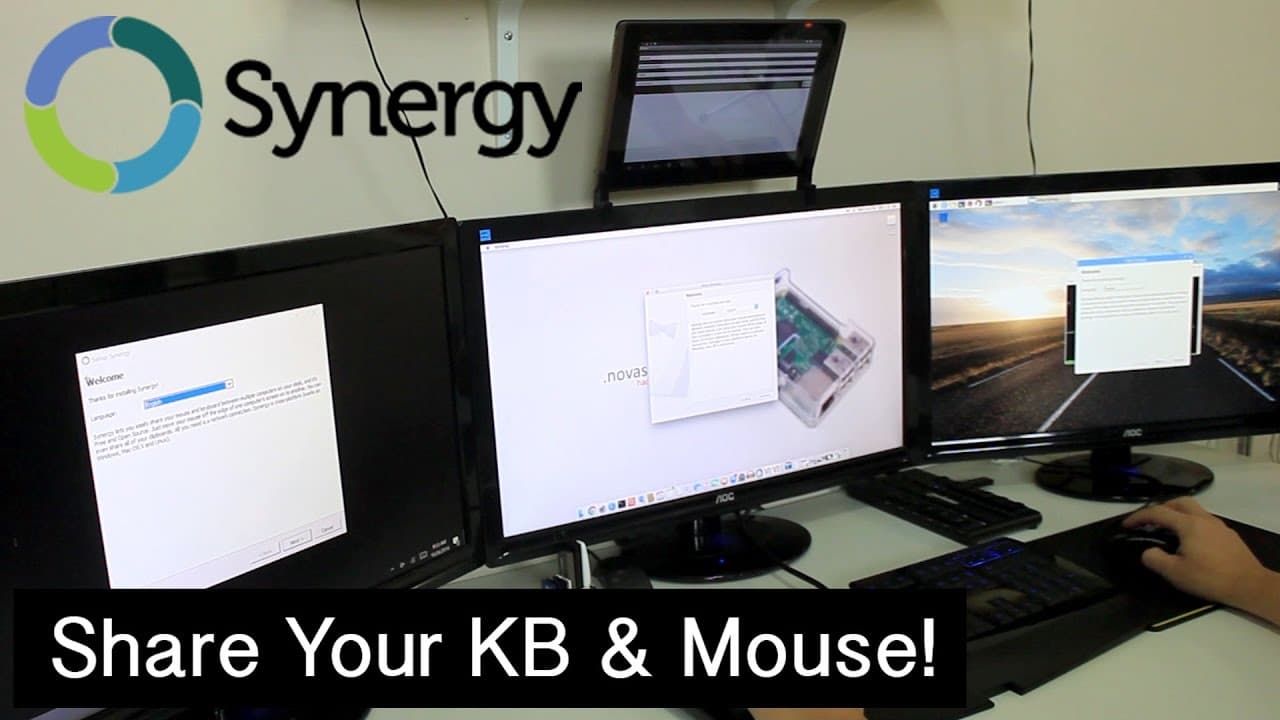
A review of Synergy's KVM software with a giveaway announcement for users.
Transcript
hey guys what's going on in Stoneham from the Nova spirit Tech and today we are going to be taking a look at a KVM software solution made by synergy so let's get started so for those of you who don't know what KVM is it basically abbreviates down to keyboard video and mouse and it allows you to share all them between multiple consoles or multiple d... Read More
Key Insights
- 👤 Synergy's software is a robust solution for users wanting to control multiple devices, enhancing productivity without messy wiring.
- 💻 The software is compatible with a diverse range of operating systems, allowing users to manage both desktop computers and mobile devices with ease.
- 🧑💻 Initial setup is user-friendly, with a simple process for connecting devices via IP addresses, making it accessible even for less tech-savvy individuals.
- 👻 The absence of video sharing means users still require monitors for each device, but it allows for a clean, efficient workspace.
- ✖️ Utilizing Synergy can streamline multi-device workflows efficiently, particularly beneficial for developers, designers, and content creators.
- 👤 The giveaway not only promotes engagement but also showcases the versatility of the software through shared user experiences.
- 🧑💻 The video emphasizes community support by acknowledging fellow creators, which helps build a more inclusive tech environment.
Install to Summarize YouTube Videos and Get Transcripts
Explore YouTube Video Summarizer or Get YouTube Transcript Extractor
Questions & Answers
Q: What is KVM and how does Synergy's software differ from traditional KVM switches?
KVM stands for keyboard, video, and mouse, traditionally allowing users to control multiple computers using one set of peripherals. Synergy's software offers a wireless solution, allowing keyboard and mouse sharing over a network rather than using physical switches, which means no screen sharing but easier transitions between devices.
Q: What devices were demonstrated using Synergy's KVM solution in the video?
The video showcased Synergy's KVM solution with a variety of devices, including a Windows 10 PC, a Mac, a Raspberry Pi, and an Android tablet. The seamless control demonstrated how one keyboard and mouse setup could operate on multiple devices without the need for additional hardware.
Q: How do you set up Synergy's software for the first time?
To initially set up Synergy, you designate a server device that will share the mouse and keyboard, and then connect client devices by entering the server's IP address. After installing on each device, you can easily configure them to connect and work together seamlessly.
Q: What is the giveaway associated with the video, and how can viewers participate?
The giveaway invites viewers to post a picture of their tech setup on Twitter, tagging the host and using specific hashtags, including #SynergyProject and #NovaGiveaway. This encourages fans to share their setups, allowing the host to pick a winner based on the entries.
Summary & Key Takeaways
-
The video introduces Synergy's KVM software, which allows users to share their keyboard and mouse across multiple devices without sharing screens, thus enabling seamless operation.
-
The host, Nick Bolton, shares the setup process for using Synergy's software with various devices, including a PC, Mac, Raspberry Pi, and Android tablet.
-
A giveaway announcement encourages viewers to share photos of their setups on Twitter for a chance to win a prize, fostering community engagement.
Read in Other Languages (beta)
Share This Summary 📚
Summarize YouTube Videos and Get Video Transcripts with 1-Click
Try YouTube Summary with ChatGPT & Claude or YouTube Transcript Generator
Explore More Summaries from Novaspirit Tech 📚






Summarize YouTube Videos and Get Video Transcripts with 1-Click
Try YouTube Summary with ChatGPT & Claude or YouTube Transcript Generator