I Hope You Do This To Your iPhone
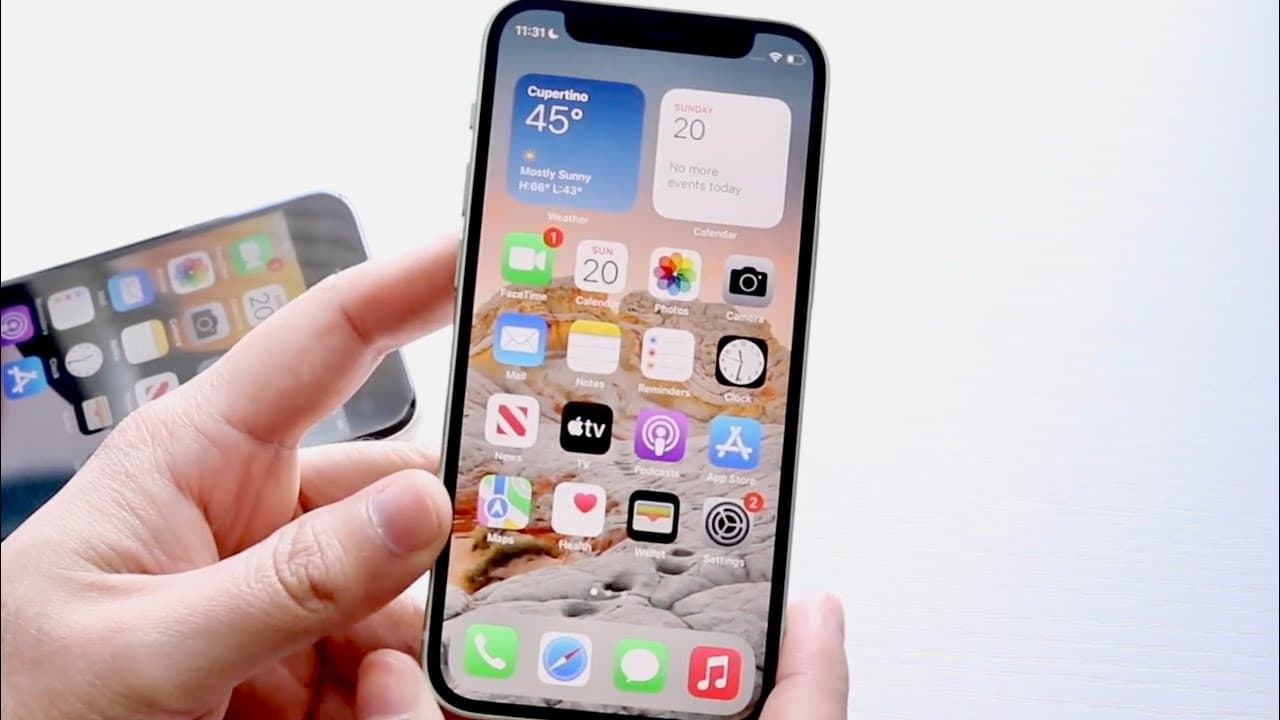
TL;DR
Updating and factory resetting your iPhone can significantly improve performance and battery life.
Transcript
hello everyone i've been personally having some really interesting things going on with my iphones on one hand my iphone 10r hasn't really been doing so well on the latest versions of software but on my other iphones i mean like my iphone 13 pro my iphone se first generation i've been having great experiences on the latest versions of software so i... Read More
Key Insights
- 💝 Users experience varying performance levels across different iPhone models when running the latest software, highlighting the need to assess compatibility.
- 🥹 Backing up data is a vital precaution before software updates and factory resets, protecting user information from potential loss.
- 👶 Factory resetting an iPhone can dramatically enhance its speed, performance, and battery life, creating a like-new experience.
- 🥶 The speaker suggests upgrading to iOS 15.5 for improved stability, particularly beneficial for users still on older versions.
- 🧑🏭 It’s common for users to delay factory resets due to the inconvenience of reconfiguring their device after a reset.
- 🥶 Continuous updates to iOS can introduce new features but may also come with risks of bugs and reduced performance on older models.
- 💝 Staying updated is crucial for security, ensuring the iPhone is equipped to handle the latest threats and software advancements.
Install to Summarize YouTube Videos and Get Transcripts
Explore YouTube Video Summarizer or Get YouTube Transcript Extractor
Questions & Answers
Q: Why is it important to backup my iPhone before updating?
Backing up your iPhone ensures that all your important data, such as photos, contacts, and files, are preserved. In case something goes wrong during the update or factory reset process, you can easily restore your data without losing anything important. It's a crucial step to safeguard your information.
Q: What are the benefits of factory resetting my iPhone?
Factory resetting an iPhone generally leads to improved performance and battery life. It removes accumulated app data and software glitches that may slow down the device. Many users report their phones feel like new after a reset because this process starts fresh, erasing any clutter that has built up over time.
Q: How can I tell if my iPhone is performing poorly due to software?
Signs of poor performance may include slow app loading times, frequent crashes, and significant delays in navigation through menus. If your iPhone feels sluggish compared to when you first got it, it may be a good indication that updating the software or performing a factory reset could improve its functionality.
Q: What versions of iOS should I consider if my iPhone is on an older version?
If your iPhone is on iOS 14, it’s advisable to update to at least iOS 15, specifically version 15.5, if available. This version is noted to be stable and may address various performance issues. Remaining on older software can lead to compatibility problems with apps and services.
Q: Are there risks involved in updating to the latest iOS?
Yes, there can be risks such as potential bugs, incompatibility with apps, or performance issues on older devices. It is crucial to assess your iPhone model's compatibility with the new software before updating, especially if your device already has performance issues.
Q: How does updating and resetting affect the lifespan of my iPhone?
Regular updates and factory resets can contribute to prolonging your iPhone's lifespan. By keeping the software updated, you ensure that your device benefits from the latest optimizations and security features. A reset can refresh its performance, making it more usable for an extended period.
Summary & Key Takeaways
-
The speaker shares personal experiences with various iPhone models, noting that while some devices perform poorly with the latest software, others run smoothly. This discrepancy raises questions about software compatibility across different models.
-
It is recommended to back up your iPhone before updating and then perform a factory reset to enhance speed, performance, and battery life, making the device feel like new again.
-
The speaker advises to consider updating to iOS 15.5 for a stable experience, especially for users on older versions like iOS 14, while preparing for the upcoming iOS 16 release.
Read in Other Languages (beta)
Share This Summary 📚
Summarize YouTube Videos and Get Video Transcripts with 1-Click
Try YouTube Summary with ChatGPT & Claude or YouTube Transcript Generator
Explore More Summaries from Simple Alpaca 📚





Summarize YouTube Videos and Get Video Transcripts with 1-Click
Try YouTube Summary with ChatGPT & Claude or YouTube Transcript Generator