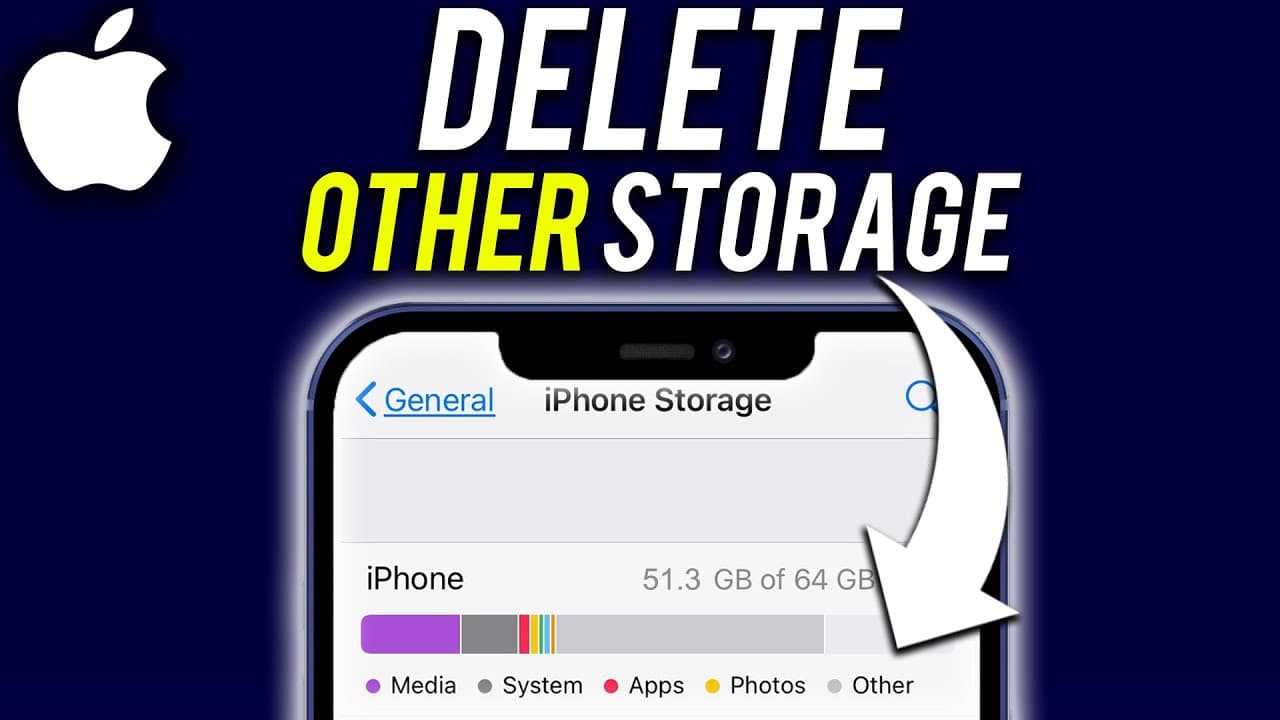
How to Delete Other Storage on Your iPhone
TL;DR
Learn how to clear system data and cache files to free up space on your iPhone.
Transcript
sometimes there is something called other storage sometimes it's called system data that is taking up space and sometimes a lot of space on your iPhone so I wanted to make this quick video to show you exactly how to delete other storage on your iPhone so first let's go to the settings app of our phone here and then scroll down to get to the general... Read More
Key Insights
- 🧑💻 Other storage on an iPhone includes cache files, logs, and system resources.
- 😀 Offloading unused data and clearing cache files in apps can help reduce other storage.
- 🧑🏭 Resetting your phone to factory settings is a last resort to clear up other storage.
- 😀 Apps like Safari, TikTok, Instagram, and YouTube may have their own cache files contributing to other storage.
- 🥺 Joining iOS beta programs may lead to iOS updates taking up space in other storage.
- 🆘 Clearing history and website data in Safari can help reduce other storage on an iPhone.
- 😀 Checking and clearing cache files in individual apps can free up space in other storage.
Install to Summarize YouTube Videos and Get Transcripts
Explore YouTube Video Summarizer or Get YouTube Transcript Extractor
Questions & Answers
Q: What is other storage on an iPhone?
Other storage on an iPhone includes cache files, logs, and resources used by the system, taking up space and potentially causing storage issues.
Q: How can you clear other storage on an iPhone?
You can clear other storage by offloading unused data, clearing cache files in apps, and resetting your phone to factory settings as a last resort.
Q: Why does other storage build up on an iPhone?
Other storage can build up due to cache files, logs, system resources, and app data, causing storage space to be consumed unnecessarily.
Q: Are there specific apps that contribute to other storage on an iPhone?
Apps like Safari, TikTok, Instagram, and YouTube can contribute to other storage on an iPhone due to cache files and data storage within the apps.
Summary & Key Takeaways
-
Other storage or system data can take up a lot of space on your iPhone.
-
Offload unused data and clear cache files in apps to reduce other storage.
-
Resetting your phone to factory settings can also help clear up other storage.
Read in Other Languages (beta)
Share This Summary 📚
Summarize YouTube Videos and Get Video Transcripts with 1-Click
Try YouTube Summary with ChatGPT & Claude or YouTube Transcript Generator
Explore More Summaries from Howfinity 📚






Summarize YouTube Videos and Get Video Transcripts with 1-Click
Try YouTube Summary with ChatGPT & Claude or YouTube Transcript Generator