How to Create Custom Images with Harpa AI and Canva
TL;DR
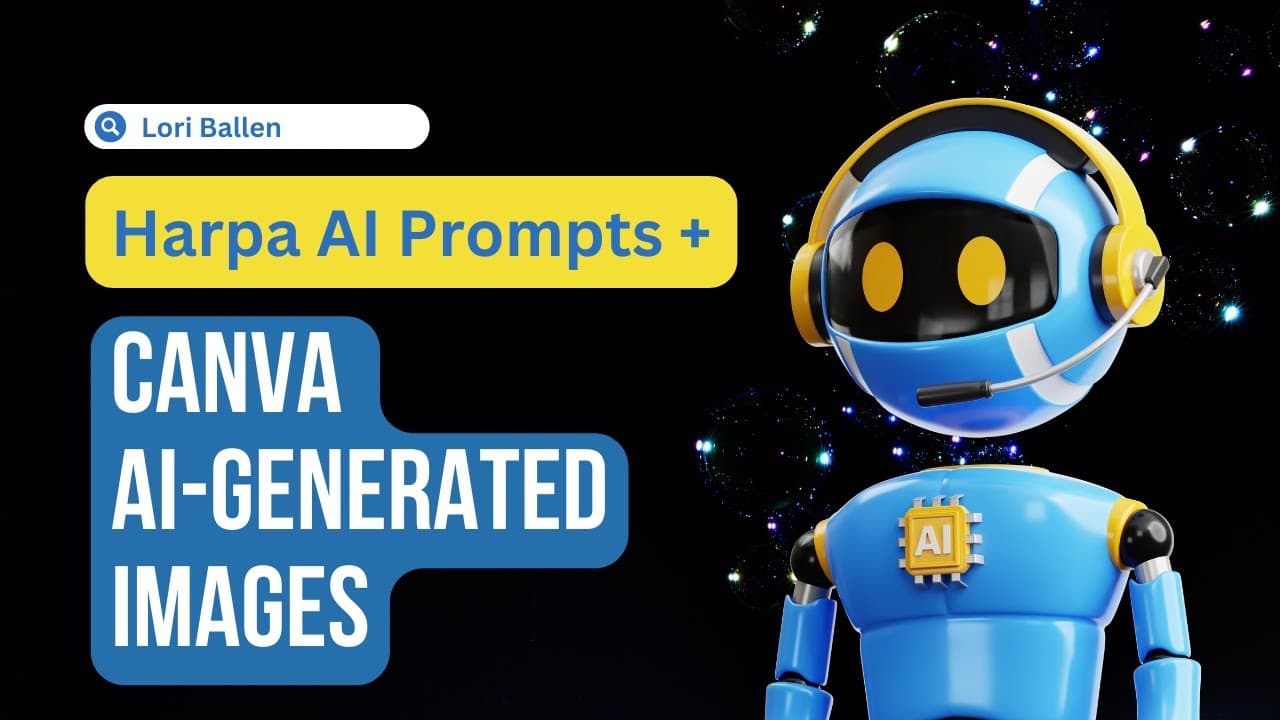
To create custom images using Harpa AI and Canva, first use the free Harpa Chrome extension to generate unique prompts based on your ideas. Then, input these prompts into Canva's magic media feature to produce visually appealing images, which can be resized and customized for blog posts and social media.
Transcript
in this video I'm going to show you how to take one AI tool it's free to create a really awesome prompt that you can use in your favorite text to image generator whether you're using mid Journey or stable Fusion or canva this is going to work now the two tools I'm going to use today we're going to use harpa which is a free Chrome extension and then... Read More
Key Insights
- 🥶 Harpa is a free Chrome extension that provides generative AI prompts for creating unique images.
- ⚾ Canva, specifically the magic media feature, can be used to generate visually appealing images based on the prompts.
- 👻 The combination of Harpa and Canva allows for easy customization and adjustment of image prompts.
- 🏣 This AI tool combination is suitable for blog posts, social media images, and other visual content creation needs.
- 🥳 Canva Pro trial for 30 days is available through an affiliate link in the video description.
- ❓ The generated images can be resized and modified to fit various platforms and requirements.
- 💁 It is important to consider the format and specifications of the images to achieve the desired outcome.
Install to Summarize YouTube Videos and Get Transcripts
Explore YouTube Video Summarizer or Get YouTube Transcript Extractor
Questions & Answers
Q: How can I use Harpa to generate prompt ideas for creating unique images?
You can install Harpa as a free Chrome extension and use its generative AI prompts by typing a keyword or topic related to your desired image, such as "custom Christmas ornament."
Q: Can I modify the prompts provided by Harpa?
Yes, you can shorten or adapt the prompts based on your preferences or platform requirements to ensure they fit well with your image.
Q: What is the role of Canva in this process?
Canva, specifically the magic media feature, allows you to paste the prompts from Harpa and generate visually appealing images. You can adjust the sizing of the images to fit different platforms.
Q: Is Canva Pro required to use the magic media feature?
It is unclear if the magic media feature is available in the free version of Canva. However, a Canva Pro trial, which you can access through an affiliate link, is recommended in the video description.
Summary & Key Takeaways
-
Use Harpa, a free Chrome extension, to access generative AI prompts for creating unique images.
-
Combine Harpa with Canva, using the magic media feature, to generate visually appealing images based on the prompts.
-
Customize the prompts and adjust the sizing of the images for different platforms.
Read in Other Languages (beta)
Share This Summary 📚
Summarize YouTube Videos and Get Video Transcripts with 1-Click
Try YouTube Summary with ChatGPT & Claude or YouTube Transcript Generator
Explore More Summaries from Lori Ballen 📚





Summarize YouTube Videos and Get Video Transcripts with 1-Click
Try YouTube Summary with ChatGPT & Claude or YouTube Transcript Generator