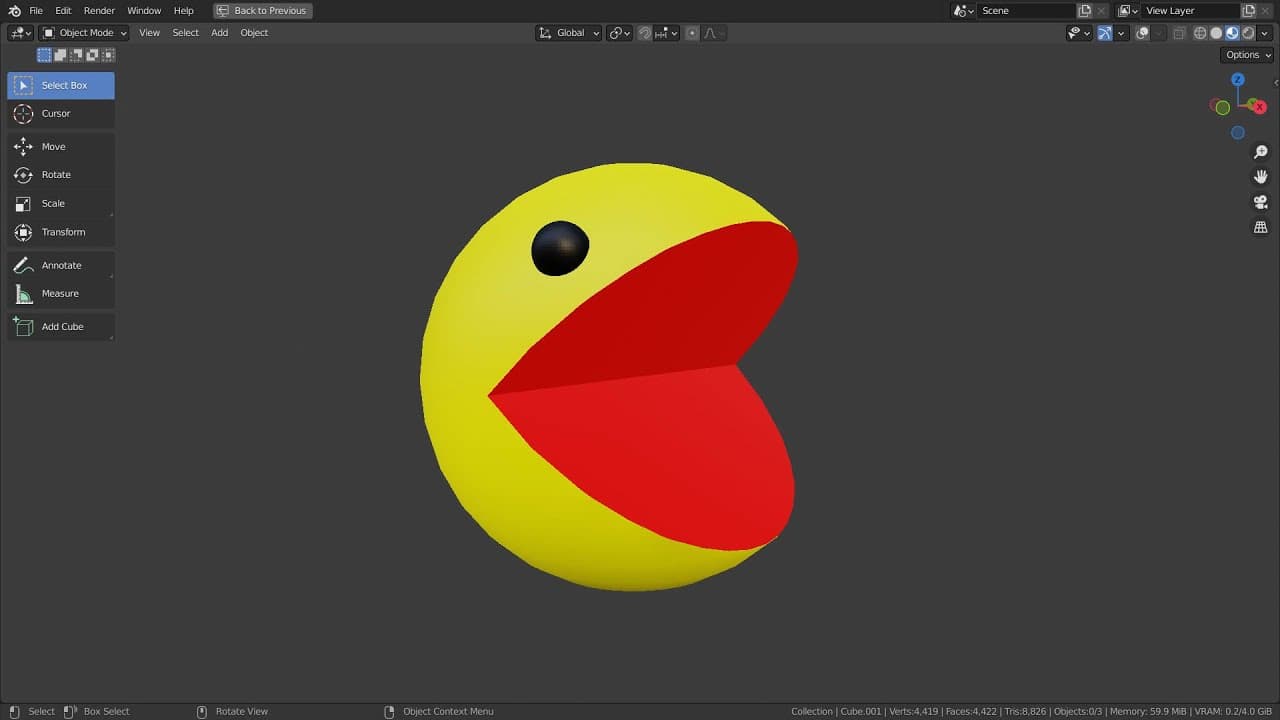
Blender Tutorial - Pacman mouth animation
TL;DR
Learn how to quickly create a Pacman mouth animation using UV spheres, boolean modifiers, and shape keys.
Transcript
In this tutorial, I'll show you how to create this Pacman mouth animation in 5 minutes. Let's create a UV sphere. Control "1" to subdivide, and Right Click to Shade Smooth. Apply a material, and let's Shift "D" to duplicate and "S" to scale. This is going to be our eye mesh. Let's apply a black color. Try mirroring the eye mesh. This won't work, b... Read More
Key Insights
- 😃 UV spheres and shading techniques are used to create the eye mesh for the Pacman animation.
- 😃 Mirroring the eye mesh can be achieved by moving the origin of the eye.
- 🤑 Boolean modifiers are used to create the Pacman mouth shape.
Install to Summarize YouTube Videos and Get Transcripts
Explore YouTube Video Summarizer or Get YouTube Transcript Extractor
Questions & Answers
Q: How do you create the eye mesh for the Pacman animation?
To create the eye mesh, start with a UV sphere and subdivide it with shortcut keys. Apply shading techniques and duplicate the mesh to create the eye shape. Apply a black color to the eye mesh.
Q: What can cause issues when mirroring the eye mesh?
Mirroring the eye mesh may not work if the origin of the eye is located within the mesh. To fix this, move the origin to the 3D cursor or use an empty object. This will allow for proper mirroring.
Q: How can you color the inner mouth of the Pacman mesh?
A trick to color the inner mouth red is by using a boolean's material as the second material for the primary mesh. This will result in the boolean color when the mesh is booleaned.
Q: How can you animate the Pacman mouth?
Animate the Pacman mouth by adding shape keys. Set the last frame to 20 and animate the shape key by keyframing frames 1 and 20. Close the mouth on frame 10 and keyframe it to achieve the desired animation.
Summary & Key Takeaways
-
Use UV spheres and shading techniques to create an eye mesh for the animation.
-
Learn how to move the origin of the eye mesh to achieve desired mirroring effects.
-
Utilize boolean modifiers and shape keys to create the Pacman mouth animation.
Read in Other Languages (beta)
Share This Summary 📚
Summarize YouTube Videos and Get Video Transcripts with 1-Click
Try YouTube Summary with ChatGPT & Claude or YouTube Transcript Generator