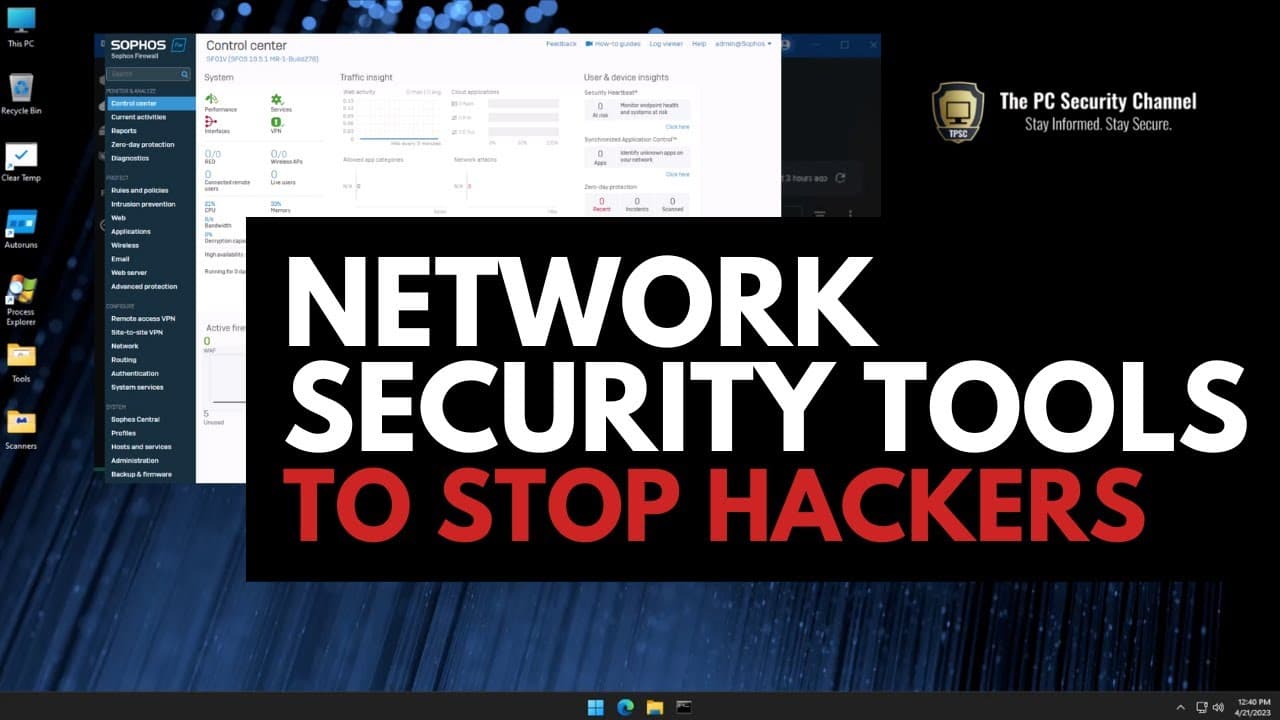
Network Security Tools to stop hackers
TL;DR
Learn how to secure your network by securing your connection to the internet, changing default router settings, using firewalls, and installing intrusion prevention systems.
Transcript
so how do you not get hacked how do you protect your network whether it's your home network or your business Network in this video we're going to go through the fundamentals of network security firewalls intrusion prevention and things that everyone can and should do and the first thing to understand is in order to secure your network you need to s... Read More
Key Insights
- 🔑 Changing the default username and password on your router is crucial to prevent unauthorized access and protect your network.
- 🛃 Using the firewall settings on your router, you can create a custom blacklist of websites and IP addresses to block.
- 👊 Upgrading to a dedicated firewall provides more control and advanced features for network security, such as blocking inbound attacks and detecting malware.
- 🪜 Installing an intrusion detection system, like CrowdSec, adds an extra layer of protection by actively preventing hackers from infiltrating your network.
- 🤐 Threat intelligence helps you identify and block IPs engaged in malicious activity, enhancing your network's security.
- 🎚️ Consider using network-level VPN and content filtering to further secure your network.
- 👀 Komodo Firewall and GlassWire are recommended tools for Windows users looking for network security solutions.
Install to Summarize YouTube Videos and Get Transcripts
Explore YouTube Video Summarizer or Get YouTube Transcript Extractor
Questions & Answers
Q: How do I change the default username and password on my router?
To change the default username and password, access your router settings by typing 192.168.1.1 into your browser. Look for the access management section and find the option to change the password. Update it to a strong, unique password.
Q: What can I do with a dedicated firewall?
A dedicated firewall provides more advanced features, such as blocking inbound attacks, detecting malware in your network, and offering intrusion prevention. It can also allow you to set up a network-level VPN and filter specific types of content.
Q: How do I install an intrusion detection system?
Install CrowdSec, an open-source intrusion detection system, by signing up on their website and following the instructions for your preferred operating system. You can use it on Linux, FreeBSD, Windows, or Docker. It helps prevent hackers from infiltrating your network by detecting and blocking their attacks.
Q: How can threat intelligence help protect my network?
Threat intelligence allows you to verify if an IP is involved in malicious activity. By monitoring aggressive IPs, you can quickly block inbound traffic from them using your firewall, enhancing your network's security.
Summary & Key Takeaways
-
Securing your network starts with your router, so change the default username and password to prevent unauthorized access.
-
Use the firewall settings on your router to create a custom blacklist of websites and IP addresses that you want to block.
-
Level up your network security by using a more powerful firewall, installing an intrusion detection system, and utilizing threat intelligence to block malicious activity.
Read in Other Languages (beta)
Share This Summary 📚
Summarize YouTube Videos and Get Video Transcripts with 1-Click
Try YouTube Summary with ChatGPT & Claude or YouTube Transcript Generator
Explore More Summaries from The PC Security Channel 📚






Summarize YouTube Videos and Get Video Transcripts with 1-Click
Try YouTube Summary with ChatGPT & Claude or YouTube Transcript Generator