The Proper Way To Charge Your iPhone
TL;DR
Proper charging habits can extend your iPhone's battery life significantly.
Transcript
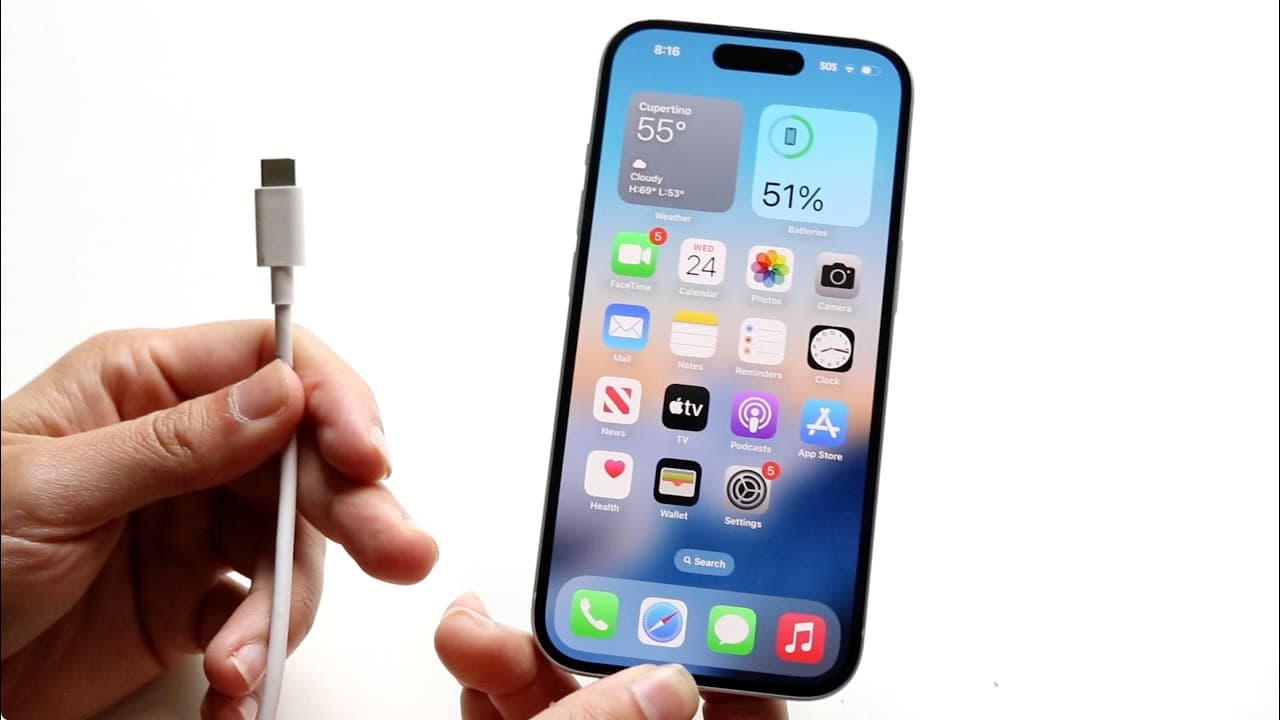
so it's always so interesting to me whenever a particular iPhone comes out because there's always new ways to go and charge your iPhone there's always new ways to get improvements of your particular iPhone as well and I will tell you there's a kind of a proper way that I would recommend going through and charging up your particular iPhone the big t... Read More
Key Insights
- 🛜 Avoiding overnight wireless charging can significantly reduce the risk of overheating your iPhone.
- 😒 Wired charging is generally preferable for maintaining battery health over time, especially for long-term use.
- 🔋 Optimized battery charging is a useful feature that can help prolong battery life by limiting full charges.
- 👻 Regularly monitoring battery health allows users to recognize and address potential issues early on.
- 👣 Utilizing the clean energy charging feature can reduce the carbon footprint without adversely affecting battery performance.
- 🫵 Limiting charging to around 80% may further enhance battery longevity but could be viewed as extreme by some users.
- 😨 Understanding settings and charging options helps users make informed decisions about their device's care.
Install to Summarize YouTube Videos and Get Transcripts
Explore YouTube Video Summarizer or Get YouTube Transcript Extractor
Questions & Answers
Q: Why is wireless charging discouraged for iPhone users who want to maintain battery health?
Wireless charging can lead to overheating, especially if used regularly overnight. Overheating can degrade the battery's overall health and lifespan. Therefore, it’s better to use a wired charging method, which tends to keep the device cooler, ultimately protecting the battery from potential long-term damage.
Q: What does optimized battery charging do, and how can it help iPhone users?
Optimized battery charging learns the user's charging habits and delays charging past 80% until it predicts the user will need the phone. This method helps to reduce battery wear and prolongs overall battery health by minimizing time spent at full charge, which can be detrimental over time.
Q: How can users check their iPhone's battery health?
Users can check their battery health by navigating to the Settings app, then selecting Battery, and tapping on Battery Health. This section provides a percentage of the current battery condition and suggests options for optimizing charging to maintain health longer.
Q: What is the significance of keeping the iPhone cool during charging?
Keeping the iPhone cool is crucial because excessive heat can damage internal components and reduce battery longevity. Strategies include avoiding extended wireless charging, using standard chargers whenever possible, and ensuring the device has proper ventilation during charging.
Summary & Key Takeaways
-
The content discusses effective charging strategies to maintain iPhone battery health over the long term, particularly for users seeking longevity from their devices.
-
It highlights the drawbacks of wireless charging, including overheating issues, and recommends using standard charging methods for better battery preservation.
-
Key settings such as optimized battery charging, clean energy charging, and battery health monitoring are emphasized as essential tools for maintaining battery performance.
Read in Other Languages (beta)
Share This Summary 📚
Summarize YouTube Videos and Get Video Transcripts with 1-Click
Try YouTube Summary with ChatGPT & Claude or YouTube Transcript Generator
Explore More Summaries from Simple Alpaca 📚






Summarize YouTube Videos and Get Video Transcripts with 1-Click
Try YouTube Summary with ChatGPT & Claude or YouTube Transcript Generator