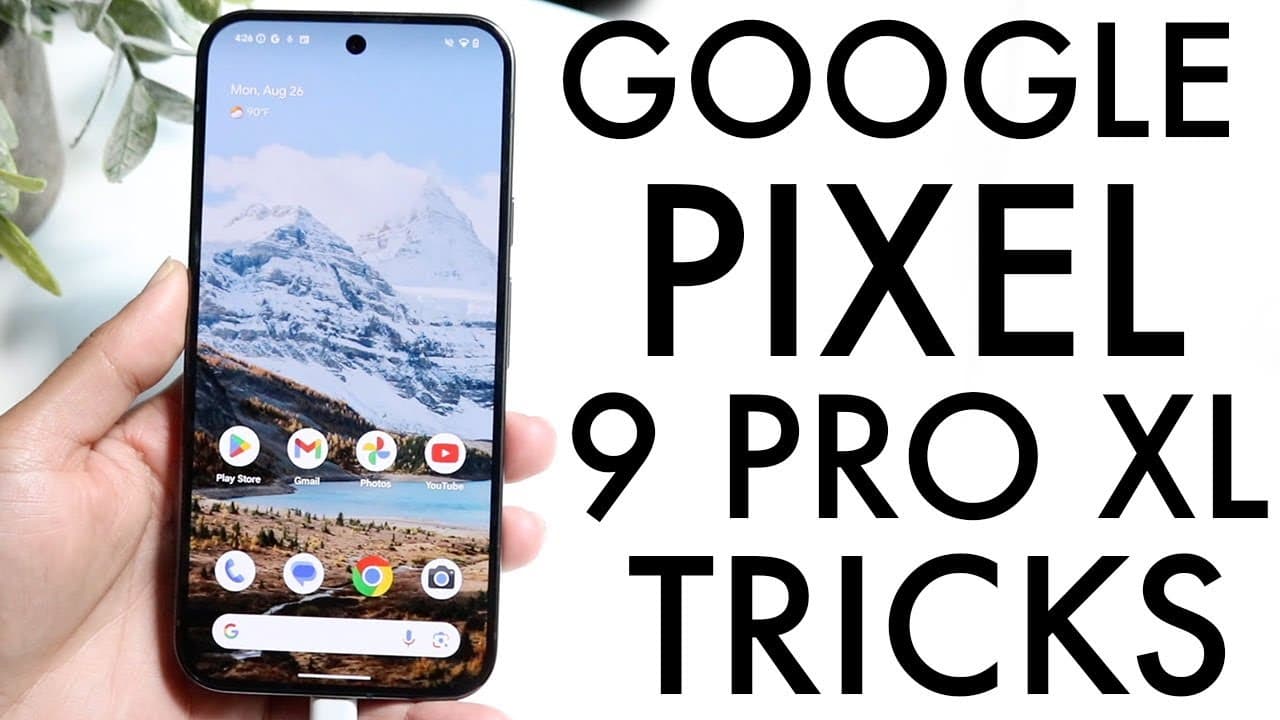
Google Pixel 9 Pro XL: BEST Tricks & Tips!
TL;DR
Essential tips to enhance your experience with the Google Pixel 9 Pro XL.
Transcript
everyone the Google pixel9 pro XL has just came out so I wanted to give you some of the best tricks and tips on this particular phone just to make sure you have some of the best experience with this device because there's a lot of things that when you're going through and picking up a brand new device or even if you're watching this like 10 years o... Read More
Key Insights
- 👋 The Google Pixel 9 Pro XL is regarded as one of the best smartphones currently available, primarily for its advanced features and customization options.
- 🛟 Prioritizing device protection with accessories like cases and screen protectors can significantly prolong the phone's life and performance.
- ☠️ Users can improve their interaction with the device through advanced settings, allowing for high refresh rates for a smoother display.
- 🌆 The camera capabilities, including 8K video recording and innovative photo editing features, set the Pixel 9 Pro XL apart from its competitors.
- 🕶️ Dark mode can be activated and scheduled within display settings, offering both aesthetic and battery-saving advantages.
- 🤟 Gesture navigation is recommended for a more efficient user experience compared to traditional three-button navigation.
- ♊ Familiarizing oneself with Google Gemini can streamline daily tasks and improve overall productivity when using the device.
Install to Summarize YouTube Videos and Get Transcripts
Explore YouTube Video Summarizer or Get YouTube Transcript Extractor
Questions & Answers
Q: What should be the first accessory I purchase for my Google Pixel 9 Pro XL?
The first accessory you should consider buying is a screen protector and a phone case. These accessories are crucial in protecting the device from accidental drops and scratches. Given the phone's advanced features and expensive price tag, investing in these protective items is a wise choice. They are relatively inexpensive but can save you from costly repairs in the future.
Q: How can I customize my Google Pixel 9 Pro XL's lock screen?
Customizing the lock screen is simple. Once your phone is powered on, hold down on the lock screen and click on the 'Customize Lock Screen' option at the bottom. This will allow you to modify elements like the time, choose different fonts, and provide shortcuts for various applications, making your lock screen unique and personal.
Q: What is Google Gemini, and how can it enhance my phone experience?
Google Gemini is an AI assistant integrated into the Pixel 9 Pro XL. By holding down the power button, you can invoke Gemini to assist you with tasks like setting reminders, creating playlists, and even sharing photos for context. This feature makes the phone more interactive and helps streamline numerous daily tasks, making it a valuable tool for users.
Q: What are the camera features available on the Pixel 9 Pro XL?
The Pixel 9 Pro XL boasts several advanced camera features, including the ability to record in 8K resolution, modify exposure settings, and use an innovative 'Add Me' feature that allows users to insert themselves into photos creatively. Exploring the camera's settings can elevate your photography experience and take full advantage of the device's camera capabilities.
Q: How do I enable the Smooth Display feature on my Pixel 9 Pro XL?
To enable the Smooth Display feature, navigate to the Display Settings on your phone. You'll find an option labeled 'Smooth Display' at the bottom. By turning this feature on, you can enjoy a 120Hz refresh rate, providing a smoother and more visually appealing experience while using your phone, although it may consume more battery.
Q: Why is it important to update the Pixel 9 Pro XL immediately after purchasing?
Updating your Pixel 9 Pro XL right after purchase is essential as it ensures that you are operating with the latest software versions. These updates come with bug fixes, security improvements, and new features that enhance overall functionality. By checking for updates in the System settings, you can enjoy an optimal device experience from the start.
Summary & Key Takeaways
-
The Google Pixel 9 Pro XL is known for its impressive features, including a high-quality camera and customization options, making it a top choice among smartphones.
-
Key recommendations for new users include applying a screen protector and case, familiarizing themselves with Google Gemini for assistance, and adjusting display settings for optimal performance.
-
Updating the software immediately after purchase is crucial for accessing improvements and fixes, ensuring users enjoy the best experience with their device.
Read in Other Languages (beta)
Share This Summary 📚
Summarize YouTube Videos and Get Video Transcripts with 1-Click
Try YouTube Summary with ChatGPT & Claude or YouTube Transcript Generator
Explore More Summaries from Simple Alpaca 📚






Summarize YouTube Videos and Get Video Transcripts with 1-Click
Try YouTube Summary with ChatGPT & Claude or YouTube Transcript Generator