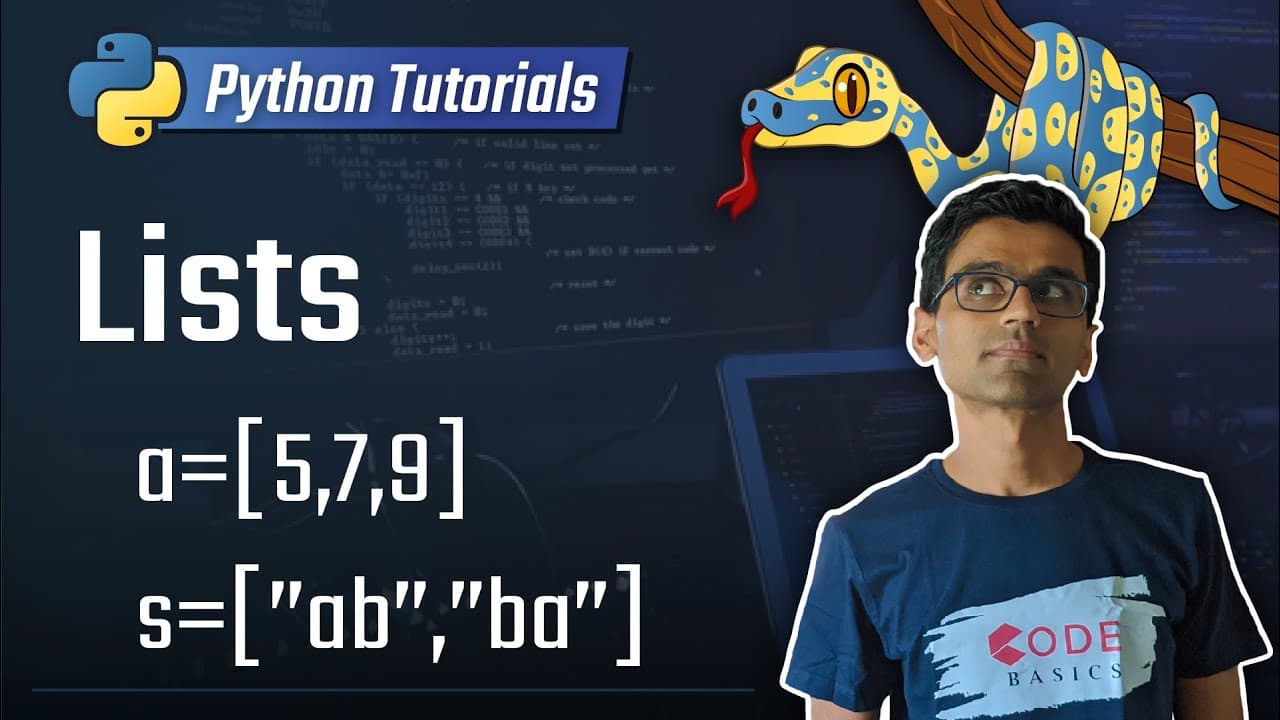
5. Lists [Python 3 Programming Tutorials]
TL;DR
Learn how to use lists in Python, which are a more efficient way to store multiple items compared to creating individual variables.
Transcript
today's topic is list in Python so what is list let's understand this by working on this sample problem we all go to grocery stores what do we do when we are about to leave for grocery stores yes you guessed it right we make our grocery list the list of items that we won't buy from grocery store if you want to tour this list of items in Python and ... Read More
Key Insights
- 💨 Lists in Python provide a more efficient way to store and manipulate multiple items compared to creating individual variables.
- 🫰 Individual items in a list can be accessed and modified using index numbers.
- ❤️🩹 Lists can be modified by changing the value of specific elements or by appending new elements to the end.
- 👂 Lists can be concatenated together using the plus sign, allowing for the combination of multiple lists into one.
- 🤫 The length of a list can be determined using the len() function.
- 💨 The in operator can be used to check if a specific item is present in a list, providing a more efficient way to perform lookups.
- 🫰 Lists in Python follow zero-based indexing, where the first item has an index of 0.
Install to Summarize YouTube Videos and Get Transcripts
Explore YouTube Video Summarizer or Get YouTube Transcript Extractor
Questions & Answers
Q: What is a list in Python?
A list in Python is a data structure used to store multiple items. It can be created by enclosing the items in square brackets and separating them with commas.
Q: How are individual items in a list accessed?
Individual items in a list can be accessed using index numbers. The index starts at 0, so the first item in the list has an index of 0, the second item has an index of 1, and so on.
Q: How can a value in a list be modified?
To modify a value in a list, you can assign a new value to the specific index of the item. For example, if you want to change the first item in the list, you can use items[0] = "chips" to replace "bread" with "chips".
Q: How can elements be added to a list?
New elements can be added to the end of a list using the append() method. For example, if you want to add the item "butter" to the list, you can use items.append("butter") to append it.
Q: How can two lists be combined into one?
Two lists can be concatenated together using the plus sign. For example, if you have a list called food and another list called bathroom, you can create a combined list called items by using items = food + bathroom.
Q: How can the length of a list be determined?
The length of a list can be determined using the len() function. By passing the list as an argument to len(), it will return the total number of items in the list.
Q: How can I check if an item is present in a list?
To check if a specific item is present in a list, you can use the in operator. For example, if you want to check if "bread" is in the list, you can use "bread" in items, which will return True if it is present and False if it is not.
Q: Can individual items be inserted at a specific location in a list?
Yes, individual items can be inserted at a specific location in a list using the insert() method. By specifying the index where you want to insert the item, it will shift the existing items and add the new item at that location.
Summary & Key Takeaways
-
Lists in Python are used to store multiple items and can be created by enclosing the items in square brackets and separating them with commas.
-
Individual items in a list can be accessed using index numbers, and the index starts at 0.
-
Lists can be modified by changing the value of specific elements or by appending new elements to the end using the append() method.
-
Lists can be concatenated together using the plus sign, and the length of a list can be determined using the len() function.
-
The in operator can be used to check if a specific item is present in a list.
Read in Other Languages (beta)
Share This Summary 📚
Summarize YouTube Videos and Get Video Transcripts with 1-Click
Try YouTube Summary with ChatGPT & Claude or YouTube Transcript Generator
Explore More Summaries from codebasics 📚


Summarize YouTube Videos and Get Video Transcripts with 1-Click
Try YouTube Summary with ChatGPT & Claude or YouTube Transcript Generator