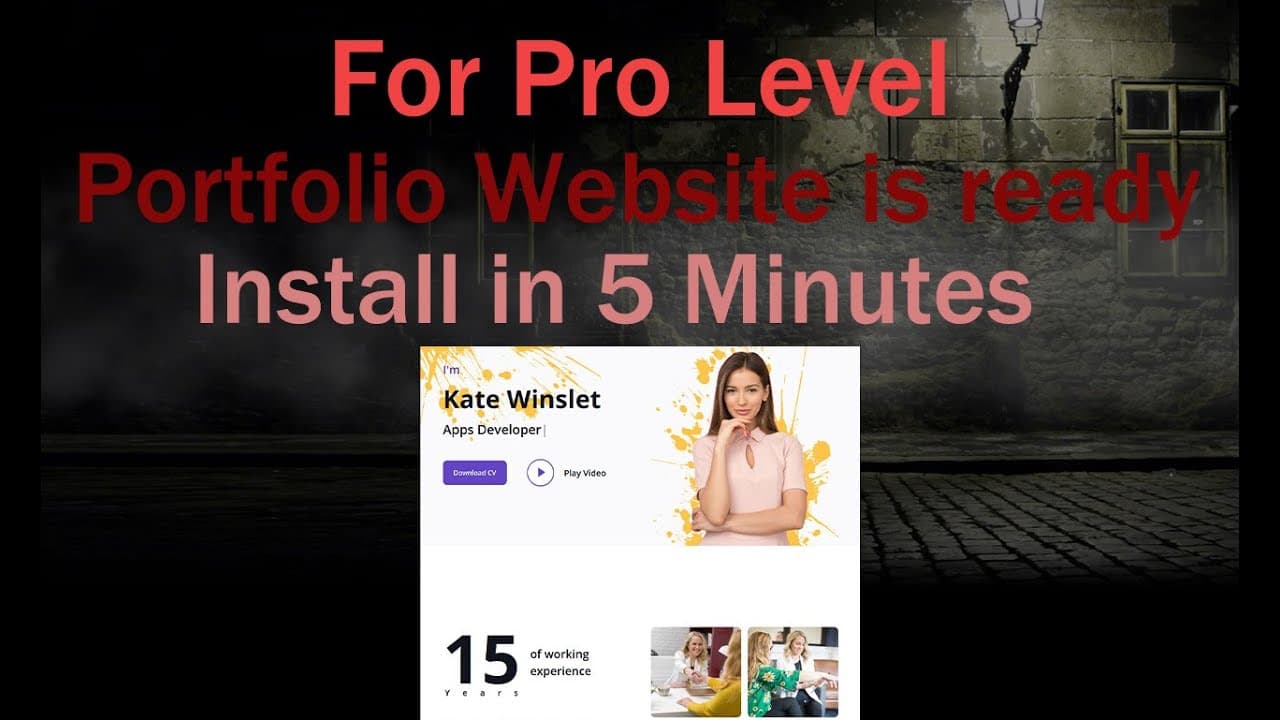
Your Free portfolio website is ready || install in 5 minutes
TL;DR
Create a free portfolio website using GitHub with backend access included.
Transcript
[Applause] [Applause] know today I'll give you a free portfolio website for those who have not at create their portfolio on the website this site is for them you can set up your website hosting by downloading it from GitHub this website has two part front end that you see first and second part now I will show you to go to second part you need to en... Read More
Key Insights
- 🦮 The guide simplifies the process of creating a portfolio website, making it accessible to beginners.
- ❓ Essential software components are highlighted, emphasizing their importance for successful site operation.
- 🛟 Detailed instructions are provided for both downloading files and configuring server settings.
- 🎮 A clear method for accessing backend controls enhances user experience, allowing control over the website content.
- 🫵 The video encourages viewers to utilize GitHub as a valuable resource for web development projects.
- 😒 It promotes the use of Visual Studio Code as a preferred code editor for modifying website files.
- 💁 Contact information is offered for further assistance, fostering community engagement among users seeking help.
Install to Summarize YouTube Videos and Get Transcripts
Explore YouTube Video Summarizer or Get YouTube Transcript Extractor
Questions & Answers
Q: What steps do I need to take to download the portfolio website from GitHub?
To download the portfolio website, you can pause the video and locate the GitHub link found in the description. Click on the link, which will direct you to the project's GitHub page. From there, you can download the project files, unzip them, and prepare for installation on your local or remote server.
Q: What software do I need to have installed to run this website?
To run the portfolio website, ensure you have an HTTP server such as Apache, as well as MySQL for the database. You will also need the PHP programming language along with a tool like XAMPP for local setup. Confirm these requirements with your hosting provider if you're using a remote server.
Q: How do I set up the database for my portfolio website?
To set up the database, log into MySQL Workbench and create a new database named 'test.' After creating the database, open the .env file in your code editor and update the username, password, and database name before saving. This configuration allows the website to communicate with your database successfully.
Q: Can you explain how to access the admin dashboard of the portfolio site?
To access the admin dashboard, enter your website domain followed by "/login" in the browser. You will then be prompted to log in using the provided email address, "[email protected]," and the password "12345". Once logged in, you will be directed to the admin dashboard for website management.
Summary & Key Takeaways
-
The content provides a step-by-step guide to creating a free portfolio website, including backend access for managing the site.
-
It outlines the necessary software requirements for successfully running the portfolio website, such as Apache and MySQL servers, and PSP programming.
-
The guide includes instructions for downloading files from GitHub, configuring database settings, and accessing the site's backend with provided login credentials.
Read in Other Languages (beta)
Share This Summary 📚
Summarize YouTube Videos and Get Video Transcripts with 1-Click
Try YouTube Summary with ChatGPT & Claude or YouTube Transcript Generator
Explore More Summaries from script spark 📚


Summarize YouTube Videos and Get Video Transcripts with 1-Click
Try YouTube Summary with ChatGPT & Claude or YouTube Transcript Generator