Windows Defender vs Ransomware 2024
TL;DR
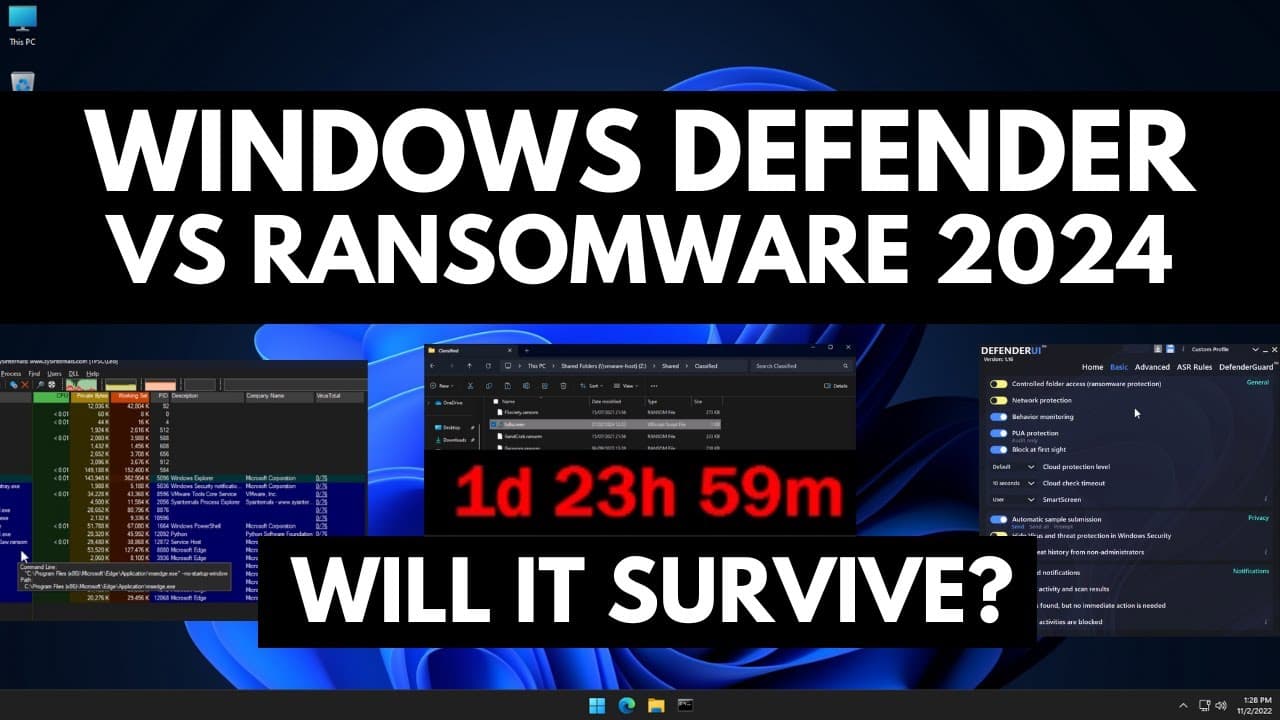
Testing Windows Defender's default settings against ransomware reveals vulnerabilities, but tweaking the settings can improve protection.
Transcript
every year we love to task Windows Defender against some of the most infamous ransomware that's not nice so that's what we're going to do in this video we're going to automate the execution of all of those threats on this test system but we're also going to do something else now a lot of you mention in the comments that there are additional tools l... Read More
Key Insights
- 👻 Windows Defender's default settings do not provide sufficient protection against ransomware, allowing some threats to execute and encrypt data.
- ☠️ Tweaking Windows Defender settings, specifically enabling advanced protection against ransomware, improves the detection rate and prevents data encryption.
- 🚫 Changes in Windows Defender settings can have drawbacks like increased resource utilization and false positives that block legitimate applications.
- 🚫 Additional settings, such as Pua protection and block at First Sight, can also contribute to improved protection against ransomware.
- 😶🌫️ Windows Defender's reliance on cloud and sandbox technology for detection may cause delays in detecting malware, allowing it to potentially encrypt files.
- 🥳 Third-party tools like Defender UI can help users easily modify Windows Defender settings for better protection against ransomware.
- 👨🔬 Online sandboxes like any.do run provide threat intelligence and malware samples for conducting threat research and testing.
Install to Summarize YouTube Videos and Get Transcripts
Explore YouTube Video Summarizer or Get YouTube Transcript Extractor
Questions & Answers
Q: Why did Windows Defender fail to detect and block some ransomware threats in the default setting?
The unreliable detection of Windows Defender may be attributed to delays in detecting malware, as it heavily depends on cloud and sandbox technology for detection.
Q: Can changes in Windows Defender settings improve protection against ransomware?
Yes, tweaking settings like enabling advanced protection against ransomware and blocking untrusted processes from running on USB can significantly enhance Windows Defender's ability to detect and block ransomware threats.
Q: Are there any drawbacks to modifying Windows Defender settings for better protection?
Yes, making changes to Windows Defender settings can lead to increased resource utilization and create false positives, blocking legitimate applications that exhibit behavior blocked by Windows Defender.
Q: What other settings in Windows Defender can be tweaked for improved protection?
Besides enabling advanced protection against ransomware and blocking untrusted processes, settings such as Pua protection, block at First Sight, and cloud protection level can be adjusted.
Summary & Key Takeaways
-
By default, Windows Defender fails to fully protect against ransomware, allowing some threats to execute and encrypt data.
-
Tweaking Windows Defender settings, such as enabling advanced protection against ransomware, improves the detection rate and prevents data encryption.
-
However, modifying settings can also result in increased resource utilization and false positives, blocking legitimate applications.
Read in Other Languages (beta)
Share This Summary 📚
Summarize YouTube Videos and Get Video Transcripts with 1-Click
Try YouTube Summary with ChatGPT & Claude or YouTube Transcript Generator
Explore More Summaries from The PC Security Channel 📚






Summarize YouTube Videos and Get Video Transcripts with 1-Click
Try YouTube Summary with ChatGPT & Claude or YouTube Transcript Generator