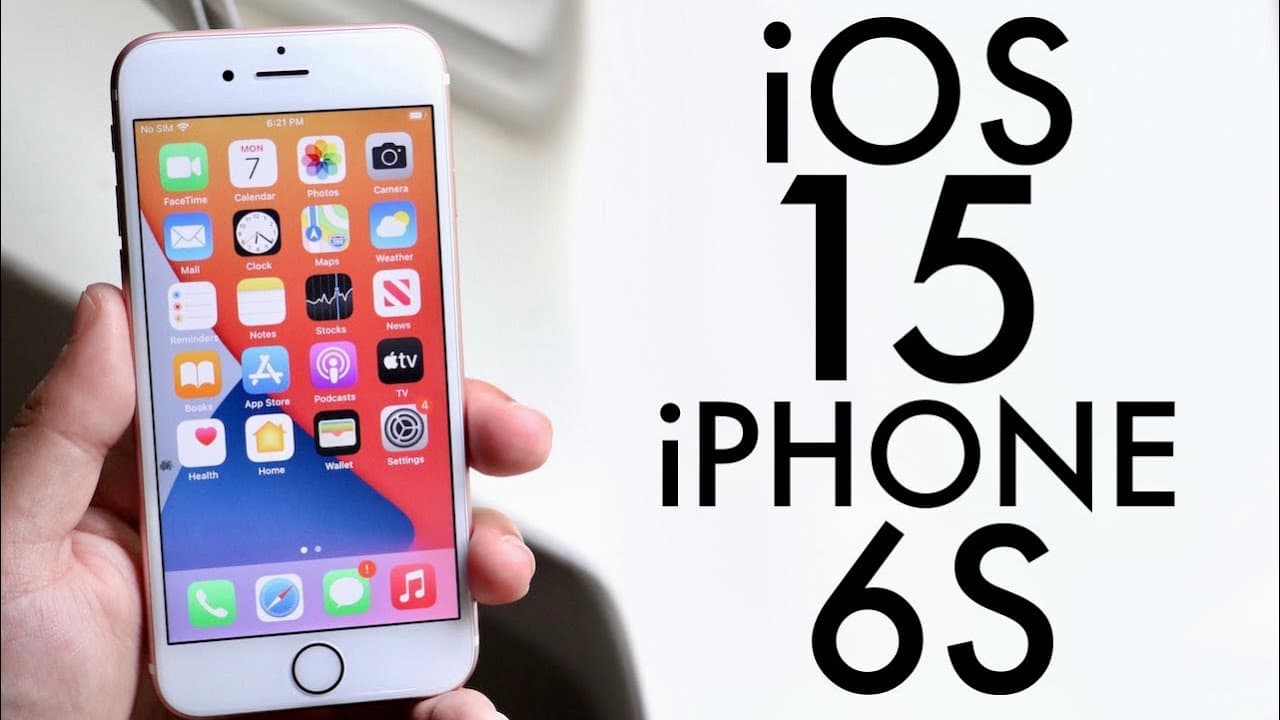
iOS 15 On iPhone 6S! (Review)
TL;DR
iOS 15 beta has features but performs poorly on iPhone 6s.
Transcript
welcome back everyone ios 15 has officially came out in a beta so let's take a look at it on the iphone 6s now this specific beta came at a pretty big size it definitely wasn't super small i can definitely tell you my success is not handling ios 15 at all that well 4.39 gigs that's a pretty big sized update unfortunately it didn't really bring anyt... Read More
Key Insights
- 🥺 iOS 15 beta for the iPhone 6s is substantially sized, leading to performance concerns.
- 🥶 New FaceTime features enhance user experience, but can be inconsistent on older hardware.
- 👻 Live text functionality allows users to interact with text in images, representing a significant innovation.
- 💨 Focus Mode offers a new way to manage notifications and screen time, indicating improved usability.
- 🛄 The redesign of iMessage aims to make interactions smoother and more customizable.
- 😀 Drag-and-drop functionality is now system-wide, enhancing multitasking capabilities across apps.
- 🔔 Notifications have been updated for better organization and visibility.
Install to Summarize YouTube Videos and Get Transcripts
Explore YouTube Video Summarizer or Get YouTube Transcript Extractor
Questions & Answers
Q: What is the main size of the iOS 15 beta update for iPhone 6s?
The iOS 15 beta update for the iPhone 6s is substantial at 4.39GB. Users with the iPhone 6s may find that this large update can lead to performance issues as the device struggles to handle the newer software, which has been observed in this beta release.
Q: What are some new features introduced in iOS 15 for FaceTime?
iOS 15 introduces several features for FaceTime, including spatial audio to enhance sound quality and a new ability to share links, allowing users from other platforms to join calls easily. Additionally, Portrait Mode can be applied during calls, along with the option to share screens, enhancing the overall communication experience.
Q: How does iMessage in iOS 15 differ from previous versions?
iMessage has undergone significant changes in iOS 15, notably with a complete redesign that moves the tab bar to the bottom. Users can now swipe between tabs and utilize drag-and-drop functionality across the system, making message management more intuitive and user-friendly compared to prior iterations.
Q: Why is it not recommended to install iOS 15 on iPhone 6s?
Installing iOS 15 on the iPhone 6s is discouraged due to its slow performance and glitches. The device struggles to handle the beta version, leading to constant issues that outweigh any benefits. Sticking with iOS 14, especially the stable releases, is a more reliable and safer option until iOS 15 stabilizes.
Summary & Key Takeaways
-
The iOS 15 beta on iPhone 6s is large at 4.39GB, but it lacks significant performance improvements or revolutionary features.
-
Key updates include spatial audio for FaceTime, live text capabilities in the camera app, and a redesigned iMessage interface.
-
Users are advised against installing the iOS 15 beta on older devices like the iPhone 6s due to glitches and slower performance compared to iOS 14.
Read in Other Languages (beta)
Share This Summary 📚
Summarize YouTube Videos and Get Video Transcripts with 1-Click
Try YouTube Summary with ChatGPT & Claude or YouTube Transcript Generator
Explore More Summaries from Simple Alpaca 📚






Summarize YouTube Videos and Get Video Transcripts with 1-Click
Try YouTube Summary with ChatGPT & Claude or YouTube Transcript Generator