How to Build a Cash App Clone with SolanaPay and NextJS?
TL;DR
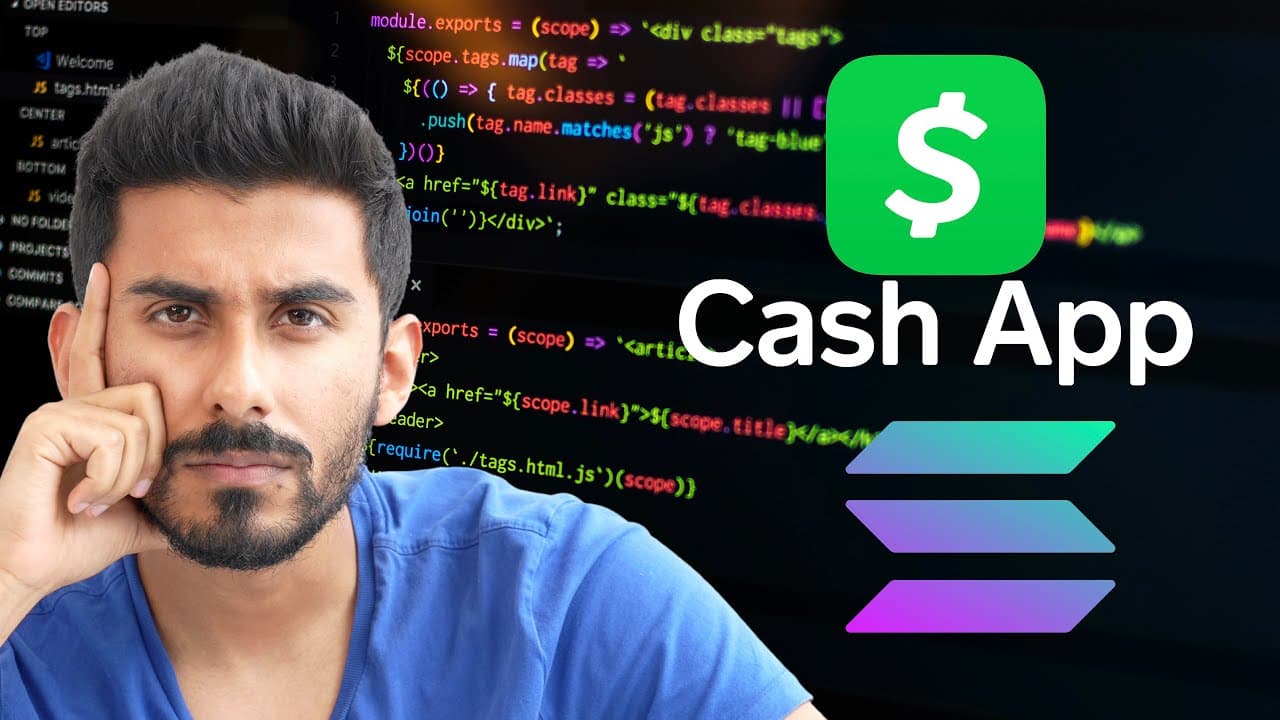
To build a Cash App clone using SolanaPay and Next.js, start by setting up your development environment with Next.js and the Solana wallet adapter. Implement features like sending and receiving Solana transactions, QR code payments, and user wallet connections. Utilize local storage for transaction history and customize the app to enhance user experience.
Transcript
in this video we are making cash app web 3.0 dap with nexjs I'll be showing you how to make your cash app clone work with something called Solana pick if you don't know what solanape is it's a digital payment platform built on the Solana blockchain that you can use to make it so that your front-end app can now send money and Solana to other users a... Read More
Key Insights
- 🤑 The Cash App clone project utilizes Solana blockchain for secure and efficient money transfers.
- 😀 Users can customize the web app design and functionality to match their preferences and add it to their personal portfolios.
- 👨💻 The integration of QR code payments and wallet connection provides a seamless user experience for making transactions.
- 📽️ The project demonstrates the potential of blockchain technology in enhancing digital payment platforms and creating innovative financial solutions.
- 👻 Solana's Devnet network is used for development purposes, allowing users to experiment and test their projects without using real Solana currency.
- 😀 The local storage feature is utilized to store transaction history and retrieve it for display in the web app.
Install to Summarize YouTube Videos and Get Transcripts
Explore YouTube Video Summarizer or Get YouTube Transcript Extractor
Questions & Answers
Q: What is Solana and how does it relate to the Cash App clone?
Solana is a digital payment platform built on the Solana blockchain. It enables the web app to send and receive money in Solana, similar to how Cash App operates with traditional currencies.
Q: How can users set up a point of sale system using the Cash App clone?
The video tutorial explains how to integrate a QR code scanner feature in the web app, allowing users to scan QR codes and make payments through their smartphones. This functionality can be used to set up a point of sale system for business transactions.
Q: How can users get started with building the Cash App clone project?
To start working on the project, users need to use the NPX command in the terminal to install the necessary dependencies and set up the initial files. The video provides step-by-step instructions on how to get started using NPX Collab and Programmer tool.
Q: What technologies are used in building the Cash App clone web app?
The web app is developed using Next.js, Solana blockchain, Solana wallet adapter, Solana wallet adapter React UI, and Solana Web3. It also leverages various front-end components and functionalities to enable wallet connection, transaction history display, and QR code payments.
Key Insights:
- The Cash App clone project utilizes Solana blockchain for secure and efficient money transfers.
- Users can customize the web app design and functionality to match their preferences and add it to their personal portfolios.
- The integration of QR code payments and wallet connection provides a seamless user experience for making transactions.
- The project demonstrates the potential of blockchain technology in enhancing digital payment platforms and creating innovative financial solutions.
- Solana's Devnet network is used for development purposes, allowing users to experiment and test their projects without using real Solana currency.
- The local storage feature is utilized to store transaction history and retrieve it for display in the web app.
- The tutorial also highlights the importance of understanding the parent-child relationship of React components when working with a project that is not built from scratch.
Summary & Key Takeaways
-
This video tutorial demonstrates how to create a Cash App clone using Solana Web 3.0 DApp with Next.js.
-
The web app allows sending and receiving money in Solana, customizing the app design, and adding it to personal portfolios.
-
Features include transaction history, QR code payments, and connecting/disconnecting wallets.
Read in Other Languages (beta)
Share This Summary 📚
Summarize YouTube Videos and Get Video Transcripts with 1-Click
Try YouTube Summary with ChatGPT & Claude or YouTube Transcript Generator
Explore More Summaries from Clever Programmer 📚

Summarize YouTube Videos and Get Video Transcripts with 1-Click
Try YouTube Summary with ChatGPT & Claude or YouTube Transcript Generator