Let's Install Proxmox 8.0!
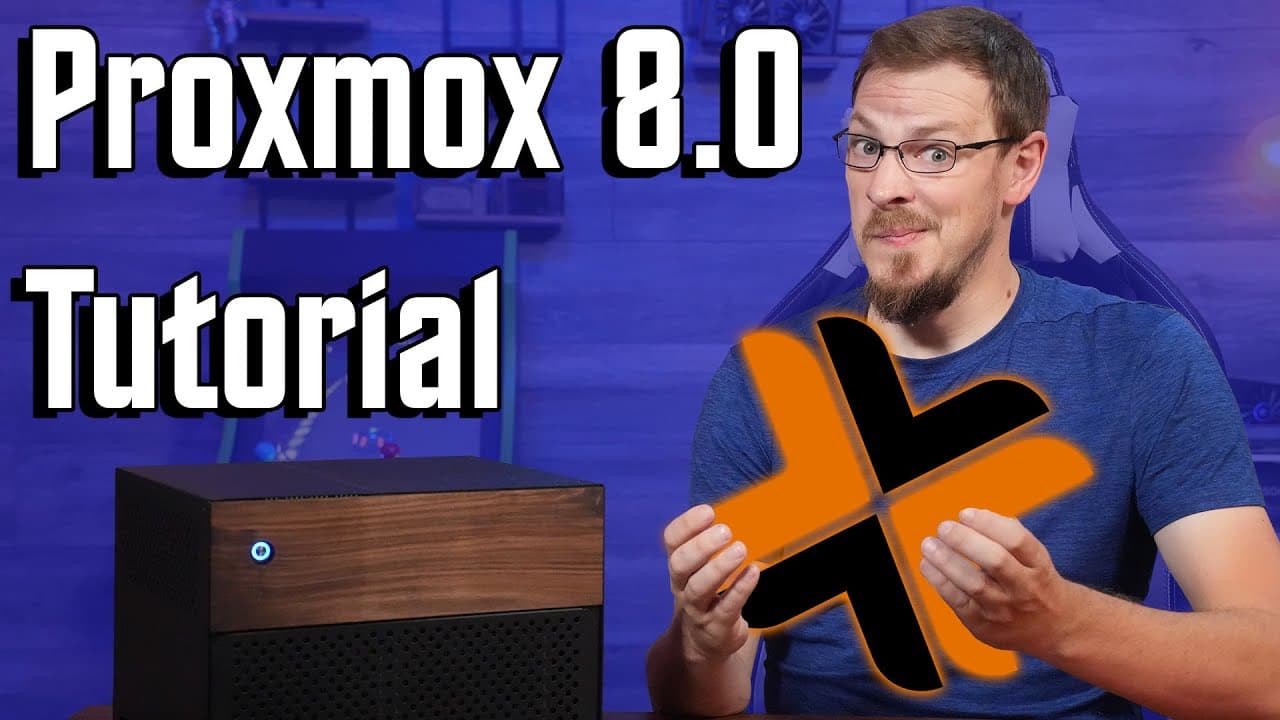
TL;DR
Learn how to install and set up Proxmox 8.0, a virtualization platform, and create your first virtual machine.
Transcript
so you've built yourself a new server and you're anxious to get your home lab up and running with virtual machines and mass storage like all of your cool friends If This Were A choose your fighter screen my choices would be proxmox for the main OS and virtualizing true Nas for all of your storage needs today we're going to focus on installing proxm... Read More
Key Insights
- ❓ Proxmox 8.0 is a recommended virtualization platform for its stability and extensive features.
- 🛟 Careful hardware selection, including the server chassis, CPU, and memory, ensures optimal performance.
- 😫 The installation process involves creating a bootable flash drive, configuring RAID setup, and setting up a static IP address.
- 🌉 The network setup in Proxmox involves creating a virtual network bridge for virtual machines to access the physical network.
- 🗯️ Choosing the right CPU type is important for compatibility and performance optimization in virtual machines.
- 👤 Proxmox offers a user-friendly web interface for managing virtual machines and their resources.
- 🧵 Allocating resources, such as CPU threads and memory, requires a balance between performance needs and available hardware.
Install to Summarize YouTube Videos and Get Transcripts
Explore YouTube Video Summarizer or Get YouTube Transcript Extractor
Questions & Answers
Q: Why is Proxmox 8.0 recommended for virtualization?
Proxmox 8.0 is highly recommended for virtualization due to its stability, ease of use, and extensive features such as PCI Express passthrough and networking capabilities.
Q: Why was the as media 1064 SATA controller chosen over a server HBA?
The as media 1064 SATA controller was chosen because it only requires a single 1X PCI Express slot, compared to server HBAs that require larger slots. This decision allows for future expansion of a 10 gigabit networking card.
Q: How can I create my first virtual machine on Proxmox 8.0?
To create a virtual machine, you need to use the Proxmox web interface. Upload the ISO file of the desired operating system, follow the VM wizard to configure hardware settings, and start the VM.
Q: What are the network setup options in Proxmox?
Proxmox uses a network bridge, named vmbr0, to connect virtual machines to the physical network adapter on the server. You can configure VLANs, internal-only networks, and link VMs to different physical network connections.
Key Insights:
- Proxmox 8.0 is a recommended virtualization platform for its stability and extensive features.
- Careful hardware selection, including the server chassis, CPU, and memory, ensures optimal performance.
- The installation process involves creating a bootable flash drive, configuring RAID setup, and setting up a static IP address.
- The network setup in Proxmox involves creating a virtual network bridge for virtual machines to access the physical network.
- Choosing the right CPU type is important for compatibility and performance optimization in virtual machines.
- Proxmox offers a user-friendly web interface for managing virtual machines and their resources.
- Allocating resources, such as CPU threads and memory, requires a balance between performance needs and available hardware.
- Proxmox provides the flexibility to run various operating systems in virtual machines, such as Ubuntu Server.
Summary & Key Takeaways
-
Proxmox 8.0 is recommended as the main OS for virtualization, while True NAS is suggested for storage needs.
-
The tutorial covers the installation process of Proxmox 8.0, creating virtual machines, and important settings and features.
-
The chosen hardware includes an 8-bay server chassis, Intel I9 11800h mobile CPU, and 32GB of DDR4 memory.
Read in Other Languages (beta)
Share This Summary 📚
Summarize YouTube Videos and Get Video Transcripts with 1-Click
Try YouTube Summary with ChatGPT & Claude or YouTube Transcript Generator
Explore More Summaries from Craft Computing 📚

Summarize YouTube Videos and Get Video Transcripts with 1-Click
Try YouTube Summary with ChatGPT & Claude or YouTube Transcript Generator