Creating our GUI Main Menu - Tkinter tutorial Python 3.4 part 11
TL;DR
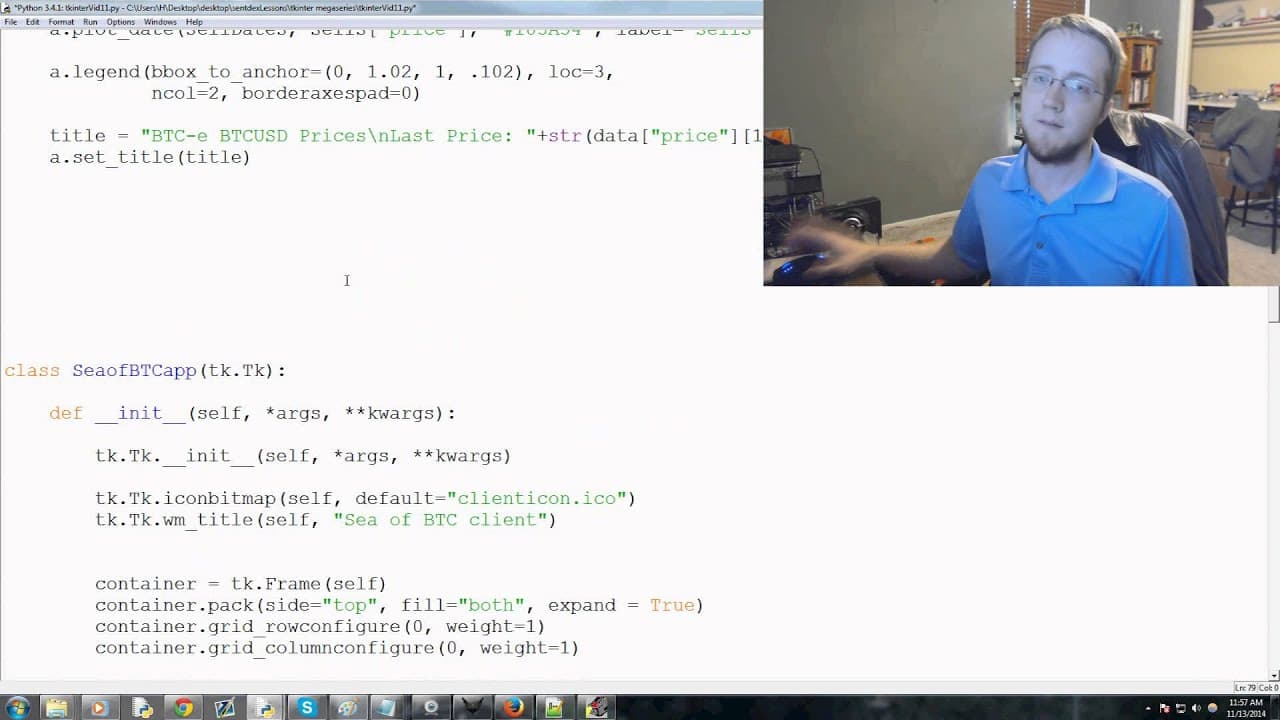
Continuing work on a Python Tkinter application to add file menu options and structure for main menu.
Transcript
hey guys what's going on welcome to the eleventh tkinter with python three tutorial video in this video we're going to just continue working on our application we have a few changes that we want to make to kind of structure of our code but otherwise we're ready to actually modify this script so right now we just load up and we've got a live grab no... Read More
Key Insights
- 🏛️ Building a Tkinter application involves structuring the backend first before adding functionality.
- 🤢 Configuring the application size and creating a main menu bar are essential components in Tkinter development.
- 👤 Adding file menu options like "Save Settings" and "Exit" enhances user interaction with the application.
- 📁 Separators in the file menu help organize and visually separate different menu options.
- ✍️ The methodology of building a Tkinter application involves writing functions based on intended functionality first.
- 🧵 Threading the application for smoother operation during graph updates is a future consideration.
- 🦛 Pop-up message functions serve as useful tools for displaying messages in the application.
Install to Summarize YouTube Videos and Get Transcripts
Explore YouTube Video Summarizer or Get YouTube Transcript Extractor
Questions & Answers
Q: What changes are made to the application's code in the video?
Changes include configuring the application size, creating a main menu bar, and adding file menu options like "Save Settings" and "Exit."
Q: What is the methodology used to build the Tkinter application?
The methodology involves structuring the backend first to support the functionality and then building the functions to satisfy those needs.
Q: How is the file menu set up in the Tkinter application?
The file menu is created using Tkinter's menu functions, with options like "Save Settings" and "Exit" included within the menu bar.
Q: What is the purpose of adding separators in the file menu?
Separators are added to organize the file menu options, providing a visual distinction and making the menu more user-friendly.
Summary & Key Takeaways
-
The video focuses on structuring a Tkinter application by adding file menu options and setting up the main menu.
-
Changes made to the code include configuring the application size, creating a main menu bar, and adding file menu functionality.
-
The approach involves building the backend first to support the structure, similar to the methodology used in previous tutorials.
Read in Other Languages (beta)
Share This Summary 📚
Summarize YouTube Videos and Get Video Transcripts with 1-Click
Try YouTube Summary with ChatGPT & Claude or YouTube Transcript Generator
Explore More Summaries from sentdex 📚






Summarize YouTube Videos and Get Video Transcripts with 1-Click
Try YouTube Summary with ChatGPT & Claude or YouTube Transcript Generator