Should You Keep AirDrop On or Off on iPhone?
TL;DR
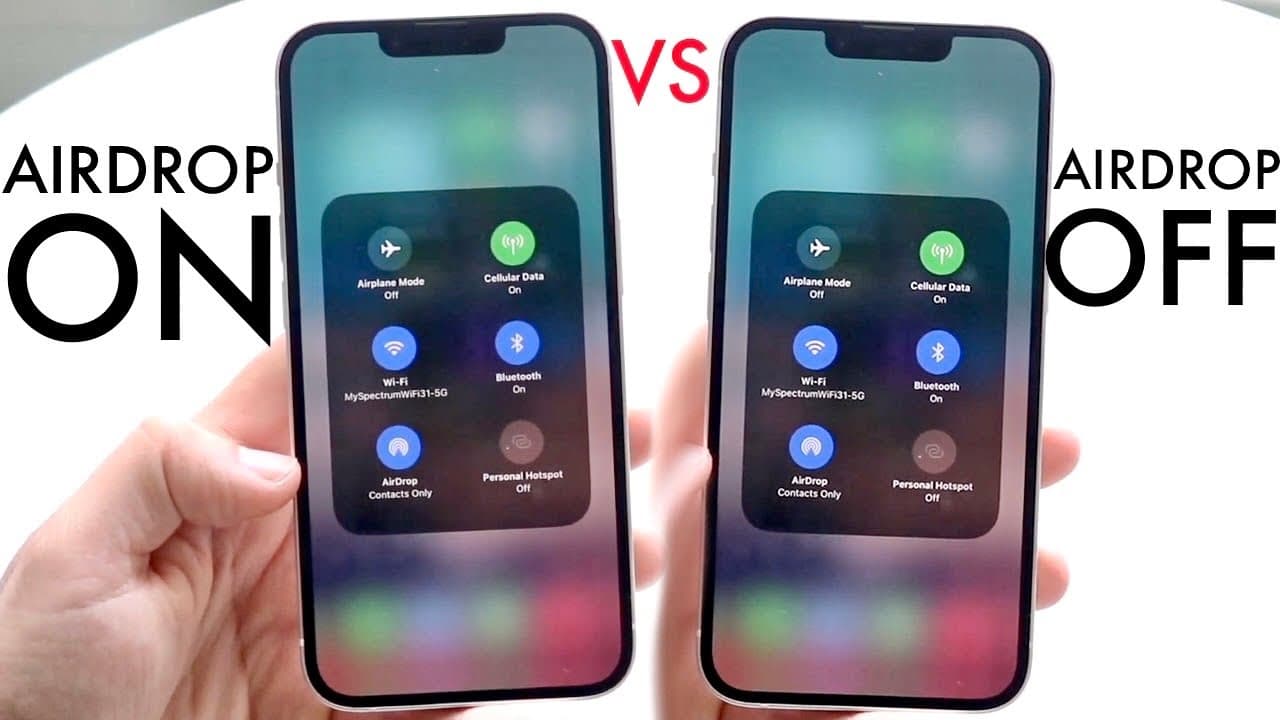
You should consider keeping AirDrop off for better security and battery life, especially if you have an older iPhone. It's advisable to set AirDrop to 'Contacts Only' to prevent unwanted file transfers while still allowing use of features like NameDrop. AirDrop is most useful when enabled but can pose risks if left on for everyone.
Transcript
well everyone you might be trying to figure out whether you should keep airdrop on or you should keep airdrop off now what even is airdrop well air drop is basically that little feature inside of our iPhones and iPads and Macs that basically allow us to go ahead and transfer files pretty quickly you know over a Wi-Fi and Bluetooth at a super fast r... Read More
Key Insights
- 📁 Airdrop provides quick file transfer between Apple devices, ideal for large files.
- ☢️ For effective usage, Airdrop requires Wi-Fi and Bluetooth to be active on the device.
- 📁 iOS 17 introduces features that restrict Airdrop usage when turned off, impacting file-sharing features like NameDrop.
- 🙂 Having Airdrop enabled can slightly impact battery performance, which some users may find significant.
- 😫 Security concerns arise when Airdrop is set to allow transfers from everyone, necessitating caution.
- 🥶 Users with older iPhones should consider setting Airdrop to "Contacts Only" for enhanced privacy.
- 💌 Airdrop can be particularly beneficial in environments where quick sharing is needed, reducing reliance on traditional email methods.
Install to Summarize YouTube Videos and Get Transcripts
Explore YouTube Video Summarizer or Get YouTube Transcript Extractor
Questions & Answers
Q: What is Airdrop and how does it work?
Airdrop is a built-in feature for Apple devices that allows users to share files quickly and efficiently using a combination of Wi-Fi and Bluetooth. This technology creates a peer-to-peer connection that facilitates the rapid transfer of images, documents, and other files without the need for email or third-party applications, enhancing convenience for users needing to share large files.
Q: Should I keep Airdrop on or off all the time?
It is not necessary to keep Airdrop on at all times unless you frequently share files with others. Keeping it on may drain battery life and pose privacy concerns, as it allows anyone nearby to send files to your device. For balanced use, many recommend toggling Airdrop on only when needed or setting it to "Contacts Only" to enhance security.
Q: What are the security risks associated with keeping Airdrop on?
Keeping Airdrop enabled for "Everyone" can expose your device to unwanted file transfers from strangers, which may include inappropriate or malicious content. Because of this, it is important to be cautious about when Airdrop is activated. Setting Airdrop to “Contacts Only” can mitigate this risk while still allowing secure file sharing with known individuals.
Q: How does using Airdrop affect battery life?
While Airdrop is a convenient feature, having it enabled continuously may result in a slight decrease in battery life. This is due to the background processes associated with maintaining the connection needed for wireless transfer. Users concerned about battery life might consider turning Airdrop off when not in use or monitoring their device's performance while using it.
Summary & Key Takeaways
-
Airdrop allows fast file transfers between Apple devices using Wi-Fi and Bluetooth, making it more convenient than email or cloud services.
-
Keeping Airdrop on all the time may pose security risks as anyone nearby can send files, while turning it off can impact features like NameDrop.
-
It is advisable to set Airdrop to "Contacts Only" for better security, especially for users with older iPhone models.
Read in Other Languages (beta)
Share This Summary 📚
Summarize YouTube Videos and Get Video Transcripts with 1-Click
Try YouTube Summary with ChatGPT & Claude or YouTube Transcript Generator
Explore More Summaries from Simple Alpaca 📚




Summarize YouTube Videos and Get Video Transcripts with 1-Click
Try YouTube Summary with ChatGPT & Claude or YouTube Transcript Generator