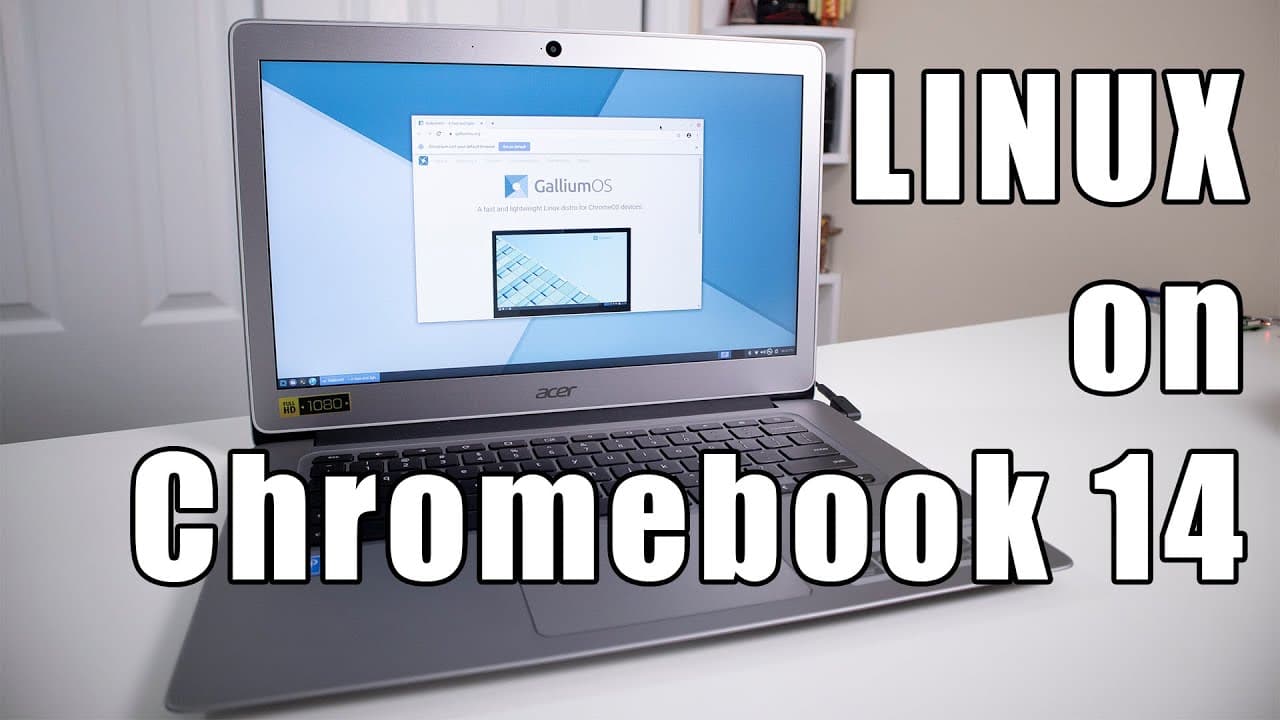
How to Install Gallium OS on Acer Chromebook 14
TL;DR
Installing Gallium OS on the Acer Chromebook 14 significantly enhances performance, allowing smooth multitasking compared to Windows 10. The process involves flashing the firmware and making a few physical modifications, but Gallium OS offers immediate compatibility with hardware features and better resource management, resulting in lower memory usage and faster boot times.
Transcript
hey guys what's going on it's dawn here from Nova spear Tech and today we're gonna be checking out linux on our Acer Chromebook 14 so let's get started a couple of weeks ago I went over to Micro Center and picked up an Acer Chromebook 14 in hopes of installing Windows 10 on to this guy which was very successful and the whole thought process of me b... Read More
Key Insights
- 🏃 Gallium OS is an excellent alternative for running on chromebooks with limited hardware resources, enhancing performance over Windows.
- 👤 The installation process for Gallium OS involves crucial physical modifications, emphasizing the need for careful execution by users.
- 👻 Resource efficiency is a central advantage of Gallium OS, allowing users to run multiple applications simultaneously without excessive strain on RAM.
- 😚 Battery life remains significantly better on Gallium OS under intensive tasks compared to Windows.
- 👤 Gallium OS provides immediate hardware compatibility, making it a straightforward choice for Chromebook users seeking a Linux environment.
- 😘 Users willing to learn about installing Linux can leverage Gallium OS for improved functionality and speed on lower-end hardware.
- 🆘 The transition from Chrome OS to Gallium OS reveals substantial differences in performance metrics like boot times and resource usage.
Install to Summarize YouTube Videos and Get Transcripts
Explore YouTube Video Summarizer or Get YouTube Transcript Extractor
Questions & Answers
Q: What challenges did the Acer Chromebook 14 face while running Windows 10?
The Acer Chromebook 14 struggled with multitasking due to its limited 4GB of RAM. Running Windows 10 on such limited hardware created performance issues, especially when switching between multiple applications, resulting in sluggishness and slow response times, which detracted from the user experience.
Q: Why is Gallium OS favored for the Chromebook compared to other Linux distributions?
Gallium OS is specifically designed for Chromebooks, ensuring immediate compatibility with essential hardware features, such as the touchpad and audio controls without the need for additional configuration. This makes it a user-friendly option, providing a better out-of-the-box experience for Chromebook users compared to other Linux versions.
Q: What performance improvements were observed when using Gallium OS over Windows 10?
Users reported faster boot times with Gallium OS, around 30 seconds compared to 45 seconds with Windows 10. RAM usage was also significantly lower under Gallium, enabling smoother multitasking and overall improved responsiveness even with multiple applications open simultaneously.
Q: Did the installation process for Gallium OS involve any physical alterations to the Chromebook?
Yes, installing Gallium OS required removing the write protection screw from the Chromebook, which necessitated disassembling the device. This is essential to flash the firmware, allowing users to switch from Chrome OS to Gallium OS effectively.
Q: What software issues might a user encounter when running Gallium OS?
Users have noted that certain applications, like webcam programs, may not be pre-installed or readily available with Gallium OS. Additionally, other Linux distributions might come with compatibility issues, such as mouse drivers, which could create challenges for users unfamiliar with troubleshooting Linux systems.
Q: How does Gallium OS handle system resources and multitasking?
Gallium OS demonstrates efficient memory management, effectively allowing users to run multiple applications without significant performance degradation. Many users reported being able to multitask smoothly with various web browsers open while only utilizing a fraction of the available RAM, showcasing the OS's ability to perform well in resource-constrained environments.
Q: How does gaming performance compare between Windows 10 and Gallium OS?
While Windows 10 generally provided slightly better gaming performance with higher frame rates in specific games, Gallium OS still allowed users to run Steam and play games without major issues. The performance difference was noted, with some games running at approximately 20-24 frames per second on Gallium compared to 30 frames per second on Windows.
Q: What benefits does Gallium OS offer regarding battery life compared to Windows?
Users reported a notable improvement in battery life while using Gallium OS on the Acer Chromebook 14, getting approximately eight to nine hours of use, even under intensive tasks. In contrast, Windows installation consumed more resources, leading to faster battery drain, limiting the laptop's usability when untethered.
Summary & Key Takeaways
-
The Acer Chromebook 14, equipped with an Intel Celeron processor and 4GB of RAM, struggles with Windows 10 multitasking but excels using Gallium OS, a Linux variant designed for Chromebooks.
-
Installing Gallium OS requires flashing the firmware, and the process involves physical modifications; however, it allows immediate compatibility with hardware features like touchpad and audio.
-
Users can achieve impressive performance with multitasking and resource management under Gallium OS, significantly outperforming Windows in memory usage and boot times while also maintaining good battery life.
Read in Other Languages (beta)
Share This Summary 📚
Summarize YouTube Videos and Get Video Transcripts with 1-Click
Try YouTube Summary with ChatGPT & Claude or YouTube Transcript Generator
Explore More Summaries from Novaspirit Tech 📚






Summarize YouTube Videos and Get Video Transcripts with 1-Click
Try YouTube Summary with ChatGPT & Claude or YouTube Transcript Generator