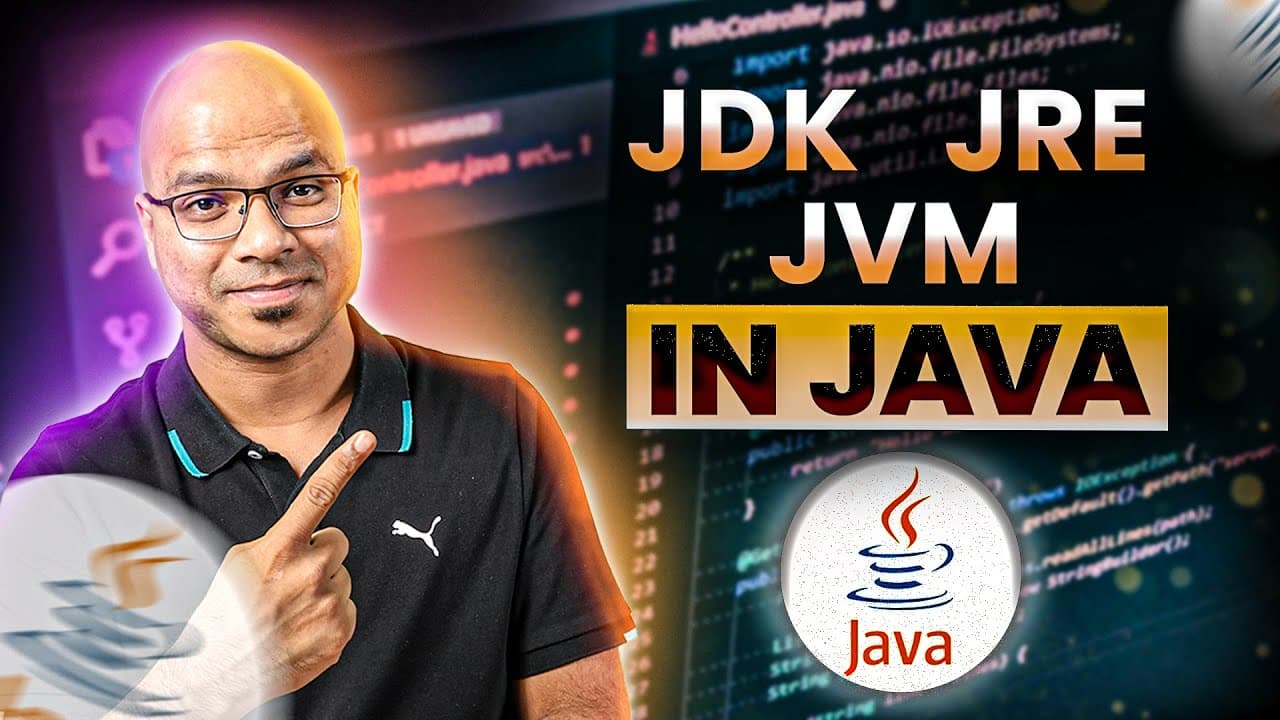
#23 JDK JRE JVM in Java
TL;DR
Explains the roles of JDK, JRE, and JVM in Java.
Transcript
so till this point we have seen some programming thing and we were able to execute them we have talked about classes variable methods and object relation as well now it's time to actually see what is happening behind the scene because if you understand what is happening behind the scene then the further coding will make sense right so every time I ... Read More
Key Insights
- The Java Development Kit (JDK) is essential for compiling Java code, converting it into bytecode that can be executed on a machine.
- The Java Virtual Machine (JVM) is responsible for executing the bytecode, making Java platform-independent by providing a virtual environment.
- Java Runtime Environment (JRE) contains necessary libraries and files for running Java applications, validating bytecode, and loading classes.
- JVM is a component of JRE, which also includes libraries, and is crucial for executing Java applications.
- Installing JDK provides both an updated JRE and JVM, ensuring compatibility with the latest Java applications.
- JRE provides an additional layer above the operating system, offering built-in classes and libraries for Java applications.
- Java applications may require external libraries, which are managed by JRE, ensuring that all dependencies are met.
- JVM's platform-dependent nature requires it to be tailored for specific operating systems, but it enables Java's platform-independent execution.
Install to Summarize YouTube Videos and Get Transcripts
Explore YouTube Video Summarizer or Get YouTube Transcript Extractor
Questions & Answers
Q: What is the role of JDK in Java programming?
The Java Development Kit (JDK) is crucial for Java programming as it provides the necessary tools to compile Java code into bytecode. This bytecode can then be executed on any machine with a compatible Java Virtual Machine (JVM). The JDK ensures that developers have the latest versions of JRE and JVM, facilitating the development and execution of Java applications.
Q: How does JVM contribute to Java's platform independence?
The Java Virtual Machine (JVM) contributes to Java's platform independence by providing a virtual environment where bytecode is executed. This means that Java applications can run on any machine with a compatible JVM, regardless of the underlying operating system. The JVM interprets the bytecode and translates it into machine-specific instructions, allowing Java applications to be platform-independent.
Q: What is the purpose of JRE in Java applications?
The Java Runtime Environment (JRE) serves as an essential component for running Java applications. It includes necessary libraries, files, and the JVM required to execute Java bytecode. Additionally, JRE provides an environment where Java applications can run, managing external libraries and dependencies to ensure that all necessary components are available for the application's execution.
Q: Why is JVM considered platform-dependent?
JVM is considered platform-dependent because it needs to be specifically built for each operating system. While Java applications are platform-independent due to the JVM's virtual environment, the JVM itself must be tailored to work with the system's architecture. This ensures that the JVM can accurately translate Java bytecode into machine-specific instructions for execution.
Q: How does JRE manage external libraries in Java?
JRE manages external libraries in Java by providing an environment where these libraries can be accessed and utilized by Java applications. It includes built-in classes and libraries that developers can use in their code, ensuring that all dependencies are met. JRE also validates bytecode and loads necessary classes, facilitating the smooth execution of Java applications.
Q: What happens when you install JDK on a machine?
When you install JDK on a machine, you gain access to the latest versions of both the Java Runtime Environment (JRE) and the Java Virtual Machine (JVM). This installation ensures that you have the necessary tools to compile Java code into bytecode and execute it. The JDK also provides the libraries and files required for developing and running Java applications.
Q: How does JVM execute Java bytecode?
JVM executes Java bytecode by interpreting it and translating it into machine-specific instructions. This process involves the JVM reading the bytecode and executing it within its virtual environment, allowing Java applications to run on any machine with a compatible JVM. The JVM ensures that the bytecode is executed correctly, making Java applications platform-independent.
Q: What is the relationship between JDK, JRE, and JVM?
The relationship between JDK, JRE, and JVM is hierarchical and interdependent. The JDK is the top layer that provides tools for compiling Java code and includes both the JRE and JVM. The JRE contains the libraries and environment necessary for running Java applications, while the JVM is responsible for executing the bytecode within this environment. Together, they enable the development and execution of Java applications.
Summary & Key Takeaways
-
The video discusses the roles of JDK, JRE, and JVM in Java programming, emphasizing their importance in compiling and executing Java code. It explains how the JDK converts Java code into bytecode, which is then executed by the JVM, making Java platform-independent.
-
JVM acts as a virtual environment where bytecode is executed, allowing Java applications to run on any machine with a compatible JVM. JRE provides necessary libraries and files for Java applications, ensuring that all dependencies are met.
-
Installing JDK ensures that developers have the latest versions of JRE and JVM, facilitating the development and execution of Java applications. The video also highlights the platform-dependent nature of JVM and its role in Java's platform independence.
Read in Other Languages (beta)
Share This Summary 📚
Summarize YouTube Videos and Get Video Transcripts with 1-Click
Try YouTube Summary with ChatGPT & Claude or YouTube Transcript Generator
Explore More Summaries from Telusko 📚

Summarize YouTube Videos and Get Video Transcripts with 1-Click
Try YouTube Summary with ChatGPT & Claude or YouTube Transcript Generator