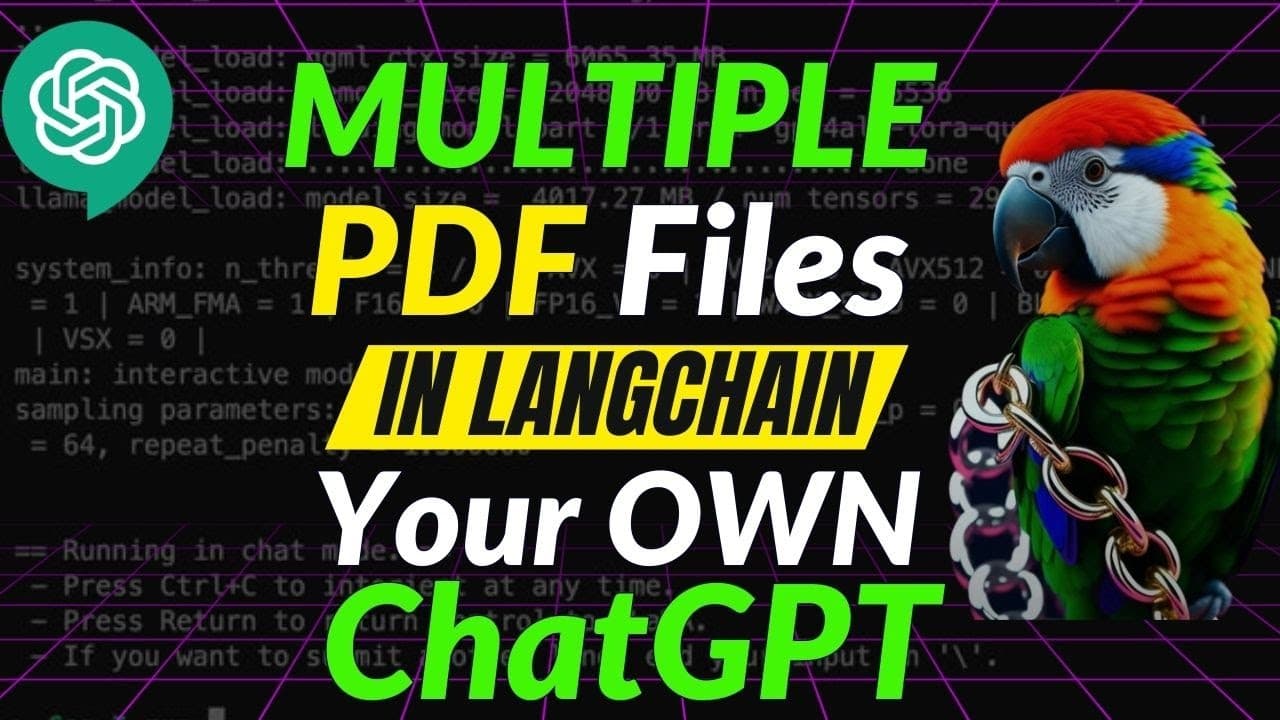
Working with MULTIPLE PDF Files in LangChain: ChatGPT for your Data
TL;DR
Learn how to load multiple PDF files into LinkChing and use OpenAI models to streamline information retrieval for research purposes.
Transcript
if you are searching for a way to load multiple PDF files in nankching to do information retrieval then this video is for you I'm going to show you how to load multiple PDF files into link chain and use open AIS models for efficient information retrieval so if you want to save time and streamline your research processes keep watching we're going to... Read More
Key Insights
- 🎮 The video demonstrates the process of loading and processing multiple PDF files in LinkChing using Google Colab.
- 🤗 The Vector Store, created using open AI's text embeddings, allows efficient information retrieval for research purposes.
- 👨💻 The code can be run locally or within the Google Drive environment.
- 🍵 Querying the Vector Store provides prompt-based retrieval, and it can handle documents with images as well.
- ⚾ The Vector Store's functionalities can be customized and modified based on specific needs, including changing hyperparameters or using different models.
- 🎮 The video emphasizes the importance of understanding the underlying steps involved in document loading, embedding creation, and Vector Store creation for customization purposes.
- 😷 Viewers are encouraged to ask questions and seek help in the comments section.
Install to Summarize YouTube Videos and Get Transcripts
Explore YouTube Video Summarizer or Get YouTube Transcript Extractor
Questions & Answers
Q: What packages are needed to load and process multiple PDF files in LinkChing?
The required packages include the LinkChing Constructor, open AI's chroma and DBs Python, and tick token.
Q: Can I run the code locally instead of on Google Drive?
Yes, the code can be run locally, but the video focuses on running it within Google Drive. The necessary steps for establishing the connection are explained in the video.
Q: How can I retrieve information from the Vector Store?
To retrieve information, you can use the "index.query" function, providing a query or prompt. The video demonstrates examples of querying the main topic or specific details from the loaded PDFs.
Q: Can this approach work for research papers with images?
Yes, the video showcases an example of using the approach with research papers containing both images and text. The Vector Store can still efficiently retrieve information and provide the sources of the retrieved information.
Key Insights:
- The video demonstrates the process of loading and processing multiple PDF files in LinkChing using Google Colab.
- The Vector Store, created using open AI's text embeddings, allows efficient information retrieval for research purposes.
- The code can be run locally or within the Google Drive environment.
- Querying the Vector Store provides prompt-based retrieval, and it can handle documents with images as well.
- The Vector Store's functionalities can be customized and modified based on specific needs, including changing hyperparameters or using different models.
- The video emphasizes the importance of understanding the underlying steps involved in document loading, embedding creation, and Vector Store creation for customization purposes.
- Viewers are encouraged to ask questions and seek help in the comments section.
- The video concludes with a reminder to consider liking and subscribing to the channel for more educational content.
Summary & Key Takeaways
-
This video demonstrates how to load and process multiple PDF files in LinkChing using Google Colab.
-
The process involves installing necessary packages, loading PDFs and creating embeddings, and storing them in a Vector Store.
-
The Vector Store allows users to query and retrieve information efficiently for various research purposes.
Read in Other Languages (beta)
Share This Summary 📚
Summarize YouTube Videos and Get Video Transcripts with 1-Click
Try YouTube Summary with ChatGPT & Claude or YouTube Transcript Generator
Explore More Summaries from Prompt Engineering 📚

![Open Assistant: Open Source ChatGPT is Here!!! [live Demo] thumbnail](/_next/image?url=https%3A%2F%2Fi.ytimg.com%2Fvi%2FVFPrwxPBBVU%2Fhqdefault.jpg&w=750&q=75)
Summarize YouTube Videos and Get Video Transcripts with 1-Click
Try YouTube Summary with ChatGPT & Claude or YouTube Transcript Generator