What Are Networked Devices in Networking?
TL;DR
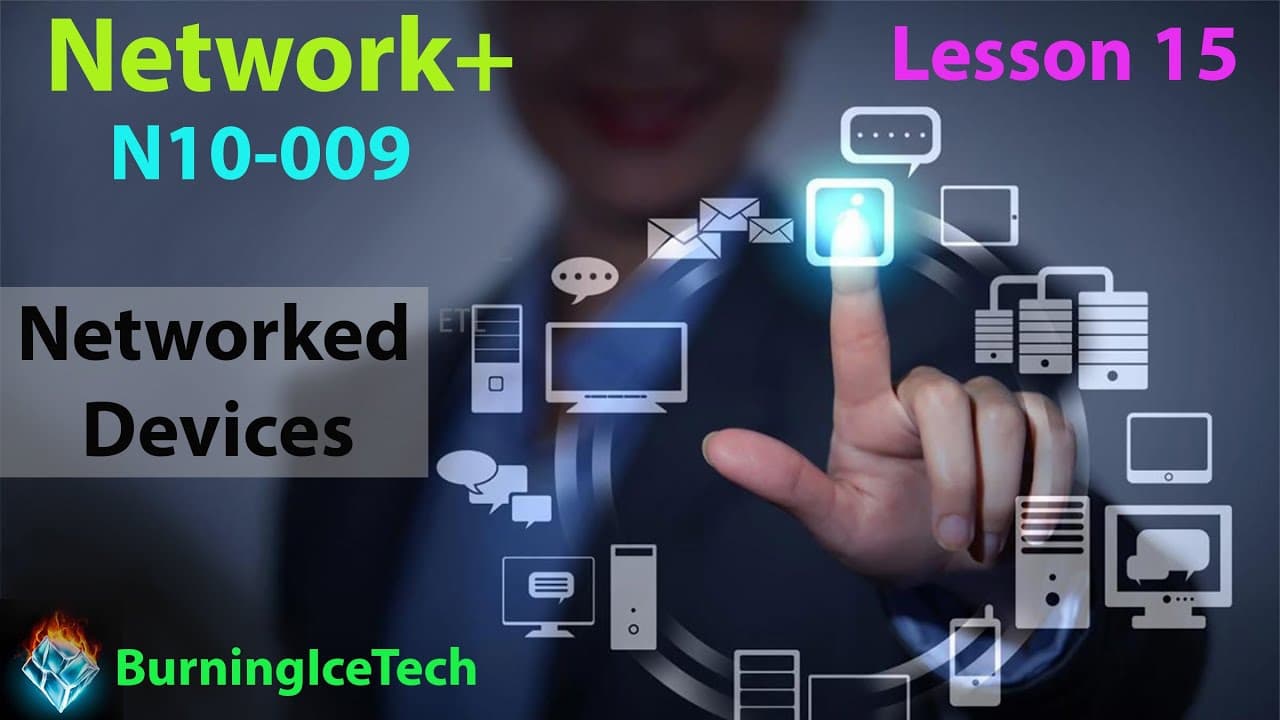
Networked devices are standalone devices connected to a network, either wirelessly or via cable, without controlling or securing network traffic. Examples include printers, scanners, and VoIP phones, each having its own IP and MAC address. These devices serve specific purposes like printing or making calls, independent of network management.
Transcript
Howdy Folks welcome to lesson 15 of my netor plus course as you can see today's video is about networked devices now please don't confuse this topic with networking devices that's an entirely different thing we are talking about networked devices now a nutshell that's simply any device that happens to be on your network wireless or on a wire and th... Read More
Key Insights
- Networked devices are distinct from networking devices; they do not manage or secure network traffic.
- Examples of networked devices include printers, scanners, CCTV systems, and VoIP phones.
- Each networked device has its own IP and MAC address, allowing it to operate independently on the network.
- VoIP phones use Ethernet cables and can be powered via Power over Ethernet (PoE), eliminating the need for separate power cables.
- Printers and scanners often support wireless connectivity, though this may require disconnecting from existing Wi-Fi networks to connect directly.
- CCTV systems typically record footage to a central location using DVR or NVR, with modern systems supporting motion detection and night vision.
- HVAC systems can be monitored and controlled remotely, maintaining specific environmental conditions in sensitive areas.
- Internet of Things (IoT) devices, such as smart fridges and TVs, are also examples of networked devices, enhancing convenience and connectivity.
Install to Summarize YouTube Videos and Get Transcripts
Explore YouTube Video Summarizer or Get YouTube Transcript Extractor
Questions & Answers
Q: What are networked devices?
Networked devices are independent devices connected to a network, either via cable or wirelessly. Unlike networking devices, they do not manage, secure, or control network traffic. Common examples include printers, scanners, CCTV systems, and VoIP phones, each having its own IP and MAC address for individual operation.
Q: How do VoIP phones connect to a network?
VoIP phones connect to a network using Ethernet cables, often utilizing Power over Ethernet (PoE) to receive power and data through a single cable. This setup eliminates the need for additional power sources, making installation cleaner and more efficient, especially in professional environments where cable management is crucial.
Q: What is the difference between networked and networking devices?
Networked devices are standalone entities on a network that do not manage or manipulate network traffic, such as printers and CCTV systems. In contrast, networking devices like routers and switches actively manage, direct, and secure network traffic, facilitating communication and data transfer across the network.
Q: Why might wireless printers be inconvenient to use?
Wireless printers can be inconvenient because they often require users to disconnect from their existing Wi-Fi network to connect directly to the printer's hotspot. This process involves finding and entering a password, typically the printer's serial number, which can be cumbersome and disrupts the user's internet connectivity.
Q: What features do modern CCTV systems offer?
Modern CCTV systems often include features such as motion detection, night vision, and object detection, allowing them to identify specific events like human presence or vehicle movement. These systems record footage to a central location, typically using NVR for digital setups, enabling efficient monitoring and retrieval of relevant recordings.
Q: How do HVAC systems function as networked devices?
HVAC systems function as networked devices by allowing remote monitoring and control of environmental conditions like temperature, humidity, and pressure. These systems are crucial in environments requiring precise climate control, such as pharmaceutical labs, and can be managed from a central location, even remotely, ensuring optimal conditions at all times.
Q: What role do IoT devices play in networking?
IoT devices enhance connectivity and convenience by integrating everyday objects into the network, allowing for remote control and automation. Examples include smart fridges, TVs, and home automation systems, which can adjust settings via apps or remote controls, streamlining tasks and improving user experience through interconnected technology.
Q: What are the connectivity options for networked printers?
Networked printers can connect via USB, Ethernet, or wirelessly. Ethernet provides a stable connection, often used in larger organizations, while USB offers direct connectivity for personal use. Wireless connections are common but may require direct connection to the printer's hotspot, complicating usability compared to straightforward USB or Ethernet connections.
Summary & Key Takeaways
-
Networked devices are standalone entities connected to a network, not involved in managing or securing traffic. Examples include printers, scanners, and CCTV systems, each with unique IP and MAC addresses. They serve specific functions like printing or surveillance, independent of network operations.
-
VoIP phones, as networked devices, utilize Ethernet and often PoE to function without additional power sources. Printers may support wireless connections but often require direct network connections, complicating usability. CCTV systems use DVR or NVR for centralized recording and typically offer features like motion detection.
-
IoT devices, such as smart appliances and home automation systems, are networked devices that enhance user convenience and connectivity. HVAC systems, another example, allow for precise environmental control, crucial for industries requiring stable conditions. These devices collectively illustrate the diverse applications of networked technology.
Read in Other Languages (beta)
Share This Summary 📚
Summarize YouTube Videos and Get Video Transcripts with 1-Click
Try YouTube Summary with ChatGPT & Claude or YouTube Transcript Generator
Explore More Summaries from BurningIceTech 📚


Summarize YouTube Videos and Get Video Transcripts with 1-Click
Try YouTube Summary with ChatGPT & Claude or YouTube Transcript Generator