Why Your iPhone Slows Down Over Time
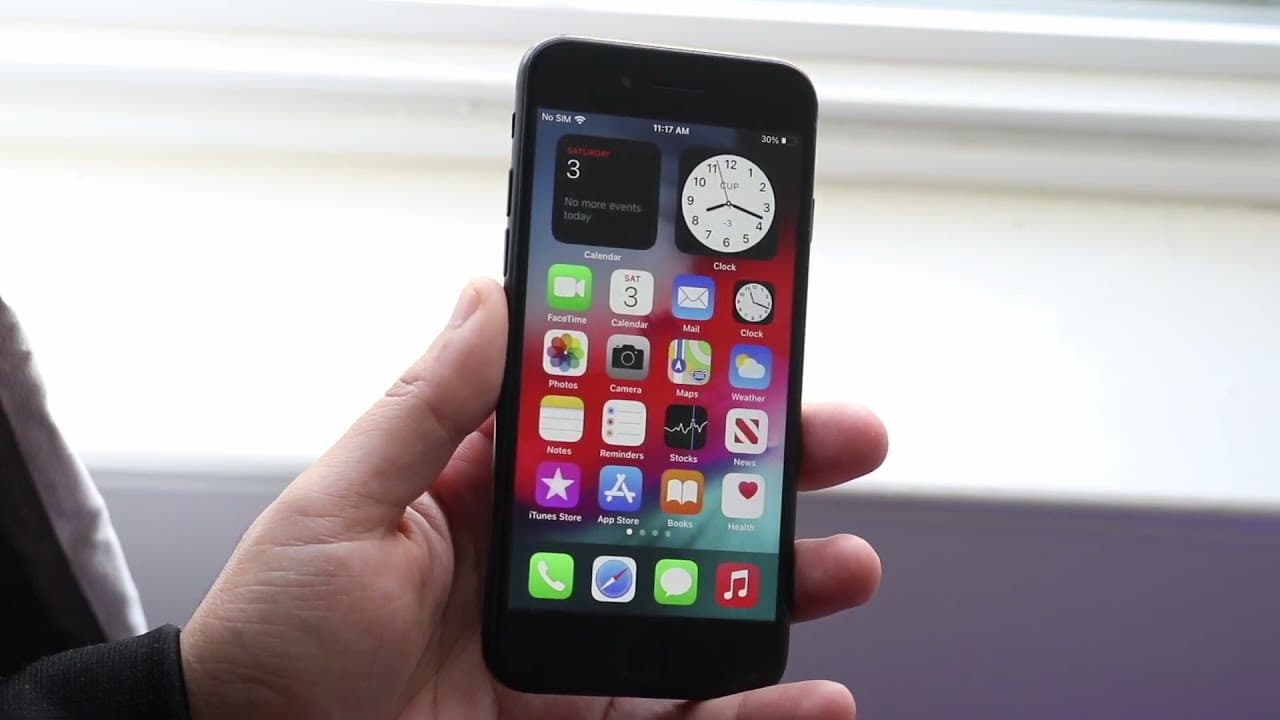
TL;DR
Older iPhones slow down due to software and app optimization.
Transcript
welcome back everyone it's no secret that pretty much everything over time you know slows down it's not as good as it used to be but i will tell you there's been one little thing of apple specifically slowing down some iphones back in the day which was a humongous controversial thing when it first came out but even now you know it still feels like ... Read More
Key Insights
- 😀 The perception of slower performance in older iPhones is often linked to software updates and app optimization trends.
- 🥶 Battery health plays a crucial role in performance, with Apple’s throttling feature affecting older devices significantly.
- 🥶 Frequent updates from Apple, aligned with new device releases, are known to cause temporary instability in older devices.
- 🥶 Thermal throttling is a critical factor that can hinder performance significantly during demanding tasks on older iPhones.
- 🥶 Developers optimize applications for the latest hardware, leading to limitations in performance for older devices.
- 👤 Users can help mitigate performance issues by actively managing their phone's settings and application load.
- 🥶 Seasonal hardware improvements make it difficult for older devices to compete in terms of performance and functionalities.
Install to Summarize YouTube Videos and Get Transcripts
Explore YouTube Video Summarizer or Get YouTube Transcript Extractor
Questions & Answers
Q: Why do older iPhones seem slower after new models are released?
Older iPhones feel slower after the release of new models because app developers optimize their applications for the latest hardware capabilities. Newer iPhones are equipped with improved processors and graphics, allowing them to handle resource-intensive tasks better than older models. Consequently, when users run apps on older devices, they may experience lag or reduced functionality, creating the impression that their device is outdated.
Q: How does battery health affect iPhone performance?
iPhone performance can be affected by battery health, especially when it drops below 80%. Apple has implemented performance throttling to prevent sudden shutdowns caused by inadequate power supply. While this measure aims to maintain device reliability, it can also slow down the phone's overall performance, thereby frustrating users who may not be aware of this feature.
Q: Are software updates responsible for older iPhones slowing down?
Yes, software updates can lead to older iPhones seeming slower, particularly when new iOS versions are released alongside new models. Initial versions of iOS may have bugs or instability issues, making users perceive their older devices as malfunctioning. Additionally, updates often introduce new features that older hardware may struggle to support, causing further performance degradation.
Q: What is thermal throttling, and how does it impact iPhone performance?
Thermal throttling occurs when a device reduces its performance to prevent overheating. In iPhones, this process may kick in during processor-intensive tasks, compromising speed to maintain safe operating temperatures. As a result, users may notice that their devices perform inconsistently under demanding loads, especially in older models that may have less efficient heat management systems.
Q: Why do app developers limit features in games for older iPhones?
App developers initially design games and applications to perform optimally on the devices available at the time of their release. As newer iPhones come out with enhanced specifications, developers often prioritize optimization for those models, which may lead to reduced features and graphics for older devices. This practice ensures that users experience the best performance, but it often makes older models feel slower in comparison.
Q: How can users manage perceived slow performance on older iPhones?
Users can manage slower performance on older iPhones by checking and optimizing battery health, disabling performance throttling in settings, and being selective about the applications they install. Furthermore, waiting for stable iOS updates, rather than updating immediately after release, can enhance device stability and performance.
Summary & Key Takeaways
-
iPhones often slow down over time primarily due to software updates and app optimizations that cater to newer models, making older phones feel less capable.
-
Apple implemented battery performance throttling in older iPhones with degrading battery health to prevent unexpected shutdowns, which can further contribute to performance perceptions.
-
The synchronization of new iOS releases with new iPhone models often leads to temporary instability, prompting users to consider upgrading rather than resolving issues.
Read in Other Languages (beta)
Share This Summary 📚
Summarize YouTube Videos and Get Video Transcripts with 1-Click
Try YouTube Summary with ChatGPT & Claude or YouTube Transcript Generator
Explore More Summaries from Simple Alpaca 📚






Summarize YouTube Videos and Get Video Transcripts with 1-Click
Try YouTube Summary with ChatGPT & Claude or YouTube Transcript Generator