How to Create Stunning AI Videos with Runway Gen-3?
TL;DR
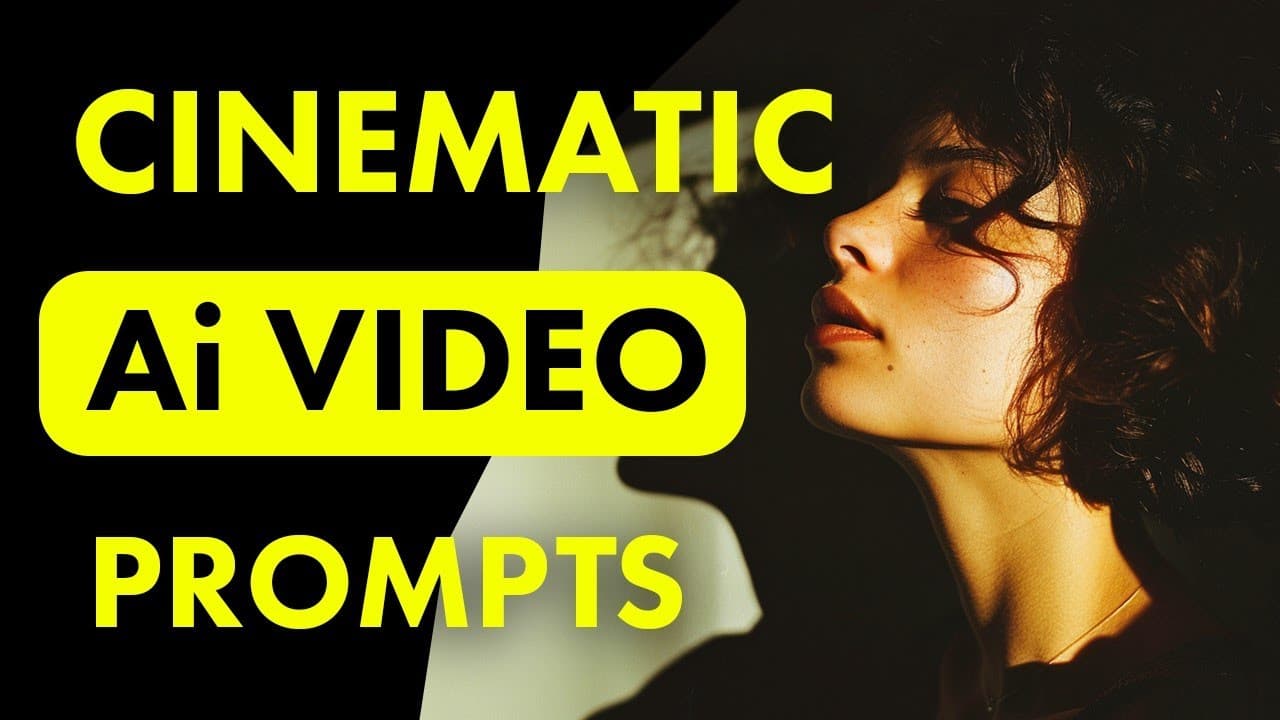
Crafting precise prompts is essential for producing stunning AI videos with Runway Gen-3. Utilize reference images and specify color palettes to ensure consistency, while addressing camera movement challenges through well-chosen keywords. An iterative approach to refining prompts can significantly enhance the quality and effectiveness of your video outputs.
Transcript
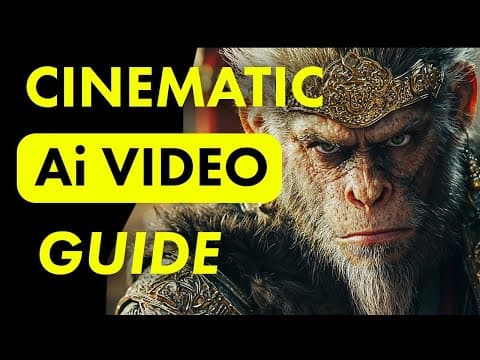
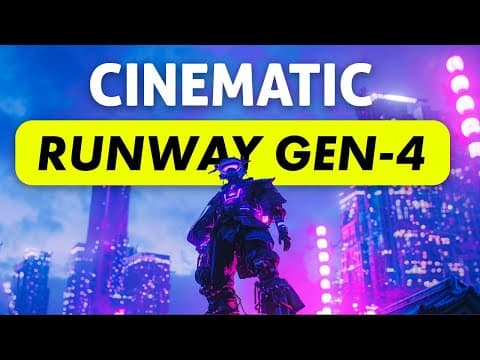
I'm showing you how to create the most cinematic AI videos using Runway gen 3 when it comes to making the best AI videos a big part of that is writing the right prompts that's something I struggled with a lot when Gen 3 first came out and I wasn't happy with the results I was getting but after testing it out I have some strategies to share with you... Read More
Key Insights
- Runway Gen-3 requires precise prompts to produce high-quality cinematic AI videos. Effective prompt crafting significantly influences the video's outcome.
- Using reference images as the last frame in a video helps maintain desired aesthetics and guides the AI in generating consistent results.
- Color saturation issues can arise in Gen-3, where animated videos may differ from reference images. Specifying a color palette in prompts can mitigate this.
- Camera movement is challenging to control in Gen-3, often defaulting to zooming in. Keywords like 'static shot' or 'drone shot' may help guide the desired motion.
- Incorporating environmental clues in prompts can subtly guide camera movements, improving the video's dynamic quality and narrative flow.
- Iterative prompt refinement is crucial. Testing different keywords and their positions in prompts can significantly affect the AI's output.
- Gen-3's understanding of motion prompts is limited, and results may not always align with expectations. Iteration and experimentation are necessary.
- Replacing certain keywords with synonyms can yield better results, as the AI might respond differently to variations in phrasing.
Install to Summarize YouTube Videos and Get Transcripts
Explore YouTube Video Summarizer or Get YouTube Transcript Extractor
Questions & Answers
Q: How does using reference images affect AI video generation in Runway Gen-3?
Using reference images in Runway Gen-3 helps AI maintain visual consistency throughout the video. By setting a reference image as the last frame, the AI fills in preceding frames to match the final image, ensuring a cohesive aesthetic. This technique guides the AI in generating videos that align with the user's visual goals.
Q: What are the common color issues in Gen-3 and how can they be fixed?
Gen-3 often alters color saturation, making videos more vibrant than reference images. This can be addressed by specifying desired color palettes in prompts, such as 'desaturated pastel colors.' By doing so, users can maintain color consistency and control over the visual tone of the generated video.
Q: Why is controlling camera movement challenging in Gen-3, and what solutions exist?
Controlling camera movement in Gen-3 is challenging because the AI tends to default to zooming in, even when instructed otherwise. Solutions include using specific keywords like 'static shot' or 'drone shot' to guide the AI's camera behavior, helping achieve the desired video dynamics.
Q: How can environmental clues be used to enhance AI video prompts?
Environmental clues can subtly guide camera movements and enhance narrative flow in AI videos. By incorporating context, such as 'the camera tilts up to the moon,' the AI can better interpret and execute complex camera actions, resulting in more dynamic and visually engaging videos.
Q: What role does iterative prompt refinement play in AI video generation?
Iterative prompt refinement is critical in AI video generation, as it involves testing and adjusting keywords to optimize video output. Through experimentation, users can identify effective wordings and placements that influence the AI's interpretation, leading to improved video quality and alignment with creative intentions.
Q: What are the limitations of Gen-3's understanding of motion prompts?
Gen-3 has limitations in accurately interpreting motion prompts, often producing results that don't fully match user expectations. This requires users to experiment with different keywords and prompt structures to guide the AI effectively, acknowledging that some trial and error is necessary to achieve desired outcomes.
Q: How can changing keywords impact the results in Runway Gen-3?
Changing keywords can significantly impact AI video results, as Gen-3 may respond differently to synonyms or varied phrasing. For example, replacing 'speaking' with 'talking' might yield better results. Users should explore different wordings to discover which terms the AI interprets most effectively.
Q: What strategies are suggested for writing effective prompts in Runway Gen-3?
Effective prompt strategies in Runway Gen-3 include using specific keywords to control color and camera behavior, incorporating environmental context, and employing an iterative refinement process. By experimenting with different terms and prompt structures, users can guide the AI to produce high-quality, cinematic videos.
Summary & Key Takeaways
-
The tutorial explores how to create cinematic AI videos using Runway Gen-3 by crafting precise prompts. It highlights the importance of reference images and color consistency in achieving high-quality results.
-
The video addresses challenges in controlling camera movements within Runway Gen-3, suggesting strategies to mitigate common issues like unwanted zooming using specific keywords.
-
An iterative approach to prompt refinement is emphasized, showing how different keywords and their placements can influence video outcomes, ultimately enhancing the AI's effectiveness in video generation.
Read in Other Languages (beta)
Share This Summary 📚
Summarize YouTube Videos and Get Video Transcripts with 1-Click
Try YouTube Summary with ChatGPT & Claude or YouTube Transcript Generator
Explore More Summaries from Tao Prompts 📚
Summarize YouTube Videos and Get Video Transcripts with 1-Click
Try YouTube Summary with ChatGPT & Claude or YouTube Transcript Generator