Build Cross-Platform Native Mobile Apps using Java/Kotlin for iOS, Android, Desktop & Web
TL;DR
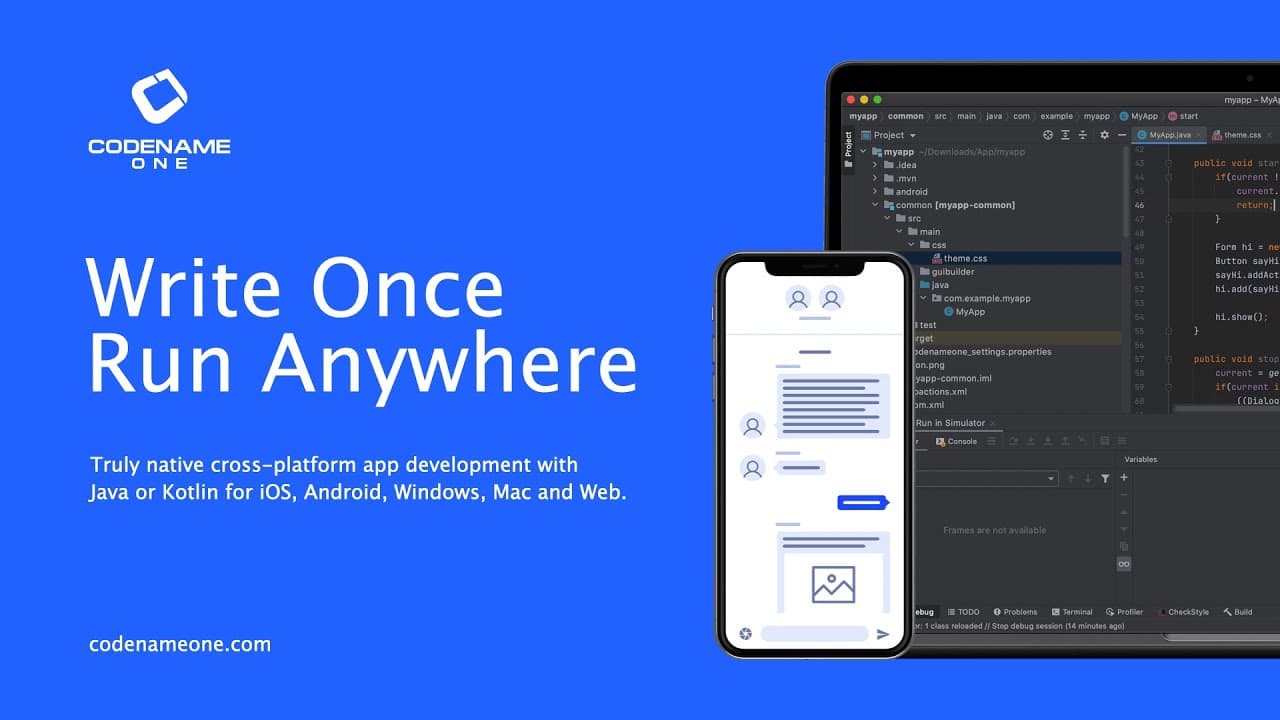
The new Codename One Maven build makes building native mobile and desktop apps easy and efficient.
Transcript
The new Codename One Maven build makes building native mobile and desktop apps trivial Getting started is easier than ever, we launch start.codenameone.com Where we select the package name for our app. This is very important as it can’t be changed once the app is submitted to a store! Then we enter the name for the app And download a zip containing... Read More
Key Insights
- 🏛️ The Codename One Maven build simplifies the process of building native mobile and desktop apps, making it easier for developers to get started.
- 😀 By selecting the appropriate target, developers can build native apps for different platforms, such as Android, iOS, Mac, and Windows.
- 🙃 The IDEs, such as IntelliJ/IDEA, provide debugging facilities within the simulator, allowing developers to debug and make code changes without restarting.
- 😀 Customizing the app's appearance is straightforward by modifying the CSS file and applying the changes seamlessly in the simulator.
- 🏛️ The Codename One Build App on Google Play and the build cloud provide ways to track and download the resulting file of the app build.
- 😶🌫️ In addition to the build cloud, developers can also build native apps without using the cloud by running the Xcode iOS project target or the Gradle Android Project maven target.
- 😀 Developing Kotlin apps is supported by Codename One, giving developers flexibility in choosing the programming language.
Install to Summarize YouTube Videos and Get Transcripts
Explore YouTube Video Summarizer or Get YouTube Transcript Extractor
Questions & Answers
Q: What is the significance of selecting the package name for the app at the beginning?
Selecting the package name for the app at the start is crucial because it cannot be changed once the app is submitted to a store. It is important to choose a package name that represents the app accurately and is unique.
Q: Does Codename One support Kotlin app development?
Yes, Codename One supports Kotlin app development. When downloading the maven project, it is necessary to pick Kotlin if you wish to build a Kotlin app.
Q: How can you customize the appearance of the app?
The appearance of the app can be customized by modifying the CSS file. By adding the button selector with a specific color value, such as red, the style of the button can be changed. The simulator seamlessly refreshes with the updated style.
Q: What are the options for building native apps?
For building native apps, Codename One offers various target options, including Android, iOS, Mac, and Windows. These targets send a build to Codename One servers, which have all the necessary tools installed and allow you to build iOS apps without needing a Mac.
Key Insights:
- The Codename One Maven build simplifies the process of building native mobile and desktop apps, making it easier for developers to get started.
- By selecting the appropriate target, developers can build native apps for different platforms, such as Android, iOS, Mac, and Windows.
- The IDEs, such as IntelliJ/IDEA, provide debugging facilities within the simulator, allowing developers to debug and make code changes without restarting.
- Customizing the app's appearance is straightforward by modifying the CSS file and applying the changes seamlessly in the simulator.
- The Codename One Build App on Google Play and the build cloud provide ways to track and download the resulting file of the app build.
- In addition to the build cloud, developers can also build native apps without using the cloud by running the Xcode iOS project target or the Gradle Android Project maven target.
- Developing Kotlin apps is supported by Codename One, giving developers flexibility in choosing the programming language.
- Support and assistance from Codename One can be found through various channels, such as Stack Overflow, the discussion forum, and the website chat.
Summary & Key Takeaways
-
The Codename One Maven build simplifies the process of building native mobile and desktop apps.
-
The package name for the app is selected at the start, and it is crucial to choose it wisely as it cannot be changed once the app is submitted to a store.
-
The IDE, IntelliJ/IDEA, can be used to open the app and write code, with most of the important code located in the common directory.
Read in Other Languages (beta)
Share This Summary 📚
Summarize YouTube Videos and Get Video Transcripts with 1-Click
Try YouTube Summary with ChatGPT & Claude or YouTube Transcript Generator