Why Everyone Should Use a Secure Browser (I learned the hard way)
TL;DR
Discover why disposable browsers like SquareX enhance online security.
Transcript
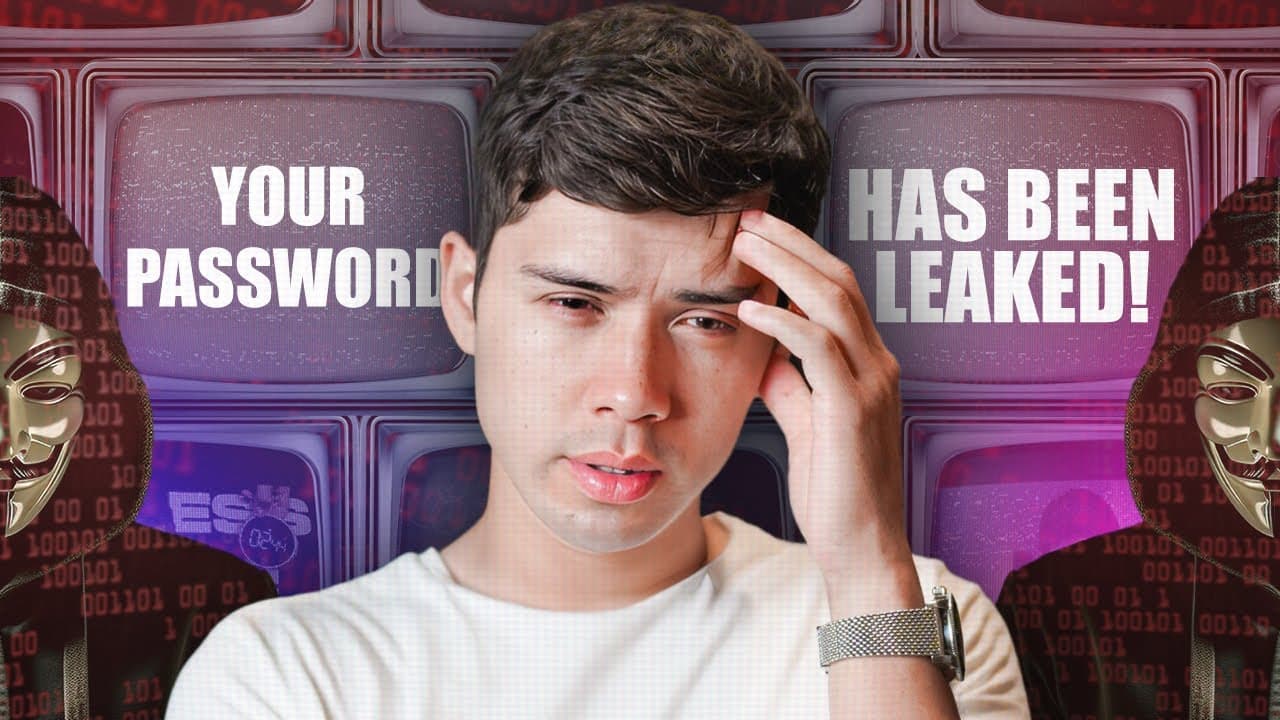
in 2016 I experienced something that changed my perspective on online security so I was browsing the internet when my computer suddenly started acting up I was getting unexpected popups appearing and everything lagged I was confused and I was a little bit concerned so I called my techsavvy friend for help he discovered that my browser had been comp... Read More
Key Insights
- Disposable browsers offer enhanced security by operating remotely, protecting personal devices from malware and privacy breaches.
- SquareX provides a seamless browsing experience with high-speed internet and global data center support, bypassing geographical restrictions.
- The disposable browser feature ensures complete privacy by leaving no traces or logs of browsing activity.
- Integrated ad blockers in SquareX offer users a smooth, ad-free browsing experience.
- SquareX includes a disposable file viewer, allowing secure file access and editing in a cloud environment, safeguarding against malware.
- The platform offers disposable email addresses, maintaining primary email security and reducing clutter.
- SquareX's smart Gmail integration blocks email trackers, enhancing privacy and allowing secure email previews.
- The SquareX web app ensures security and privacy, even without browser extensions, with minimal functionality differences.
Install to Summarize YouTube Videos and Get Transcripts
Explore YouTube Video Summarizer or Get YouTube Transcript Extractor
Questions & Answers
Q: What is the main advantage of using a disposable browser like SquareX?
The main advantage of using a disposable browser like SquareX is enhanced online security. It operates remotely, keeping personal devices safe from malware and privacy breaches. The browser leaves no traces or logs of activity, ensuring complete privacy and peace of mind for users during their browsing sessions.
Q: How does SquareX ensure a smooth browsing experience?
SquareX ensures a smooth browsing experience by providing high-speed internet from a network of global data centers. This setup helps bypass geographical restrictions and delivers fast and reliable access to websites. Additionally, integrated ad blockers contribute to an ad-free browsing environment, enhancing user experience.
Q: What security features does SquareX offer for email management?
SquareX offers several security features for email management, including disposable email addresses that keep primary emails secure and clutter-free. The platform also integrates with Gmail to block and strip email trackers, allowing users to preview emails securely without notifying senders, thus maintaining privacy over email interactions.
Q: Can SquareX be used without browser extensions?
Yes, SquareX can be used without browser extensions through its web app, which provides similar levels of security and privacy. While there may be small exceptions in functionality, the web app ensures users can still benefit from secure browsing and email management without needing to install additional software.
Q: What additional controls does SquareX offer for personalized browsing sessions?
SquareX offers additional controls for personalized browsing sessions, including the ability to choose a session's location and extend session duration as needed. Users can also manage files securely with the disposable file viewer, which supports various file types and allows document editing directly within the secure environment.
Q: How does SquareX protect against malware through email?
SquareX protects against malware through email by using a disposable file viewer that operates in a cloud environment. This feature allows users to safely view and edit files received via email without risking their system's security. The viewer projects only the file images to the user, preventing malware from affecting their device.
Q: What is the benefit of SquareX's smart Gmail integration?
The benefit of SquareX's smart Gmail integration is enhanced email privacy. It blocks and strips email trackers, allowing users to open and preview emails securely without alerting senders. This feature ensures email activities remain private, preventing emails from being marked as read and maintaining user privacy.
Q: How does SquareX contribute to online privacy?
SquareX contributes to online privacy by offering disposable browsing sessions that leave no traces or logs. It operates remotely, keeping personal devices safe from potential threats. The platform also provides disposable email addresses and smart Gmail integration, ensuring email interactions remain private and secure from trackers.
Summary & Key Takeaways
-
SquareX offers a disposable browser that enhances online security by operating remotely, preventing malware and privacy breaches. With high-speed internet from global data centers, it provides a seamless browsing experience, bypassing geographical restrictions and ensuring complete privacy by leaving no traces or logs of activity.
-
SquareX integrates features like ad blockers and a disposable file viewer, allowing secure file access and editing in a cloud environment. This ensures protection against malware, while disposable email addresses maintain primary email security and reduce clutter, with notifications managed within the browser.
-
The smart Gmail integration in SquareX blocks email trackers, enhancing privacy and allowing secure email previews. Even without browser extensions, the SquareX web app offers similar security and privacy levels, making it a comprehensive solution for secure browsing and email management.
Read in Other Languages (beta)
Share This Summary 📚
Summarize YouTube Videos and Get Video Transcripts with 1-Click
Try YouTube Summary with ChatGPT & Claude or YouTube Transcript Generator
Explore More Summaries from Mike Dee 📚



Summarize YouTube Videos and Get Video Transcripts with 1-Click
Try YouTube Summary with ChatGPT & Claude or YouTube Transcript Generator