Our Review: Testing the PARA Method in Anytype
TL;DR
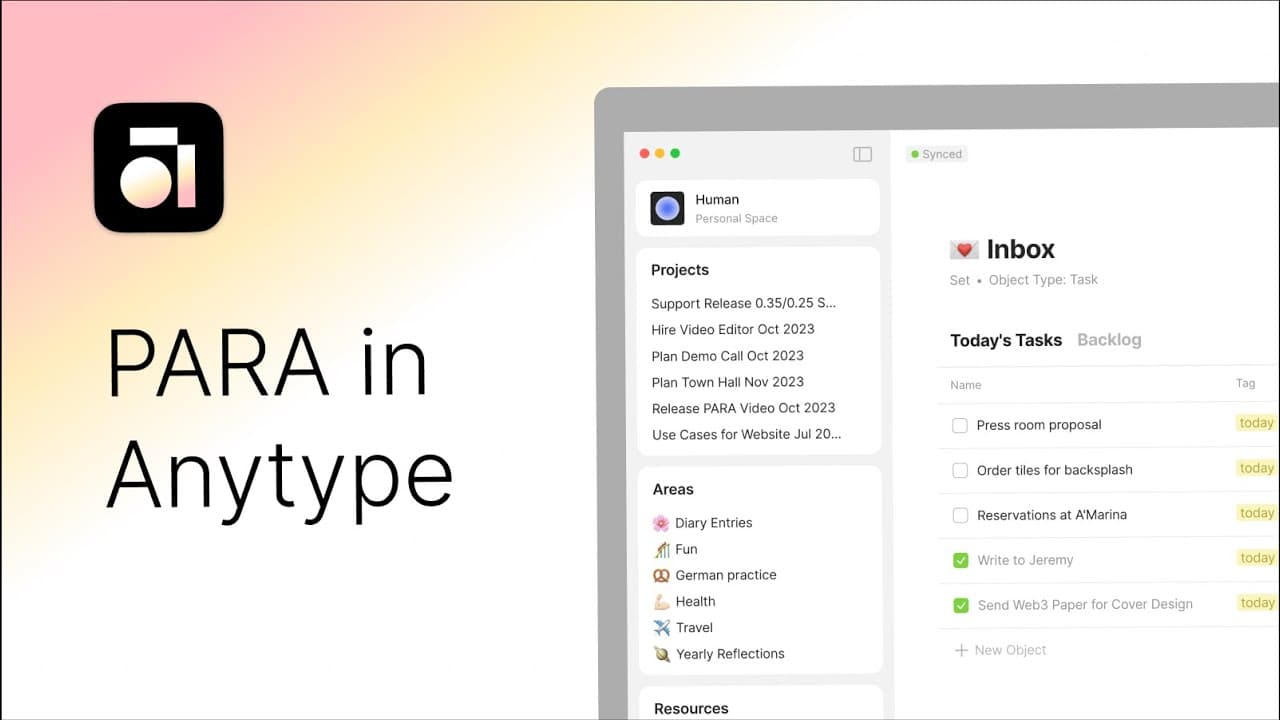
Learn how to implement the PARA method in Anytype to boost productivity and streamline your note-taking and organization process.
Transcript
Hey Everybody, I'm Charlotte from the Anyteam and if you've seen any of my other tutorial videos, you know that I spend a lot of time in Anytype, editing everything from my tasks to my travels and hobbies. Lately though, I've been feeling the limitations of my own setup. I've been spending way too much time either looking for objects I've previousl... Read More
Key Insights
- 🛀 The PARA method in Anytype can enhance productivity by providing a structured framework for note-taking and organization.
- 📽️ Categorizing objects into Projects, Areas, Resources, and Archive helps in finding and managing them more efficiently.
- 👶 Implementing the PARA method requires exporting the current account, creating new collections and types, and reevaluating the organization of objects.
- 📽️ The PARA method encourages prioritizing tasks and evaluating their relevance to projects and areas.
- 👻 Using the Archive category allows for temporary objects or projects to be included without cluttering the workspace.
- 👶 Despite some challenges in categorizing new objects, the PARA method ultimately improves overall organization and reduces cognitive burden.
- 🪜 Personalizing the workspace with unique object names and layouts can add a sense of familiarity and ownership.
Install to Summarize YouTube Videos and Get Transcripts
Explore YouTube Video Summarizer or Get YouTube Transcript Extractor
Questions & Answers
Q: What is the PARA method and how can it improve productivity?
The PARA method is a note-taking and organization system that categorizes notes into Projects, Areas, Resources, and Archive. By implementing this method, you can minimize cognitive burden and easily locate and sort your notes, boosting productivity.
Q: How did the speaker implement the PARA method in Anytype?
The speaker exported her current account and created a new account to apply the PARA method. She used collections for Projects, Areas, and Resources, and created a set with a query for Archive. She also created new types for Projects, Areas, and Resources.
Q: How did the speaker categorize her objects using the PARA method?
The speaker categorized her objects by analyzing their types and linking them to the appropriate category. She linked workouts and health-related objects to the Health Area, kitchen renovation to the Projects collection, and bookmarks to the Resources collection.
Q: Did the speaker face any challenges when implementing the PARA method in Anytype?
The speaker mentioned that it could be cumbersome to categorize every new object and ensure it had a home. However, she believed that this initial effort saves time in the long run when searching for objects. She also missed some personalized details in her workspace but planned to make it more unique in the future.
Key Insights:
- The PARA method in Anytype can enhance productivity by providing a structured framework for note-taking and organization.
- Categorizing objects into Projects, Areas, Resources, and Archive helps in finding and managing them more efficiently.
- Implementing the PARA method requires exporting the current account, creating new collections and types, and reevaluating the organization of objects.
- The PARA method encourages prioritizing tasks and evaluating their relevance to projects and areas.
- Using the Archive category allows for temporary objects or projects to be included without cluttering the workspace.
- Despite some challenges in categorizing new objects, the PARA method ultimately improves overall organization and reduces cognitive burden.
- Personalizing the workspace with unique object names and layouts can add a sense of familiarity and ownership.
- Importing the speaker's PARA structure is available for users who want to implement the method in their Anytype space.
Summary & Key Takeaways
-
The video discusses how to use Tiago Forte's PARA method in Anytype for note-taking and building a second brain.
-
The PARA method recommends organizing your workspace into four sections: Projects, Areas, Resources, and Archive.
-
The speaker shares her step-by-step process of implementing the PARA method in Anytype, including creating collections, tagging objects, and restructuring views.
Read in Other Languages (beta)
Share This Summary 📚
Summarize YouTube Videos and Get Video Transcripts with 1-Click
Try YouTube Summary with ChatGPT & Claude or YouTube Transcript Generator