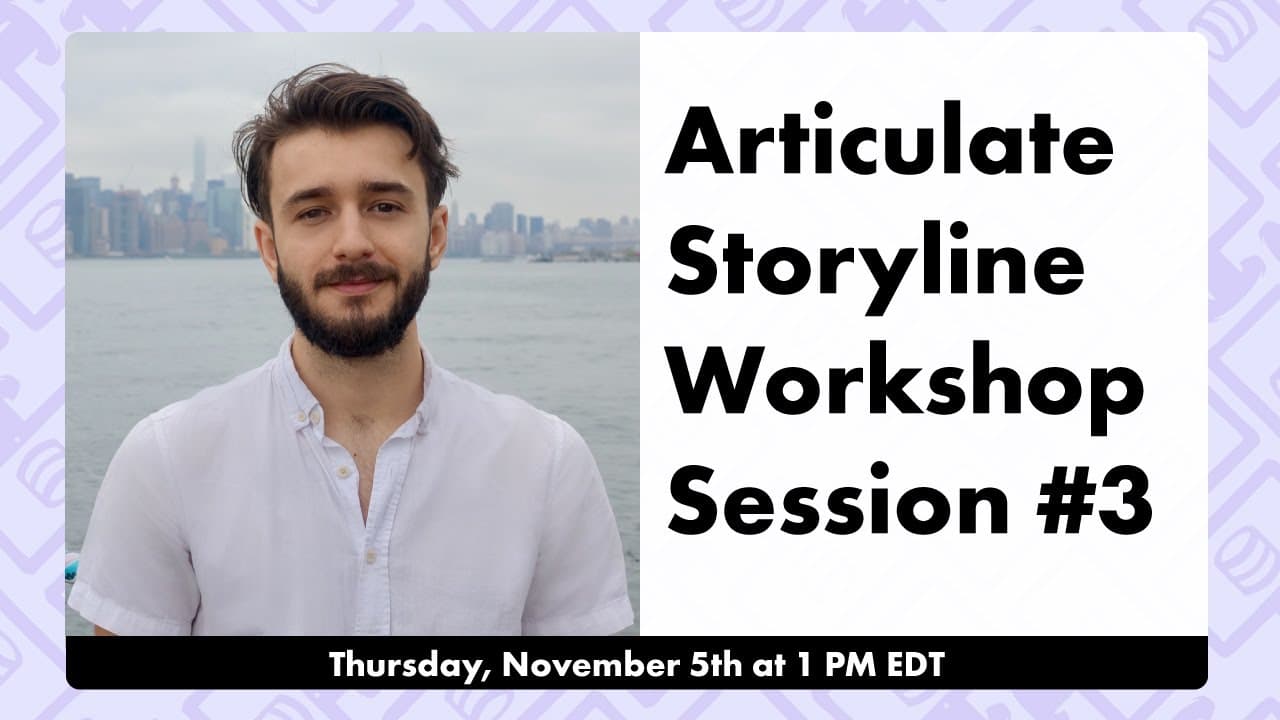
How to Create an Avatar Selector in Articulate Storyline
TL;DR
Build an engaging avatar selector with advanced features, using Storyline to create interactive interactions.
Transcript
all right hello everyone i see we have some people from all over the world here today this is another articulate storyline workshop so we will be diving into storyline basics and i'm sure some advanced features as well if you have any general storyline questions please use the ask a question tab and we'll try to get to them at the end and um it loo... Read More
Key Insights
- 🏛️ Articulate Storyline workshop focused on building an avatar selector through interactive features.
- 👤 Utilizing layers, variables, and conditions to create dynamic content based on user choices.
- 🎨 Importance of precise object alignment and state changes for engaging interactions and polished design.
Install to Summarize YouTube Videos and Get Transcripts
Explore YouTube Video Summarizer or Get YouTube Transcript Extractor
Questions & Answers
Q: What is the main purpose of using variables in Articulate Storyline?
Variables in Storyline help track user input or choices, enabling conditional execution of triggers, like showing different layers or states based on selected variables.
Q: How can you create dynamic interactions using hover states in Storyline?
By utilizing hover triggers and custom states for objects, you can create dynamic interactions like changing poses or expressions in response to user actions.
Q: Why is aligning objects crucial for consistent design in Storyline projects?
Precise alignment ensures elements look professional and well-organized, improving user experience and visual appeal of the course.
Q: What are the benefits of using states in Storyline for character animations?
States provide flexibility to customize object appearances, allowing for interactive elements like changing character poses or expressions based on user interactions.
Summary & Key Takeaways
-
Workshop on creating a personalized avatar selector in Articulate Storyline.
-
In-depth steps to apply variable alignment, layering, and animations.
-
Engaging users through hover state changes and variable selection options.
Read in Other Languages (beta)
Share This Summary 📚
Summarize YouTube Videos and Get Video Transcripts with 1-Click
Try YouTube Summary with ChatGPT & Claude or YouTube Transcript Generator
Explore More Summaries from Devlin Peck 📚






Summarize YouTube Videos and Get Video Transcripts with 1-Click
Try YouTube Summary with ChatGPT & Claude or YouTube Transcript Generator