What Apps and Tools Enhance Your Mac Desk Setup?
TL;DR
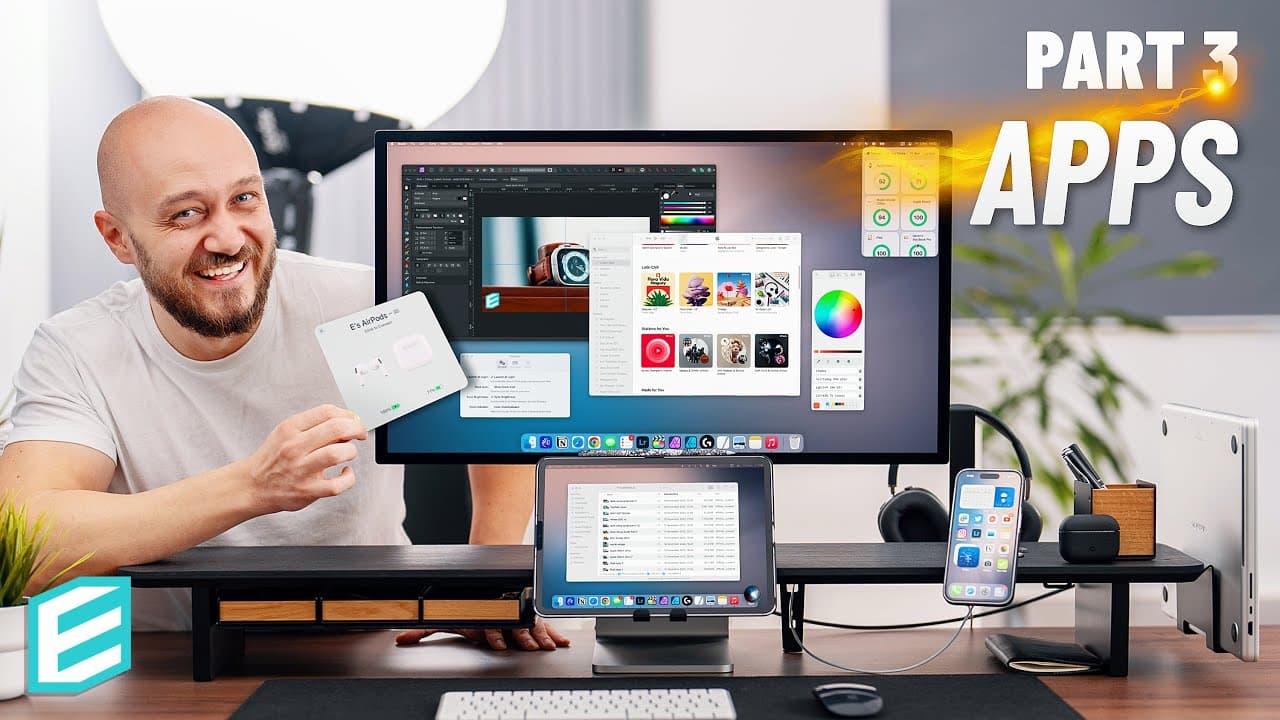
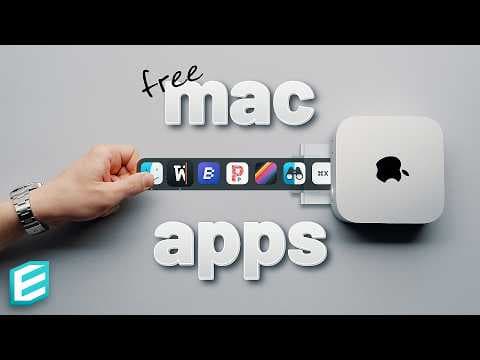
To enhance your Mac desk setup, use Universal Control for seamless device management, Sidecar to extend your display with an iPad, and productivity apps like Magnet for window management. Other noteworthy tools include Mission Control Plus for easier window closing, Curio for curated news, and Monitor Control for adjusting brightness on external monitors.
Transcript
this video is brought to you by setup welcome to part three of my desk setup guide Series where we explore all the essentials and in Essentials necessary for achieving the most suitable productive and inspiring desk setup in part 3 we talk about apps and tools that help you take full advantage of your desk setup be sure to watch the other parts of ... Read More
Key Insights
- 💁 Universal Control and Sidecar are built-in Apple features that enhance the functionality and flexibility of your desk setup.
- 📁 Universal clipboard and Airdrop simplify file and content sharing between Apple devices.
- 😀 Magnet and Rectangle are useful apps for window management and organizing your desktop.
- 😚 Mission Control Plus adds a close icon to Mission Control, making it easier to close unnecessary windows and apps.
- 🥶 Studio offers a curated news experience with narrated audio articles, providing a distraction-free way to stay informed.
- 🥳 Monitor Control allows for controlling the brightness and volume of third-party monitors using keyboard shortcuts.
- 🎮 Vivid and Eclipse mode enhance display brightness control, even on non-XDR monitors.
Install to Summarize YouTube Videos and Get Transcripts
Explore YouTube Video Summarizer or Get YouTube Transcript Extractor
Questions & Answers
Q: How does Universal Control work?
Universal Control allows you to control multiple Apple devices with one keyboard and mouse by simply moving the cursor between screens. It requires no initial setup and is a convenient way to switch between devices seamlessly.
Q: Can I use my iPad as an additional Mac monitor?
Yes, with Sidecar, you can turn your iPad into an extra monitor for your Mac. This is particularly useful for tasks that can benefit from the additional screen space, such as video editing or managing a video library.
Q: What are some built-in Mac features worth exploring?
Universal clipboard and Airdrop are two useful features. Universal clipboard allows you to easily copy and paste text between your Mac and other Apple devices, while Airdrop enables quick file sharing between devices.
Q: Are there any recommended apps for window management?
Magnet is a paid app that allows for easy window snapping on a Mac, providing quick and symmetrical arrangement options. Alternatively, free alternatives like Rectangle can also achieve similar results.
Key Insights:
- Universal Control and Sidecar are built-in Apple features that enhance the functionality and flexibility of your desk setup.
- Universal clipboard and Airdrop simplify file and content sharing between Apple devices.
- Magnet and Rectangle are useful apps for window management and organizing your desktop.
- Mission Control Plus adds a close icon to Mission Control, making it easier to close unnecessary windows and apps.
- Studio offers a curated news experience with narrated audio articles, providing a distraction-free way to stay informed.
- Monitor Control allows for controlling the brightness and volume of third-party monitors using keyboard shortcuts.
- Vivid and Eclipse mode enhance display brightness control, even on non-XDR monitors.
- Apps like Air Buddy, Cloud Battery, Haze Over, Quick View Calendar, Bartender, Copy Clip, Amphetamine, and Color Picker provide useful functions to boost productivity and enhance your desk setup.
Summary & Key Takeaways
-
Universal Control allows you to control multiple Apple devices with one keyboard and mouse seamlessly.
-
Sidecar turns your iPad into an additional Mac monitor, providing more space and flexibility for apps and workflows.
-
Universal clipboard and Airdrop make it easy to share text and content between your Mac and other Apple devices.
Read in Other Languages (beta)
Share This Summary 📚
Summarize YouTube Videos and Get Video Transcripts with 1-Click
Try YouTube Summary with ChatGPT & Claude or YouTube Transcript Generator
Explore More Summaries from ThisIsE 📚
Summarize YouTube Videos and Get Video Transcripts with 1-Click
Try YouTube Summary with ChatGPT & Claude or YouTube Transcript Generator