Teaching My Friend How To Scan For ETFs In 3 Minutes | Investing 101
TL;DR
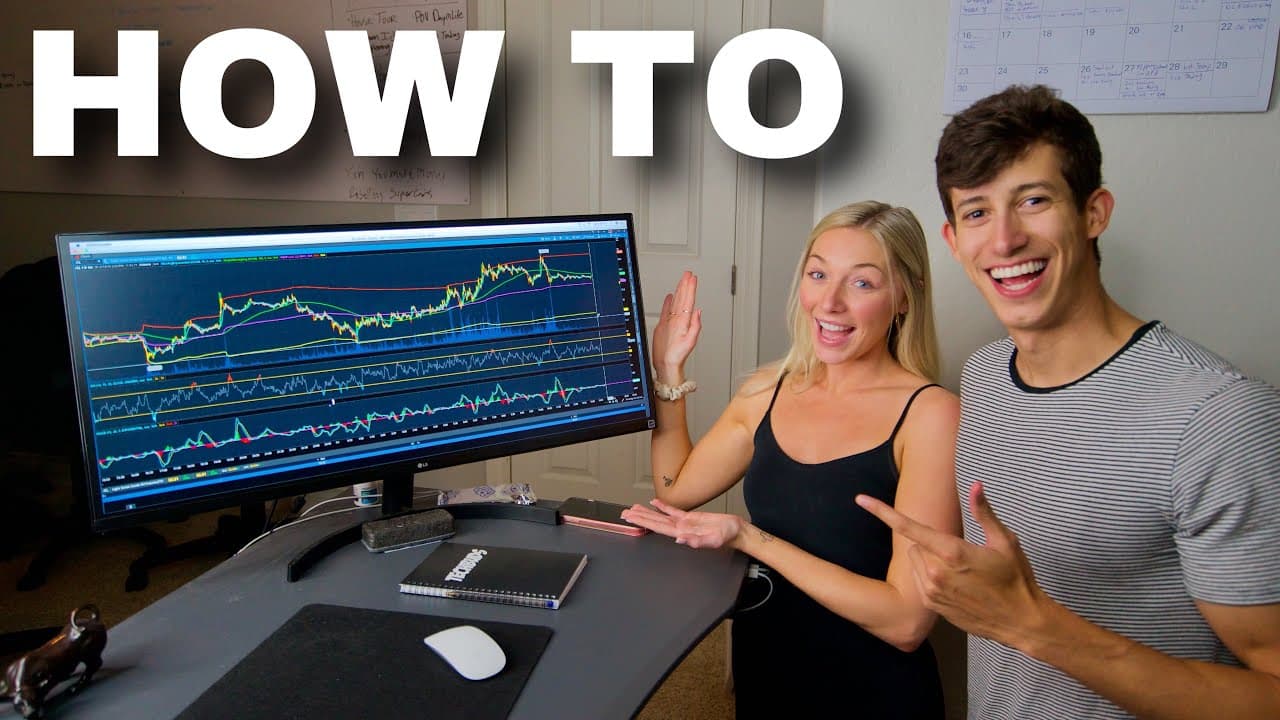
Learn how to set up an ETF scanner on TD Ameritrade's Thinkorswim platform to filter and find specific ETFs efficiently.
Transcript
hey what's going on guys it's Ricky with tech box illusions my goodness you're so close to it what's going on guys it's Ricky I have my friend Megan here and today I am going to show you and kind of show her how to create an ETF scanner on the TD Ameritrade thinkorswim platform so let's go ahead and get started so one of the really cool things abou... Read More
Key Insights
- 😫 Setting up an ETF scanner on Thinkorswim enables users to filter and find specific ETFs efficiently.
- 👂 Criteria like price, volume, and moving averages help narrow down the list of ETFs to match trading preferences.
- 🔊 Focus on stocks with higher volume to ensure liquidity when trading ETFs.
- 📱 Saving the scanner allows users to access and run the scan on their mobile phones through the TD Ameritrade trading application.
- 🫵 Ricky offers trading insights and invites viewers to join his trading community for educational resources.
- 😫 Learn how to set parameters like price range and moving averages to refine ETF scans effectively.
- 💐 Utilize the ETF scanner to identify potential trading opportunities and manage a watchlist of ETFs.
Install to Summarize YouTube Videos and Get Transcripts
Explore YouTube Video Summarizer or Get YouTube Transcript Extractor
Questions & Answers
Q: What is the purpose of setting up an ETF scanner on the TD Ameritrade platform?
Setting up an ETF scanner helps traders filter stocks based on specific criteria like price, volume, and moving averages, making it easier to find suitable ETFs for trading.
Q: How can one set up criteria like price range for scanning ETFs on Thinkorswim?
To set a price range criteria, users can specify the minimum and maximum price points they are interested in trading ETFs, creating a targeted list to scan through.
Q: Why is volume an essential factor to consider when setting up an ETF scanner?
Volume indicates the liquidity of a stock, ensuring that traders can enter and exit positions smoothly, making it a crucial factor to determine when scanning for ETFs.
Q: How can users access and run the ETF scanner on their mobile phones?
By saving the scanner on the Thinkorswim platform, users can access and run the scan on their phone through the TD Ameritrade trading application, allowing them to view and trade ETFs from anywhere.
Summary & Key Takeaways
-
Ricky demonstrates how to create an ETF scanner on TD Ameritrade's Thinkorswim platform.
-
The scanner filters ETFs based on criteria like price, volume, and moving averages.
-
By setting up the scanner, users can efficiently find ETFs that meet their trading preferences.
Read in Other Languages (beta)
Share This Summary 📚
Summarize YouTube Videos and Get Video Transcripts with 1-Click
Try YouTube Summary with ChatGPT & Claude or YouTube Transcript Generator
Explore More Summaries from Ricky Gutierrez 📚

Summarize YouTube Videos and Get Video Transcripts with 1-Click
Try YouTube Summary with ChatGPT & Claude or YouTube Transcript Generator