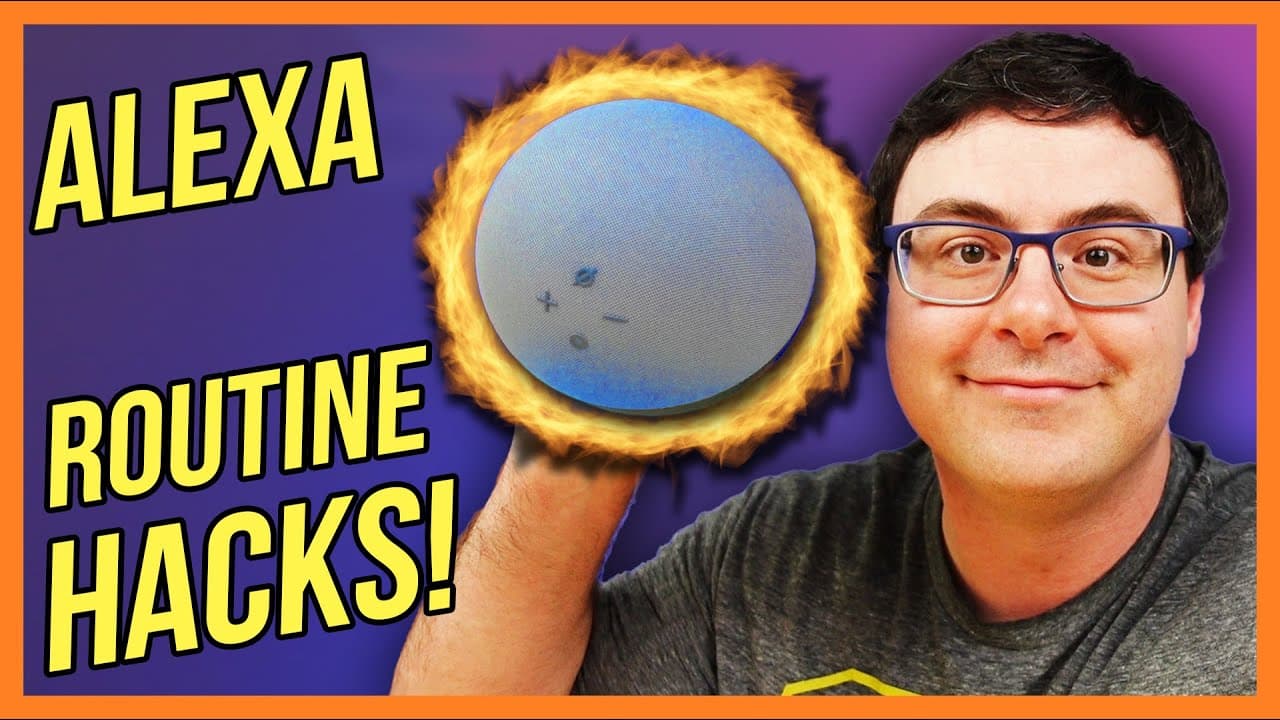
Hidden Tips and Tricks With Amazon Alexa Routines!
TL;DR
Learn how to create a single routine to adjust the volume on all speakers, copy and share routines, customize music commands, use featured routines, integrate skills, leverage various triggers, and connect with other platforms.
Transcript
normally when you go to create routines to adjust the volume on all of your speakers in your home well you end up with one routine per speaker and that's going to take you forever the good news is if you know how to do this well you're going to be able to create one routine with one single command in it to adjust all of the speakers in your home an... Read More
Key Insights
- 🔇 Creating a multi-room audio group simplifies volume adjustments across all speakers in your home.
- 😫 Copy and share routine features save time and effort in recreating routines or helping others set them up.
- ⌛ Customizing music commands within routines enhances the playback experience and enables specific actions like timed intervals or shuffling playlists.
- ⏯️ Featured routines offer ready-to-use actions, such as pausing Fire TV and turning on lights, which can be easily enabled.
- ⚾ Skills can be seamlessly integrated into routines by leveraging customized actions based on skill capabilities.
- ⏰ Various triggers like motion sensors, doorbells, and locks can automate routines for specific events or conditions.
- ❓ Overcoming Amazon Guard limitations can be done by using specialized commands within customized actions.
Install to Summarize YouTube Videos and Get Transcripts
Explore YouTube Video Summarizer or Get YouTube Transcript Extractor
Questions & Answers
Q: How can I adjust the volume on all speakers in my home with one routine?
Create a multi-room audio group that includes all speakers and use a customized action in a single routine to set the volume for the group.
Q: Can I easily copy and share routines with others?
Yes, within each routine, there is a "copy routine" option to start anew. Additionally, you can use the "share routine" feature to send a link that allows others to set up the routine on their own devices.
Q: What are some advanced music commands I can use within routines?
You can add "on repeat" at the end of a command to play something continuously, use the name of a specific playlist followed by "on shuffle" for randomized playback, or set a timer for music playback before bedtime.
Q: How can I make the most of featured routines?
Explore featured routines, such as the "take a snack break" routine for Fire TV, and enable them for convenient actions like pausing Fire TV and turning on lights.
Q: How can I integrate skills into my routines?
It's easy to integrate skills by adding a customized action within a routine and leveraging the capabilities of the skill. By reading skill descriptions, you can find additional commands to use in routines.
Q: What are some different triggers I can use in routines?
Triggers include motion sensors, contact sensors, doorbells, temperature sensors, and door lock statuses. These can be used to automate routines based on specific events.
Q: How can I overcome limitations with Amazon Guard?
Although you can't enable Amazon Guard through routines, you can use customized actions with commands like "I'm leaving" and "I'm back" to simulate turning on and off the Guard service.
Q: Can I connect Amazon routines with other platforms?
Yes, by connecting platforms like IFTTT and Samsung SmartThings, you can expand routine triggers and create complex automations.
Key Insights:
- Creating a multi-room audio group simplifies volume adjustments across all speakers in your home.
- Copy and share routine features save time and effort in recreating routines or helping others set them up.
- Customizing music commands within routines enhances the playback experience and enables specific actions like timed intervals or shuffling playlists.
- Featured routines offer ready-to-use actions, such as pausing Fire TV and turning on lights, which can be easily enabled.
- Skills can be seamlessly integrated into routines by leveraging customized actions based on skill capabilities.
- Various triggers like motion sensors, doorbells, and locks can automate routines for specific events or conditions.
- Overcoming Amazon Guard limitations can be done by using specialized commands within customized actions.
- Connecting with platforms like IFTTT and Samsung SmartThings unlocks additional triggers and automation possibilities for routines.
Summary & Key Takeaways
-
By creating a multi-room audio group, you can adjust the volume on all speakers in your home with a single routine and command.
-
Avoid the frustration of recreating routines by using the "copy routine" and "share routine" features.
-
Customize music commands within routines for specific genres, playlists, or timed intervals.
-
Featured routines offer convenient options like pausing Fire TV and turning on lights.
-
Integrate skills into routines by exploring their capabilities and using customized actions.
-
Use various triggers like motion sensors, temperature sensors, doorbells, and locks to create automated routines.
-
Overcome limitations with Amazon Guard and create tailored commands for specific actions.
-
Connect with platforms like IFTTT and Samsung SmartThings to expand routine triggers and automation possibilities.
Read in Other Languages (beta)
Share This Summary 📚
Summarize YouTube Videos and Get Video Transcripts with 1-Click
Try YouTube Summary with ChatGPT & Claude or YouTube Transcript Generator
Explore More Summaries from Automate Your Life 📚
Summarize YouTube Videos and Get Video Transcripts with 1-Click
Try YouTube Summary with ChatGPT & Claude or YouTube Transcript Generator