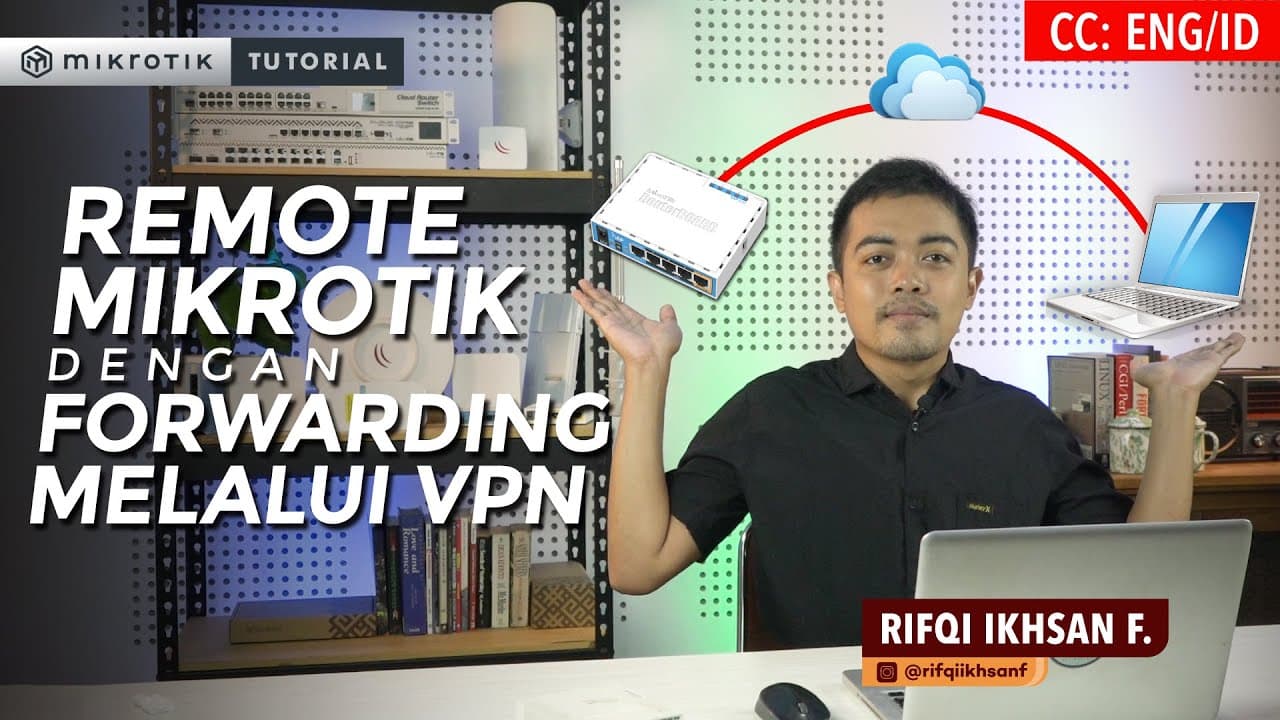
Remote MikroTik dengan Forwarding Melalui VPN - MIKROTIK TUTORIAL [ENG SUB]
TL;DR
Learn to remote MikroTik routers using VPN and public IP.
Transcript
Hello friends, all back again on the Mikrotik Indonesia YouTube channel this time we will try to discuss how to do Forwarding for remote Router needs with a remote location between routers, so later the connection between the routers we will use a VPN how is the explanation? see this video until it's finished and don't forget to subscribe to Mikrot... Read More
Key Insights
- The tutorial explains how to remote MikroTik routers using a VPN when only one office has a public IP address.
- A VPN connection is essential between the main and branch offices to facilitate remote access to routers.
- Different VPN protocols like PPTP, SSTP, L2TP, and OpenVPN can be used for establishing connections between routers.
- Port Forwarding is configured using the MikroTik IP-Firewall-NAT menu, adjusting destination addresses and ports.
- The tutorial emphasizes the importance of using masquerade rules to ensure proper traffic flow between routers.
- Traffic forwarding involves modifying source and destination addresses to enable communication between branch and main office routers.
- The video provides a solution for scenarios with multiple VPN connections to a single main router, discussing efficient rule creation.
- The tutorial highlights the versatility of VPN forwarding, applicable to various devices beyond routers, such as printers.
Install to Summarize YouTube Videos and Get Transcripts
Explore YouTube Video Summarizer or Get YouTube Transcript Extractor
Questions & Answers
Q: How does the tutorial suggest handling remote access when only one office has a public IP?
The tutorial suggests using a VPN to connect the main office with the public IP to branch offices without a public IP. By configuring VPN forwarding and port forwarding on the MikroTik routers, users can remotely access routers at different locations using a single public IP, thus facilitating efficient remote management.
Q: What VPN protocols are mentioned in the video for connecting MikroTik routers?
The video mentions several VPN protocols that can be used to connect MikroTik routers, including PPTP, SSTP, L2TP, and OpenVPN. These protocols provide different levels of security and compatibility, allowing users to choose the most suitable option for their network setup and remote access needs.
Q: How is port forwarding configured according to the tutorial?
Port forwarding is configured using the MikroTik IP-Firewall-NAT menu. The tutorial explains setting up rules with parameters like 'dstnat' for the chain, specifying the public IP as the destination address, and adjusting the destination port for different routers. This setup enables directing traffic to the appropriate router based on the port used.
Q: What role does masquerade play in the forwarding process?
Masquerade is crucial in the forwarding process as it modifies the source and destination addresses of packets to ensure proper routing between routers. By adding masquerade rules in the MikroTik configuration, the tutorial ensures that traffic is correctly directed through the VPN, allowing seamless communication and remote access between the main and branch office routers.
Q: How does the tutorial address the issue of multiple VPN connections to one main router?
The tutorial addresses this issue by discussing efficient rule creation for multiple VPN connections. It suggests creating a single masquerade rule that can handle traffic from multiple branch offices connected to one main router. This approach simplifies the configuration process and ensures effective management of multiple VPN connections.
Q: What is the significance of static routing in the VPN setup?
Static routing is significant in the VPN setup as it ensures that the local networks of the main and branch offices are well connected. By configuring static routes, the tutorial ensures that traffic can flow smoothly between different network sites, enabling seamless communication and remote access across the VPN-connected locations.
Q: Can VPN forwarding be used for devices other than routers?
Yes, VPN forwarding can be used for devices other than routers. The tutorial highlights that devices like printers in branch offices can also be accessed remotely using VPN forwarding, provided that the offices are connected via VPN and have configured static routing. This flexibility makes VPN forwarding a versatile solution for various network devices.
Q: What additional resources does the tutorial recommend for learning about VPN and forwarding?
The tutorial recommends several additional resources for learning about VPN and forwarding, including related articles and videos on the Citraweb website. These resources cover topics like forwarding with NAT features and provide a comprehensive understanding of VPN setups and remote access configurations, enhancing the viewer's knowledge and skills in networking.
Summary & Key Takeaways
-
The video tutorial demonstrates how to use VPN forwarding to remotely access MikroTik routers when only one office has a public IP. It covers VPN setup, port forwarding, and masquerade rule configuration to ensure seamless communication between main and branch offices.
-
Viewers learn about different VPN protocols that can be used to connect routers and how to configure port forwarding using the MikroTik IP-Firewall-NAT menu. The video also explains traffic forwarding, emphasizing the importance of masquerade rules for modifying source and destination addresses.
-
The tutorial provides solutions for managing multiple VPN connections to a single main router, discussing efficient rule creation. It also highlights the flexibility of VPN forwarding, applicable to various devices beyond routers, such as printers, ensuring remote access across network sites.
Read in Other Languages (beta)
Share This Summary 📚
Summarize YouTube Videos and Get Video Transcripts with 1-Click
Try YouTube Summary with ChatGPT & Claude or YouTube Transcript Generator
Explore More Summaries from Mikrotik Indonesia - Citraweb 📚
![CARA SETTING / KONFIGURASI DASAR MIKROTIK - MIKROTIK TUTORIAL [ENG SUB] thumbnail](/_next/image?url=https%3A%2F%2Fi.ytimg.com%2Fvi%2FHgejDSlTyBk%2Fhqdefault.jpg&w=750&q=75)
Summarize YouTube Videos and Get Video Transcripts with 1-Click
Try YouTube Summary with ChatGPT & Claude or YouTube Transcript Generator