How Does Fracturizer Malware Target Minecraft Mods?
TL;DR
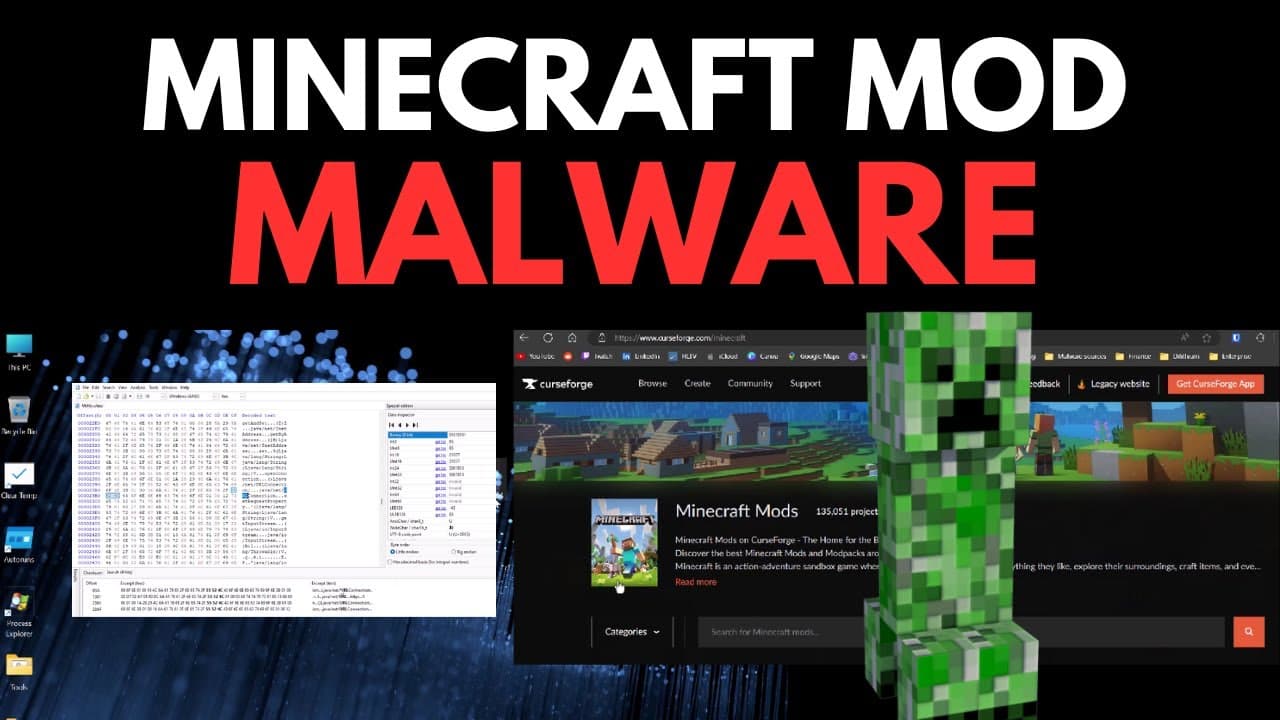
Fracturizer malware targets users by infecting Minecraft mods, utilizing a three-stage payload to deploy an infostealer that compromises sensitive information, including Discord account credentials. It affects both Windows and Linux systems due to its Java nature. To protect against it, users should look for suspicious Java executables, disable them, and change their passwords immediately.
Transcript
so let's say you're at your favorite modding site and you want to grab a Minecraft mod you go ahead you do a search and you download the one you want what you don't realize however is that your awesome mod is the first part of a three-stage payload that deploys an infostealer to your computer that's going to hack into your Discord account steal all... Read More
Key Insights
- 📳 Fracturizer malware is a threat that spreads through Minecraft mods, affecting both Windows and Linux systems.
- 👤 The malware consists of a three-stage payload that deploys an infostealer, compromising users' Discord accounts and stealing login passwords.
- 📁 Persistence mechanisms, such as unknown Java executables and specific files in the Microsoft Edge directory, can help identify the presence of the malware.
- 🤨 Users should disable suspicious executables, change passwords, and exercise caution when downloading and installing game mods to protect against Fracturizer malware.
Install to Summarize YouTube Videos and Get Transcripts
Explore YouTube Video Summarizer or Get YouTube Transcript Extractor
Questions & Answers
Q: How does Fracturizer malware affect Linux systems?
Fracturizer malware is not limited to Windows systems; it can also affect Linux due to its use of Java, which is cross-platform. The malware targets Linux users through Java runtime files, executing its malicious activities regardless of the operating system.
Q: What can users do to check if they have been affected by Fracturizer malware?
Users can look for persistence mechanisms, such as unknown Java executables starting up with their system or the presence of files like "lib web GL 64." Additionally, checking for the main payload executable (HR file) in the Microsoft Edge directory and startup or registry can help identify the presence of the malware.
Q: How can users protect themselves from Fracturizer malware?
To protect against Fracturizer malware, users should disable any suspicious executables, change all passwords, and be cautious of their accounts being compromised. They should also avoid downloading unverified code, especially from game mods, and consider using a password manager instead of saving passwords in their browser.
Q: Why are game mods a popular propagation method for malware?
Game mods are a prime target for malware propagation because users often download and install unverified code from other users. The trust associated with these mods makes them an ideal vector for attackers to spread malware.
Summary & Key Takeaways
-
Fracturizer malware is spread through Minecraft mods and consists of a three-stage payload that deploys an infostealer to users' computers.
-
The malware is platform independent and can target both Windows and Linux systems due to its use of Java.
-
Users can check for persistence mechanisms, such as unknown Java executables in their system's startup or registry, to determine if they have been affected by the malware.
-
Victims of the malware should disable any suspicious executables, change all passwords, and be cautious of their accounts being compromised.
Read in Other Languages (beta)
Share This Summary 📚
Summarize YouTube Videos and Get Video Transcripts with 1-Click
Try YouTube Summary with ChatGPT & Claude or YouTube Transcript Generator
Explore More Summaries from The PC Security Channel 📚






Summarize YouTube Videos and Get Video Transcripts with 1-Click
Try YouTube Summary with ChatGPT & Claude or YouTube Transcript Generator