Sag 50 Can't connect to my shared company
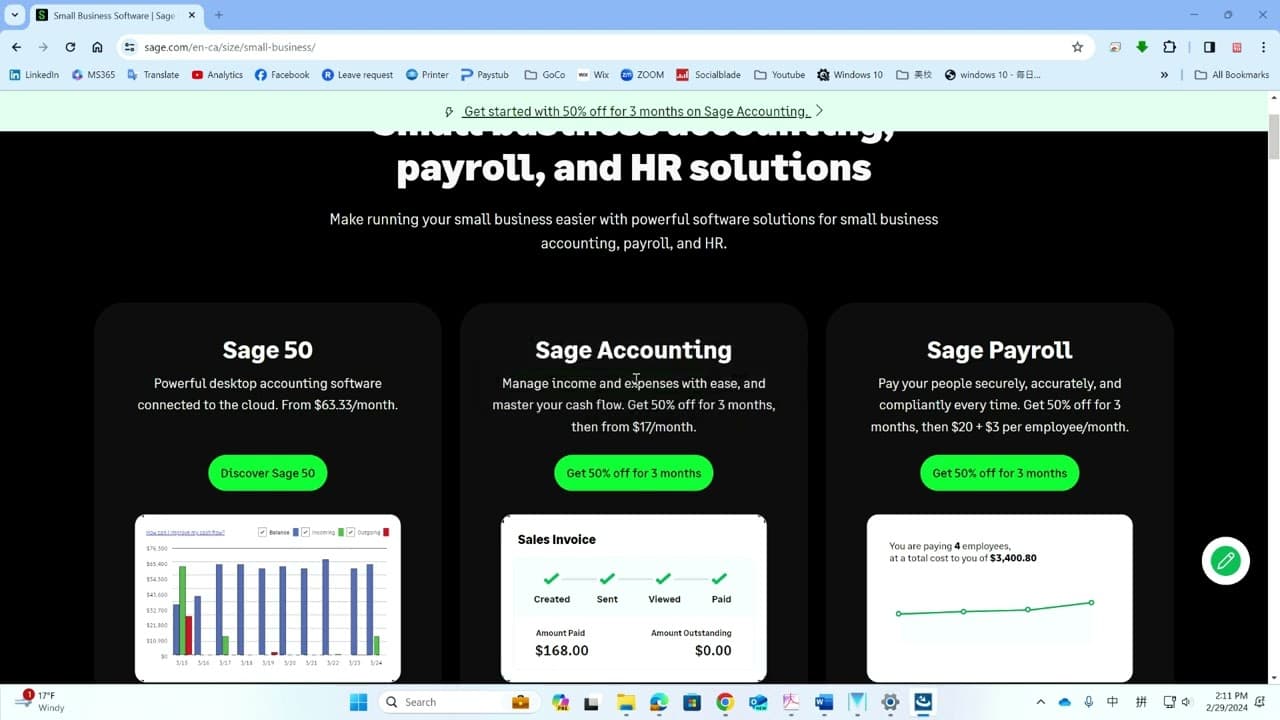
TL;DR
Learn how to update SE 50 to connect Share Company successfully.
Transcript
so after you first install SE 50 if you want to try to connect share company it will pop up uh login window then you will see this window and if you see the question mark and it is a blank you cannot select it that means uh you need the uh up update your search 50 software to do that you just click cancel and then you open a simply compy a simple c... Read More
Key Insights
- 🐕🦺 The SE 50 software requires regular updates to maintain functionality, especially for connecting to external services like Share Company.
- 👤 Users can manage updates conveniently through the Simple Complete interface, ensuring they do not miss essential software improvements.
- 👤 Successfully connecting to Share Company enhances operational efficiency for users leveraging SE 50 software.
- ❓ Following a systematic update process minimizes disruption and ensures the software's reliability.
- 👤 Understanding the dependency between software updates and connectivity can improve user experience with SE 50.
- 👻 The update process allows for troubleshooting common connectivity issues, ultimately helping users to work more effectively.
- 👤 It’s advisable for users to frequently check for updates to preempt connectivity challenges with Share Company.
Install to Summarize YouTube Videos and Get Transcripts
Explore YouTube Video Summarizer or Get YouTube Transcript Extractor
Questions & Answers
Q: What should I do if I see a question mark and cannot select the Share Company?
If you encounter a question mark and a blank selection for Share Company, it indicates that your SE 50 software needs an update. You should click 'Cancel,' open the Simple Complete application, and check for product updates in the help menu. By doing so, you can initiate the necessary update.
Q: How do I check for updates in Simple Complete?
To check for updates in Simple Complete, you must navigate to the help menu after opening the app. There, click on 'Check for Product Updates.' This action will prompt the software to search for any available updates, which is required to ensure your SE 50 can connect to Share Company.
Q: What happens after I close SE 50 to initiate the update?
After you close SE 50, the Simple Complete will prompt you to download the update. Once the download is complete, you will need to install the update by confirming with a 'yes' when prompted, allowing for the software to refresh and facilitate the connection to Share Company.
Q: Will I need to restart SE 50 after the update?
Yes, you will need to reopen SE 50 after the update process is complete. Once restarted, the software should allow you to connect to Share Company successfully, confirming that the update resolved the initial issue you encountered.
Summary & Key Takeaways
-
The content provides a step-by-step guide for updating the SE 50 software to enable the selection of Share Company during connection attempts.
-
Users are instructed to check for updates via the Simple Complete interface and to perform the necessary installation following the update process.
-
Once the software is updated, users can successfully connect to Share Company, allowing for efficient operation.
Read in Other Languages (beta)
Share This Summary 📚
Summarize YouTube Videos and Get Video Transcripts with 1-Click
Try YouTube Summary with ChatGPT & Claude or YouTube Transcript Generator
Explore More Summaries from E Micro Tech 📚

Summarize YouTube Videos and Get Video Transcripts with 1-Click
Try YouTube Summary with ChatGPT & Claude or YouTube Transcript Generator