Did You Lose Your AirPods? This Is How To Find Them!
TL;DR
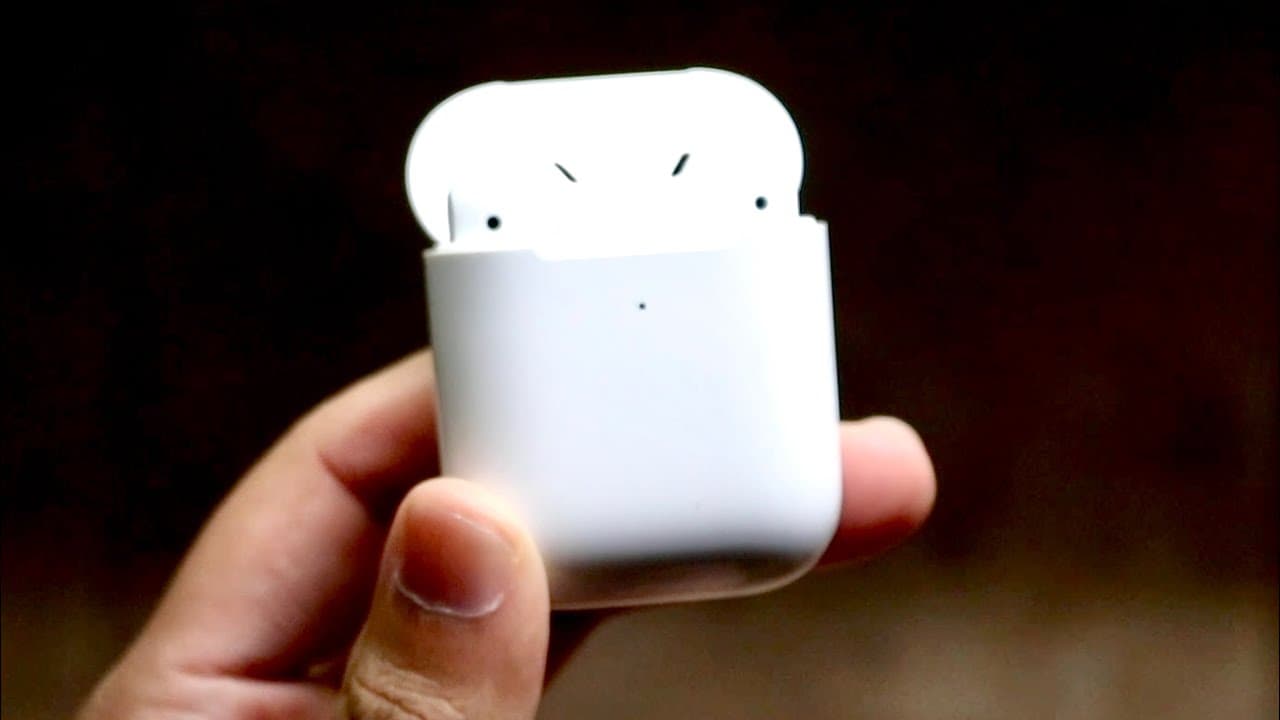
This tutorial explains how to locate lost AirPods using an iPhone.
Transcript
well everyone time for another tutorial on my main channel you may have actually lost your airpods in some way now this is one of the most requested things on my second channel that i have to drop on this one as well and this happens to me sometimes it doesn't happen to me all the time but typically i lose them either at my place or i go to someone... Read More
Key Insights
- 😚 Enabling the "Find My" feature is crucial in recovering lost AirPods effectively.
- 👤 Users can locate their AirPods using both iPhone and iCloud.com, providing options if the iPhone is unavailable.
- 🔔 The "Play Sound" feature is a practical way to locate AirPods by following the audible notification.
- 😚 Keeping AirPods charged at all times maximizes the chances of tracking them down when lost.
- 🫵 The tutorial emphasizes user engagement, inviting viewers to like and subscribe for further assistance.
- 👤 The step-by-step guidance caters to a wide audience, adapting to different user needs and technical skills.
- 👤 AirPods users should consistently ensure that the tracking feature remains active for optimal recovery chances.
Install to Summarize YouTube Videos and Get Transcripts
Explore YouTube Video Summarizer or Get YouTube Transcript Extractor
Questions & Answers
Q: How do I ensure my AirPods can be located if lost?
To ensure your AirPods can be located when lost, make sure they are charged and that the "Find My" feature is enabled in your iPhone settings. This feature allows your device to track the last known location when the AirPods were connected, which is crucial for locating them.
Q: What should I do if my AirPods are out of battery?
If your AirPods run out of battery, the "Find My" app will display the last known location where they were connected to your iPhone. From this last location, you can start your search, even if the AirPods cannot be actively tracked at that moment.
Q: Can I find my AirPods if I don’t have my iPhone with me?
Yes, if you don’t have your iPhone handy, you can still locate your AirPods by accessing iCloud.com on any compatible device. By logging in with your Apple ID, you can use the same "Find My" functionalities to track your AirPods.
Q: What happens if the “Find My” feature is not enabled?
If the "Find My" feature isn’t enabled on your AirPods, you won’t be able to locate them using the "Find My" app or iCloud. This highlights the importance of enabling this feature as soon as you pair your AirPods with your device.
Q: How loud is the sound when using the "Play Sound" feature?
The sound emitted from the AirPods when using the "Play Sound" feature is fairly loud, designed to grab your attention. This feature is effective in helping locate the AirPods if they are within proximity, making retrieval easier.
Q: What additional steps should I take if my AirPods are not found?
If your AirPods remain unfound after using all available methods, it's advisable to revisit the areas you last visited with them and retrace your steps. Additionally, consider checking lost and found sections if you were in public places.
Q: Are there any alternatives to finding lost AirPods?
Aside from using "Find My," you can ask friends or family if they have seen your AirPods, especially if you frequently visit their homes. Maintaining a designated spot for your AirPods and regularly checking that they’re there can also prevent future loss.
Summary & Key Takeaways
-
The tutorial offers step-by-step instructions on how to find lost AirPods using the "Find My" app on an iPhone, emphasizing the importance of charging and enabling the feature.
-
Users can also locate their AirPods through iCloud.com if they don't have their iPhone available, making the search versatile and accessible.
-
By using the "Play Sound" function, users can easily locate their AirPods by following the sound emitted from the device, ensuring a higher chance of recovery.
Read in Other Languages (beta)
Share This Summary 📚
Summarize YouTube Videos and Get Video Transcripts with 1-Click
Try YouTube Summary with ChatGPT & Claude or YouTube Transcript Generator
Explore More Summaries from Simple Alpaca 📚






Summarize YouTube Videos and Get Video Transcripts with 1-Click
Try YouTube Summary with ChatGPT & Claude or YouTube Transcript Generator