How to Create Topical Maps & Build Topical Authority!
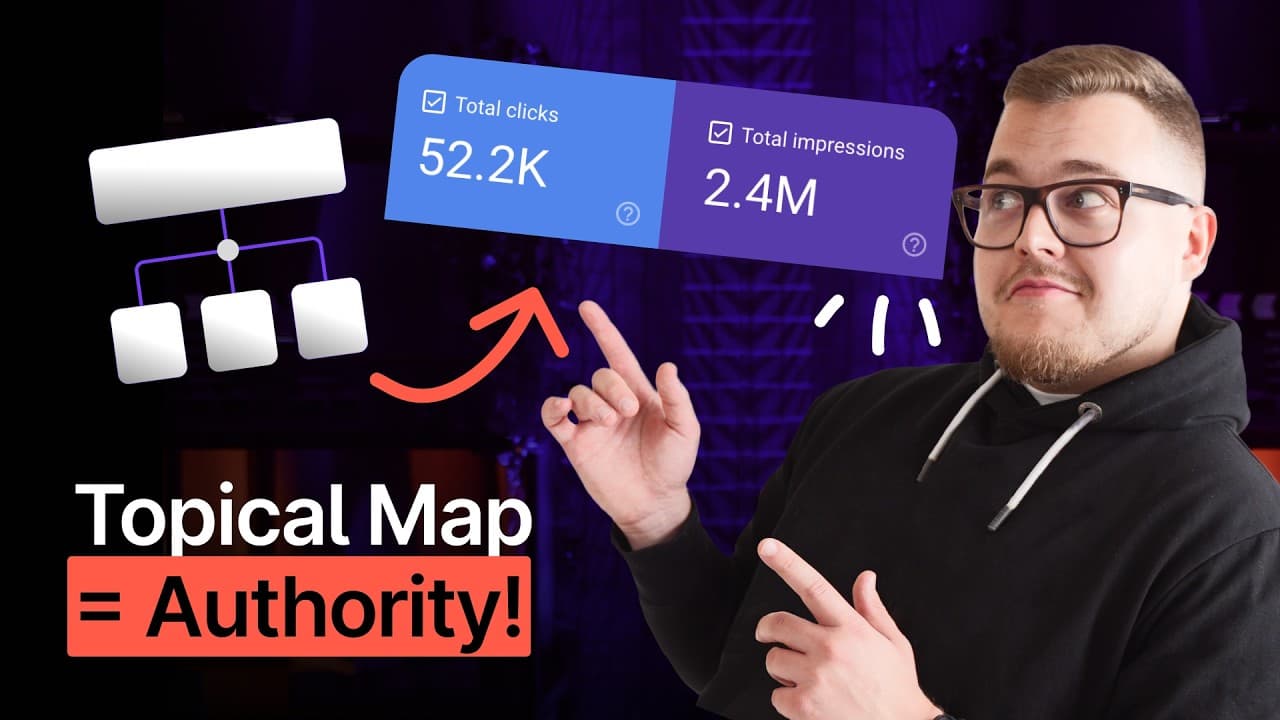
TL;DR
Learn to create topical maps to boost website authority.
Transcript
Hey everyone, Tom from Surfer here, and welcome back to the channel! Today, I’m breaking down how topical maps can take your website from zero to hero in the search results. If you’ve been struggling to rank your content or wondering why your competitors always seem to outrank you, stick around because this is the video you’ve been waiting for.... Read More
Key Insights
- Topical maps help websites become recognized authorities, making them resilient to Google's algorithm updates.
- A recent study links high search rankings to strong topical authority, emphasizing the importance of comprehensive coverage.
- Creating a topical map involves listing subtopics and generating keyword variations for detailed content coverage.
- Surfer's Topic Explorer tool aids in building topical maps by clustering related keywords and topics efficiently.
- The Topics Visualization feature offers a visual representation of a website's topical authority using clusters and color-coded difficulty levels.
- Clusters closer to the center of the map indicate higher relevance and authority, guiding content strategy.
- Focusing on high-authority topics with low keyword difficulty can significantly boost a site's authority.
- Content gaps are opportunities for growth, identified by light purple clusters in medium or low authority rings.
Install to Summarize YouTube Videos and Get Transcripts
Explore YouTube Video Summarizer or Get YouTube Transcript Extractor
Questions & Answers
Q: What is the importance of topical maps in SEO?
Topical maps play a crucial role in SEO by establishing a website as an authoritative source within its niche. This comprehensive coverage of a topic signals to search engines like Google that the site is trustworthy, leading to higher search rankings and resilience against algorithm updates. By organizing content into related clusters, sites can strategically enhance their authority and improve visibility.
Q: How can Surfer's Topic Explorer assist in creating topical maps?
Surfer's Topic Explorer assists in creating topical maps by analyzing data to present related topics and keywords. It clusters these keywords into content hubs, simplifying the process of organizing content around central themes. This tool helps users identify keyword variations and related topics efficiently, saving time on research and enabling a strategic approach to content creation.
Q: What does the Topics Visualization feature offer?
The Topics Visualization feature offers a visual representation of a website's topical authority. It displays clusters of related keywords and topics, indicating their relevance and difficulty level through color coding. This feature helps users identify strong areas and content gaps, guiding them to focus on high-value topics and improve their site's authority strategically.
Q: How can focusing on high-authority topics with low difficulty boost a site's authority?
Focusing on high-authority topics with low keyword difficulty can significantly boost a site's authority by providing opportunities to rank well in search results with less competition. By creating high-quality content around these topics, a site can strengthen its position as an authoritative source, attracting more traffic and improving overall search engine rankings.
Q: What role do content gaps play in building topical authority?
Content gaps represent areas where a site has potential but lacks comprehensive coverage. Identifying these gaps allows content creators to strategically develop new content, filling in these voids to enhance the site's topical authority. Addressing content gaps helps improve a site's relevance and authority, making it more competitive in search rankings.
Q: How do clusters in the Topics Visualization feature indicate authority levels?
In the Topics Visualization feature, clusters closer to the center of the map indicate higher authority and relevance to the main topic. The color shades, from light to dark purple, represent keyword difficulty, with lighter shades indicating easier topics to rank for. This visual guide helps users prioritize content creation for maximum impact on their site's authority.
Q: Why is it important to strategically create content that supports each other?
Strategically creating content that supports each other is important because it builds a cohesive and comprehensive topical map. This interconnected content structure signals to search engines that the site is a reliable and authoritative source, improving search rankings. It ensures that each piece of content contributes to the overall authority and relevance of the site.
Q: What steps should be taken to use Surfer's Topical Map effectively?
To use Surfer's Topical Map effectively, begin by connecting your Google Search Console to Surfer to gather data. Focus on clusters within medium to high authority rings and identify high-value topics with low keyword difficulty. Address content gaps by developing content in areas with potential but low coverage. Regularly update the map to reflect new content and track authority growth.
Summary & Key Takeaways
-
Topical maps are essential for establishing a website as an authority in its niche, making it more resilient to search engine updates. By covering topics comprehensively, websites signal trustworthiness to Google, leading to better rankings.
-
Creating a topical map involves identifying subtopics and generating keyword variations for each. Tools like Surfer's Topic Explorer streamline this process by clustering related keywords and displaying them visually.
-
The Topics Visualization feature provides a visual guide to a website's topical authority, helping identify high-value topics and content gaps. Focusing on these areas can enhance a site's authority and improve search rankings.
Read in Other Languages (beta)
Share This Summary 📚
Summarize YouTube Videos and Get Video Transcripts with 1-Click
Try YouTube Summary with ChatGPT & Claude or YouTube Transcript Generator
Explore More Summaries from Surfer Academy 📚




Summarize YouTube Videos and Get Video Transcripts with 1-Click
Try YouTube Summary with ChatGPT & Claude or YouTube Transcript Generator