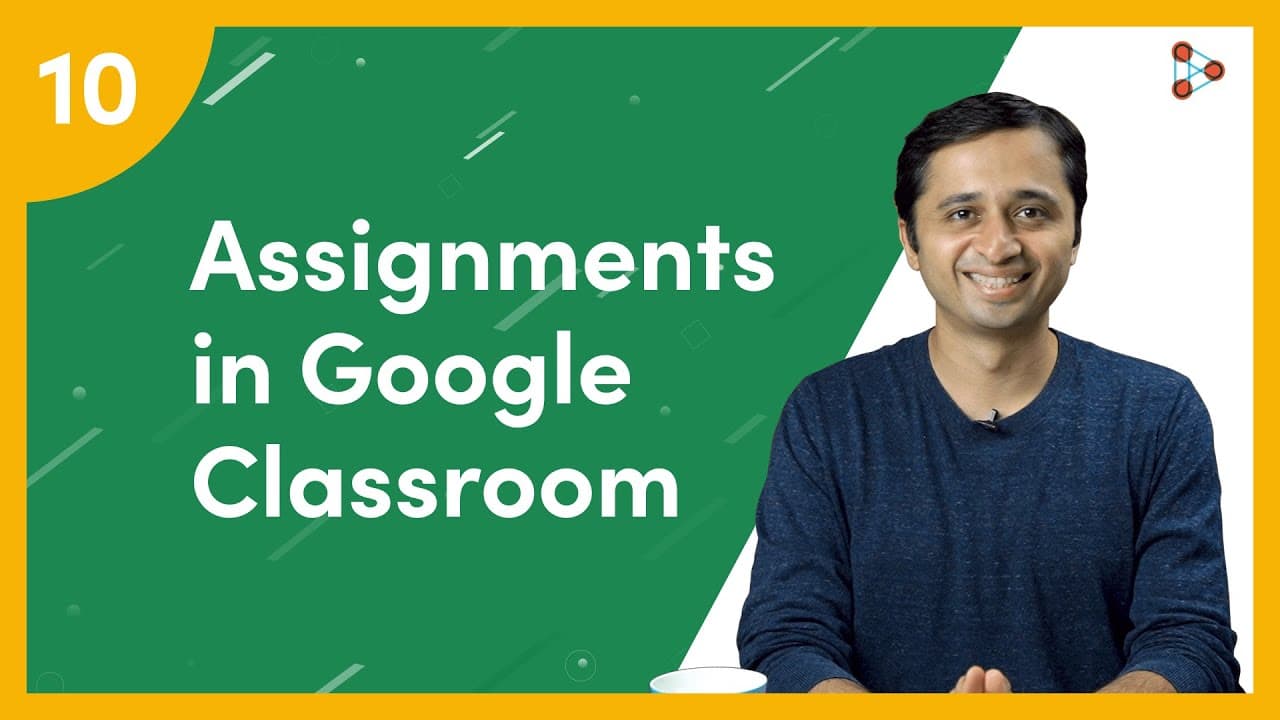
How to create Assignments in Google Classroom? | Ep.10 | Don't Memorise
TL;DR
Google Classroom makes it easy for teachers to create assignments and quizzes for student assessment.
Transcript
[ YouTube Learning ] One thing we love as teachers is to know if our students have really understood concepts. And how can we do that? By giving them quizzes and assignments; That's right! and Google Classroom has made that really easy! [ Don't Memorise intro music ] On your Google Classroom dashboard, you can pick the Class you’d like to add quest... Read More
Key Insights
- ❓ Google Classroom offers multiple assessment options like assignments and quizzes.
- 😫 Teachers can upload files from Google Drive and set permissions for student access.
- 💦 Students can interact with assignments, submit work, and view class summaries on Google Classroom.
- ❓ Teachers can use the single question option for various purposes like polls or supporting student well-being.
- 🧑🎓 Google Classroom provides an efficient platform for teachers to assess student understanding easily.
- ❓ Assignments on Google Classroom can be customized with specific instructions and permissions.
- 🫵 Students can easily submit completed assignments and view feedback on Google Classroom.
Install to Summarize YouTube Videos and Get Transcripts
Explore YouTube Video Summarizer or Get YouTube Transcript Extractor
Questions & Answers
Q: How can teachers create assignments on Google Classroom?
Teachers can create assignments by selecting the class, clicking on CREATE in the ClassWork section, and choosing the Assignment option. They can add basic information, attach files from Google Drive, set permissions, and click 'Assign'.
Q: What options do students have when completing an assignment on Google Classroom?
Students can view the assignment, interact with the files provided by the teacher, write their answers, add additional work, and submit their completed assignment by clicking on 'Turn in'.
Q: How can teachers create a single question on Google Classroom?
Teachers can create a single question by selecting the QUESTION option, entering the question and instructions, choosing the question type (short answer or multiple choice), adding options or links, setting permissions, and clicking on 'ASK'.
Q: How can students answer a single question on Google Classroom?
Students can view the question, select the correct answer, and click on 'Turn In' to submit their response. They can also see the class summary after answering the question.
Summary & Key Takeaways
-
Google Classroom allows teachers to create various types of assessments like long-form assignments, graded quizzes, and single questions.
-
Teachers can upload files from Google Drive, set permissions for student access, and customize assignments.
-
Students can view, interact with, and turn in assignments easily on Google Classroom.
Read in Other Languages (beta)
Share This Summary 📚
Summarize YouTube Videos and Get Video Transcripts with 1-Click
Try YouTube Summary with ChatGPT & Claude or YouTube Transcript Generator
Explore More Summaries from Infinity Learn NEET 📚

Summarize YouTube Videos and Get Video Transcripts with 1-Click
Try YouTube Summary with ChatGPT & Claude or YouTube Transcript Generator